Top 10 Privacy Tools for Android Users in 2025
Protect Your Android Privacy Today
In today's digital world, your Android phone holds a lot of personal information. With data breaches on the rise, taking control of your privacy is more important than ever. This guide covers the top 10 privacy tools for Android users to help you stay safe online.
Your phone tracks your location, browsing habits, and more. But you can fight back with the right tools. I've used many of these myself, and they make a real difference without slowing down your device.
Understanding online security best practices starts with knowing the risks. Data breaches affect millions each year, exposing personal info to hackers.
Why Privacy Matters on Android
Android devices are popular targets for trackers and ads. Companies collect your data to sell ads, but tools can block this. Start by reviewing app permissions in your settings.
Here are my top 10 privacy tools for Android users:
-
Proton VPN – A reliable no-logs VPN that hides your IP and encrypts traffic. It has a free tier with unlimited data. Great for public Wi-Fi.
-
Mullvad VPN – Focuses on anonymity; no email needed to sign up. Pay with cash if you want extra privacy.
-
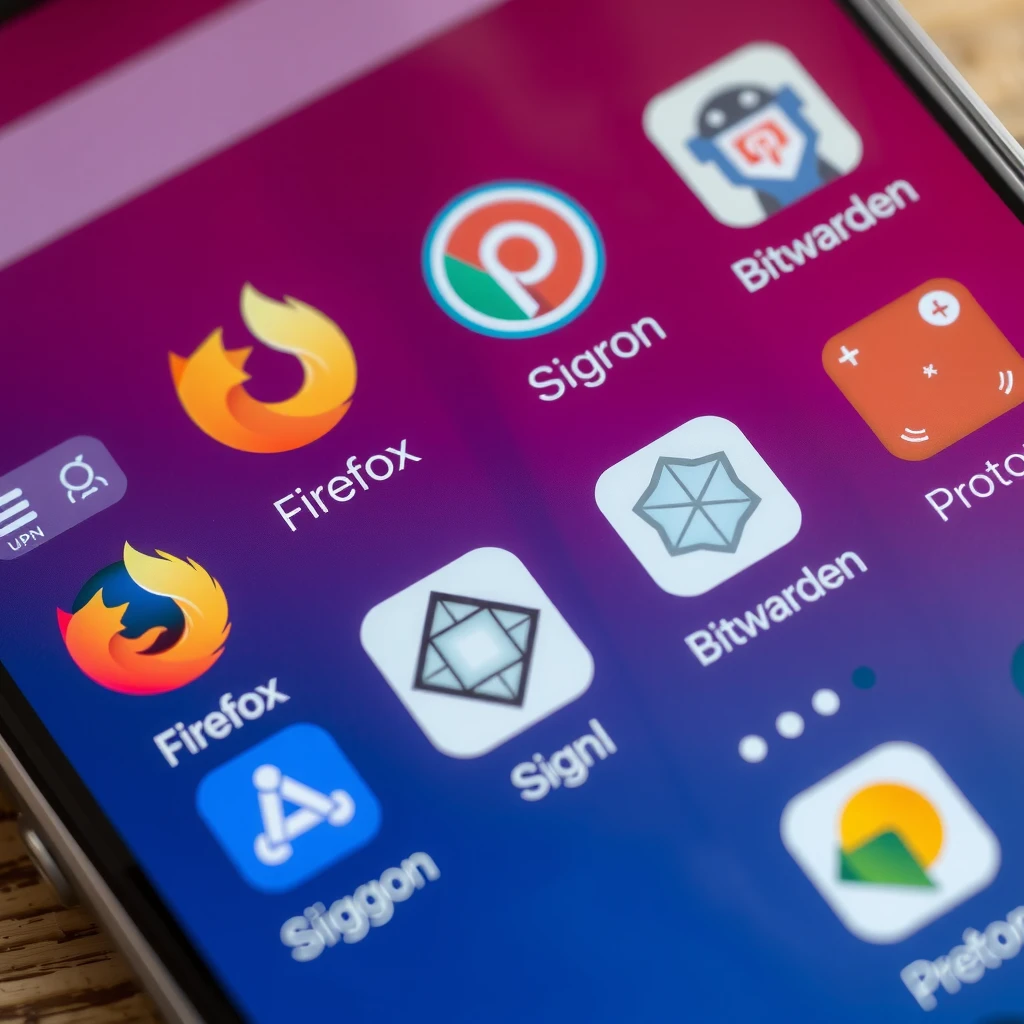
Firefox (with extensions) – Mozilla's browser blocks trackers by default. Add uBlock Origin for ads.
-
Brave Browser – Built-in ad and tracker blocker. Fast and private out of the box.
-
DuckDuckGo Privacy Browser – Searches without tracking and blocks hidden trackers on sites.
-
Signal – End-to-end encrypted messaging. Better than standard SMS for private chats.
-
Bitwarden – Open-source password manager. Stores passwords securely and autofills them.
When choosing the right password manager, look for one that supports multi-factor authentication and is audited for security.
Picking the perfect password manager for you depends on your needs. Bitwarden is free and works across devices. Follow best practices for password management: use long, unique passwords for each account.
According to NIST Digital Identity Guidelines, use password managers to create strong, unique passwords and enable multi-factor authentication where possible.
-
AdGuard – System-wide ad blocker. Removes ads in apps and browsers without root.
-
Cryptomator – Encrypts files before uploading to cloud storage like Google Drive.
- Shelter – Uses Android's work profile to isolate risky apps and freeze them when not in use.
| Tool | Key Feature | Free Option? |
|---|---|---|
| Proton VPN | No-logs policy | Yes |
| Mullvad | Anonymous payment | Paid |
| Firefox | Tracker blocking | Yes |
| Brave | Built-in shields | Yes |
| Signal | Encrypted calls | Yes |
| Bitwarden | Secure vault | Yes |
| AdGuard | Ad blocking | Limited |
| Cryptomator | File encryption | Yes |
These tools align with recommendations from experts at Privacy Guides and EFF's Surveillance Self-Defense.
I've switched to these tools over the years, and my phone feels much safer. Start with a VPN and browser, then add a password manager.
For more security, check Android's built-in privacy dashboard to see which apps access your data.
Data breaches cost millions, as noted in reports from government sources. Protect yourself now.
In summary, these top 10 privacy tools for Android users can greatly reduce your exposure online. Combine them with good habits like updating your phone regularly.