How to Protect Your Accounts from Phishing
Phishing attacks trick you into giving away sensitive information, leading to account takeovers and data breaches. In this guide, we'll explore simple, effective ways to stay safe online and protect your personal data. (38 words)
Understanding Phishing and Why It Matters
Phishing is one of the most common cyber threats today. Scammers send fake emails, texts, or messages that look like they come from trusted sources, such as your bank or a popular service. Their goal? To steal your login details, credit card numbers, or other personal info.
According to the 2025 Verizon Data Breach Investigations Report, phishing and related social engineering tactics remain top causes of data breaches. Early 2025 data from IBM shows a significant rise in phishing emails delivering infostealers, highlighting how these attacks are evolving and increasing.
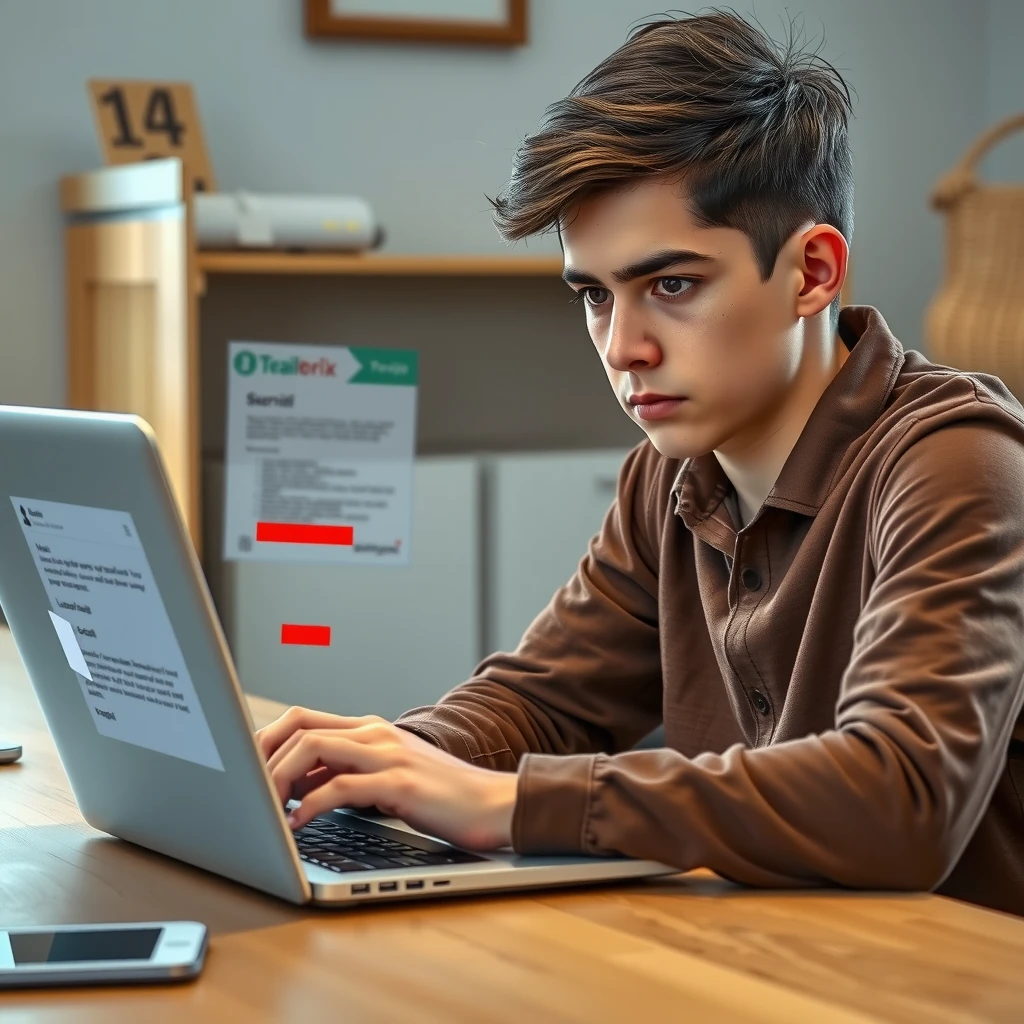
I've fallen for a suspicious email once—it looked exactly like a notification from my email provider asking me to verify my account. Luckily, I paused and checked the sender's address closely. That close call taught me how realistic these scams can get.
Common Signs of a Phishing Attempt
Spotting phishing starts with knowing the warning signs. Here are key red flags to watch for:
- Unexpected urgency: Messages that pressure you to act fast, like "Your account will be suspended!"
- Generic greetings: "Dear Customer" instead of your name
- Suspicious links: Hover over them to see the real URL—does it match the claimed site?
- Poor grammar or odd phrasing: Though AI is making this less common
- Requests for sensitive info: Legitimate companies never ask for passwords via email
The U.S. Cybersecurity and Infrastructure Security Agency (CISA) provides detailed guidance on recognizing phishing. Follow their tips to verify messages before clicking anything.
How Two-Factor Authentication Keeps You Safe
One of the best defenses is enabling two-factor authentication (2FA), also called multi-factor authentication (MFA). This adds an extra layer: after entering your password, you provide a second proof, like a code from your phone.
Even if a phisher steals your password, they can't get in without that second factor. The National Institute of Standards and Technology (NIST) explains how MFA significantly reduces risks, blocking most automated and bulk phishing attacks.
In my experience, setting up 2FA on my banking and email accounts gave me peace of mind. It takes just a few extra seconds to log in, but it's worth it.
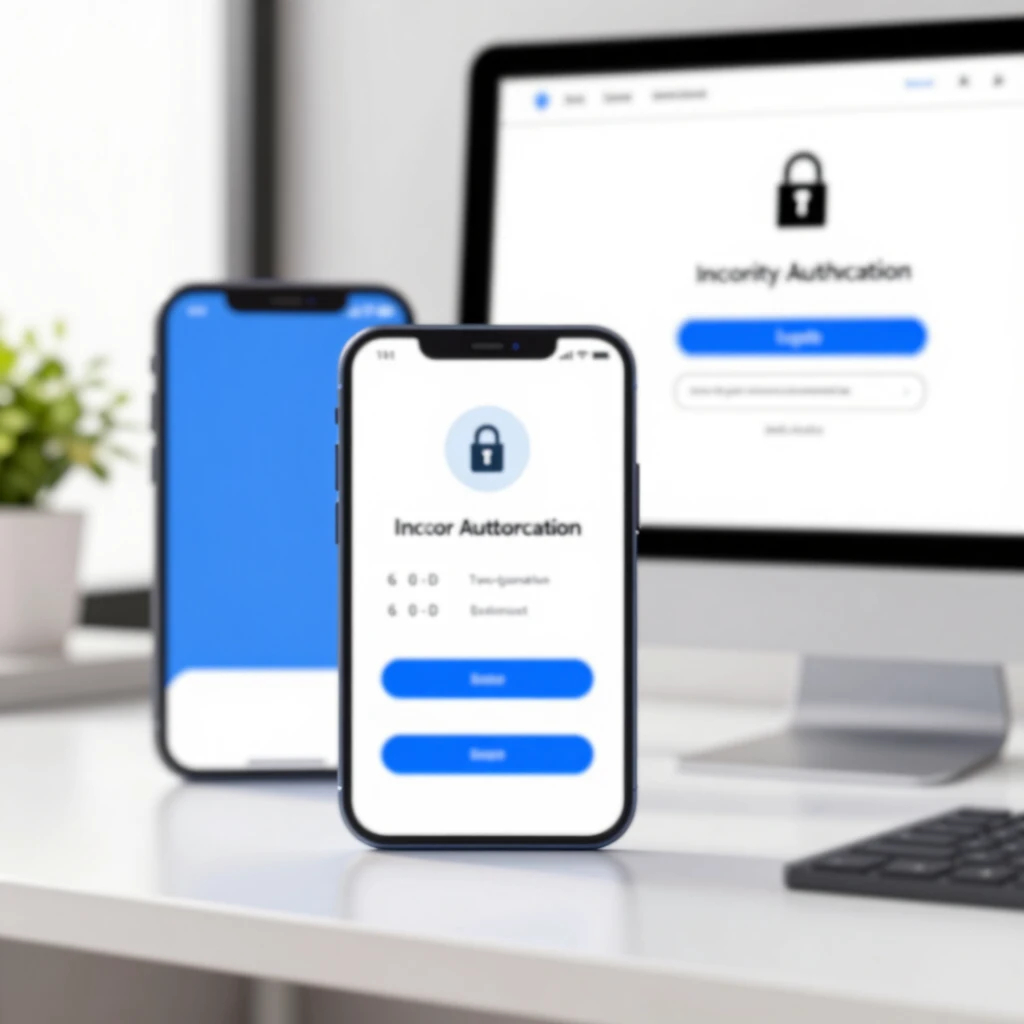
Turn on 2FA wherever possible—email, social media, banking apps. Use an authenticator app instead of SMS when you can, as it's more secure against SIM swapping attacks.
Everyday Habits to Avoid Falling for Scams
Build these habits to stay protected:
- Verify sender addresses: Check the full email address, not just the display name.
- Type URLs directly: Don't click links—go to the site yourself.
- Use strong, unique passwords: A password manager helps generate and store them.
- Keep software updated: Patches fix vulnerabilities phishers exploit.
- Report suspicious messages: Forward to [email protected] or your email provider.
The Federal Trade Commission (FTC) offers practical advice on avoiding phishing scams, including reporting steps that help stop scammers.
Boosting Your Online Privacy
Phishing often targets accounts tied to your digital life. Enhancing overall online privacy makes you a harder target. Use tools like VPNs for public Wi-Fi, ad blockers to reduce tracking, and privacy-focused browsers.
For email, consider services that prioritize security. A Proton Mail setup guide for beginners can help you switch to encrypted email, adding another layer against prying eyes and phishing attempts.
These online privacy tools work together with anti-phishing habits to create strong defenses.
Advanced Tips for Extra Protection
- Enable email filters and anti-phishing features in your provider.
- Use security keys for phishing-resistant 2FA where available.
- Educate family and friends—phishing often spreads through compromised contacts.
- Monitor your accounts for unusual activity.
Staying vigilant doesn't mean constant worry. These steps become second nature over time.
Wrapping It Up: Stay Safe Online
Protecting your accounts from phishing comes down to awareness, strong authentication, and smart habits. Start with the basics from CISA's phishing resource, enable 2FA everywhere, and layer on online privacy tools. You've got this—small actions today prevent big problems tomorrow.
By following these guidelines, you'll significantly reduce your risk in an increasingly digital world.