How to Stay Safe Online: A Comprehensive Guide
Stay Safe in a Connected World
In today's digital age, we spend hours online every day. But with convenience comes risk. According to the FBI's 2024 Internet Crime Report, cybercrimes caused over $16 billion in losses. Learning how to stay safe online is essential for everyone.
You don't need to be a tech expert to protect yourself. Small changes make a big difference. This comprehensive guide walks you through actionable steps to secure your digital life.
Understand Common Threats
Cyber threats are everywhere. Phishing emails trick you into sharing info. Malware infects devices. Hackers steal data.
I once clicked a suspicious link and got malware. It locked my files until I restored from backup. That experience taught me to stay vigilant.
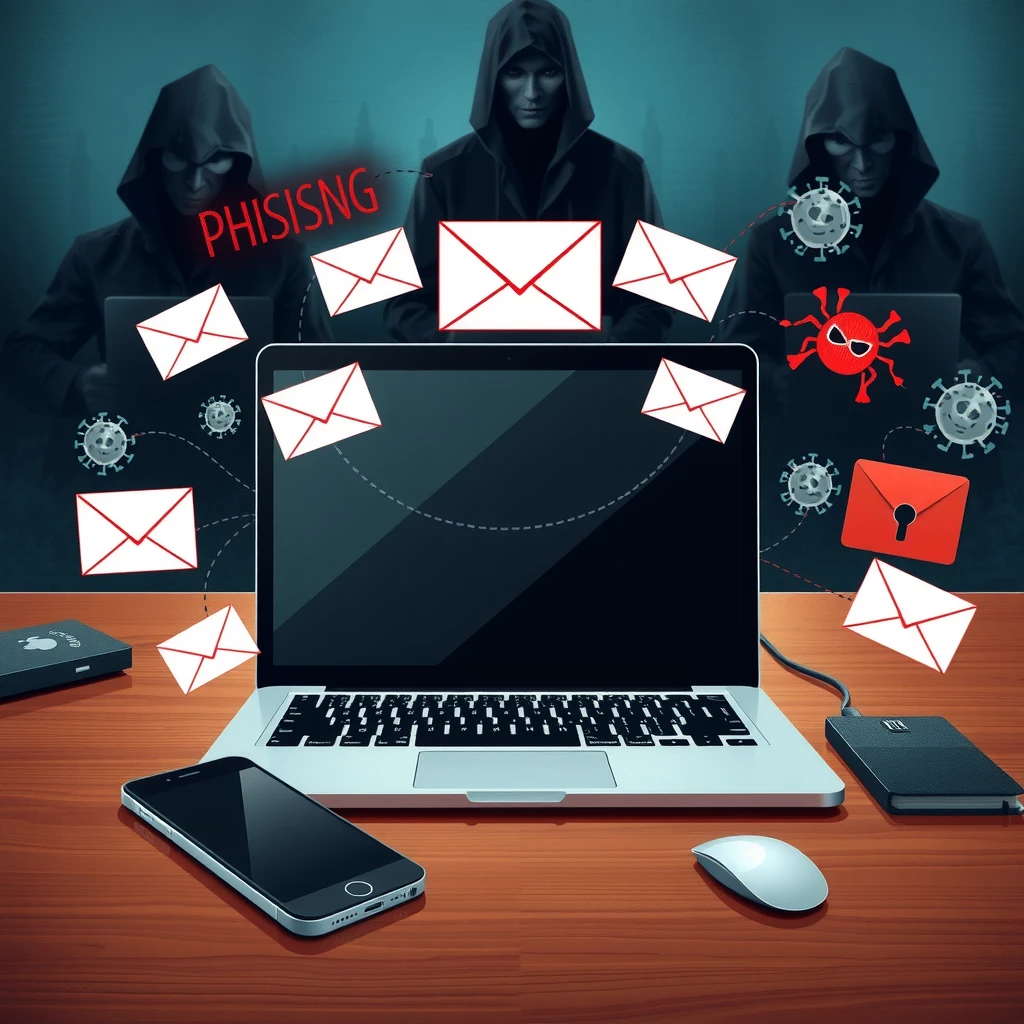
The FTC warns that scammers use fake messages to steal personal details. Always pause before clicking links or sharing information.
Build Strong Passwords
Weak passwords are an open door. Use long, unique ones for each account.
- Mix letters, numbers, and symbols
- Aim for at least 12 characters
- Avoid common words like "password"
Use a password manager to create and store them securely.
Enable Two-Factor Authentication (2FA)
2FA adds an extra step, like a code sent to your phone. It stops hackers even if they have your password.
Turn it on for email, banking, and social media. CISA recommends this as a key best practice for protecting accounts.
Keep Software Updated
Updates fix security holes. Enable automatic updates on your devices and apps.
Outdated software is a top way malware spreads. Make this a habit.
Be Smart on Public Wi-Fi
Public networks are risky. Avoid banking or shopping on them.
Use a VPN to encrypt your connection. It hides your activity from snoops.
How to Choose the Best VPN for Your Needs
A VPN routes your traffic through a secure server. It protects privacy and lets you access blocked content.
Look for: - Strong encryption - No-logs policy - Fast speeds - Good reputation
Popular options include NordVPN, ExpressVPN, and ProtonVPN. Choose based on your needs, like streaming or privacy.
Top 5 Online Privacy Tools Every User Should Have
Here are must-have tools:
- Password Manager (e.g., Bitwarden or LastPass) - Stores unique passwords safely.
- VPN - Encrypts your internet traffic.
- Antivirus Software - Scans for malware.
- Ad and Tracker Blocker (e.g., uBlock Origin) - Stops tracking.
- Secure Browser (e.g., Firefox with privacy settings) - Limits data collection.
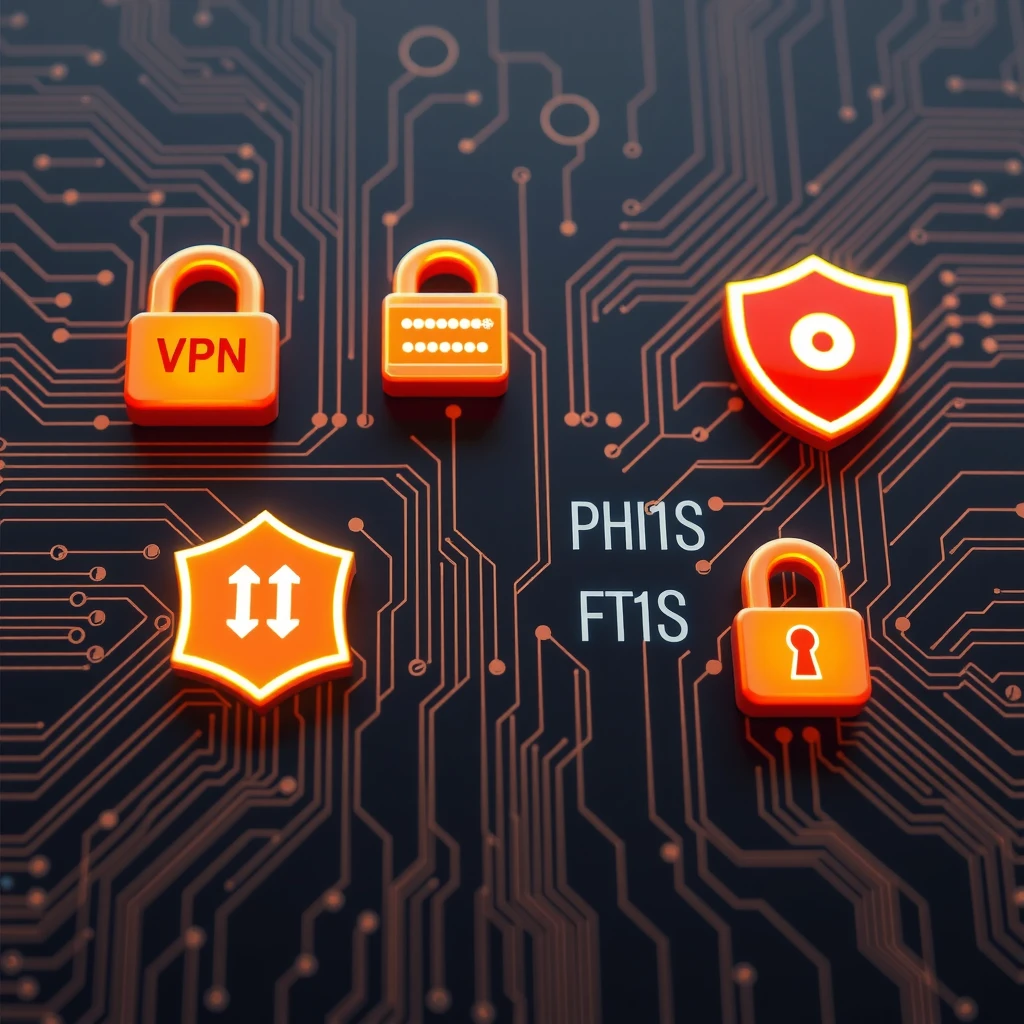
These tools work together to build strong defenses. Start with free versions if you're new.
Safe Social Media Habits
Social media shares a lot about you. Adjust privacy settings. Limit who sees your posts.
Don't share location or personal details. Think before posting.
CISA advises reviewing privacy policies and using strong settings.
Protect Your Kids Online
Teach children about risks. Use parental controls. Talk openly about online experiences.
The FTC offers tips for securing kids' devices and building good habits.
What to Do If Something Goes Wrong
If you suspect a breach: - Change passwords immediately - Monitor accounts for unusual activity - Report to authorities if needed
Freeze credit if identity theft occurs.
Final Thoughts
Staying safe online takes ongoing effort, but it's worth it. Start with basics like strong passwords and 2FA. Add tools as you go.
By following this guide on how to stay safe online, you protect yourself and your loved ones. Stay alert and enjoy the internet safely.