Beginner's Guide to Password Security Best Practices
In today's digital world, strong password security is your first line of defense against hackers. This Beginner's Guide to Password Security Best Practices helps you protect your accounts with simple, effective steps. Start securing your online life today.
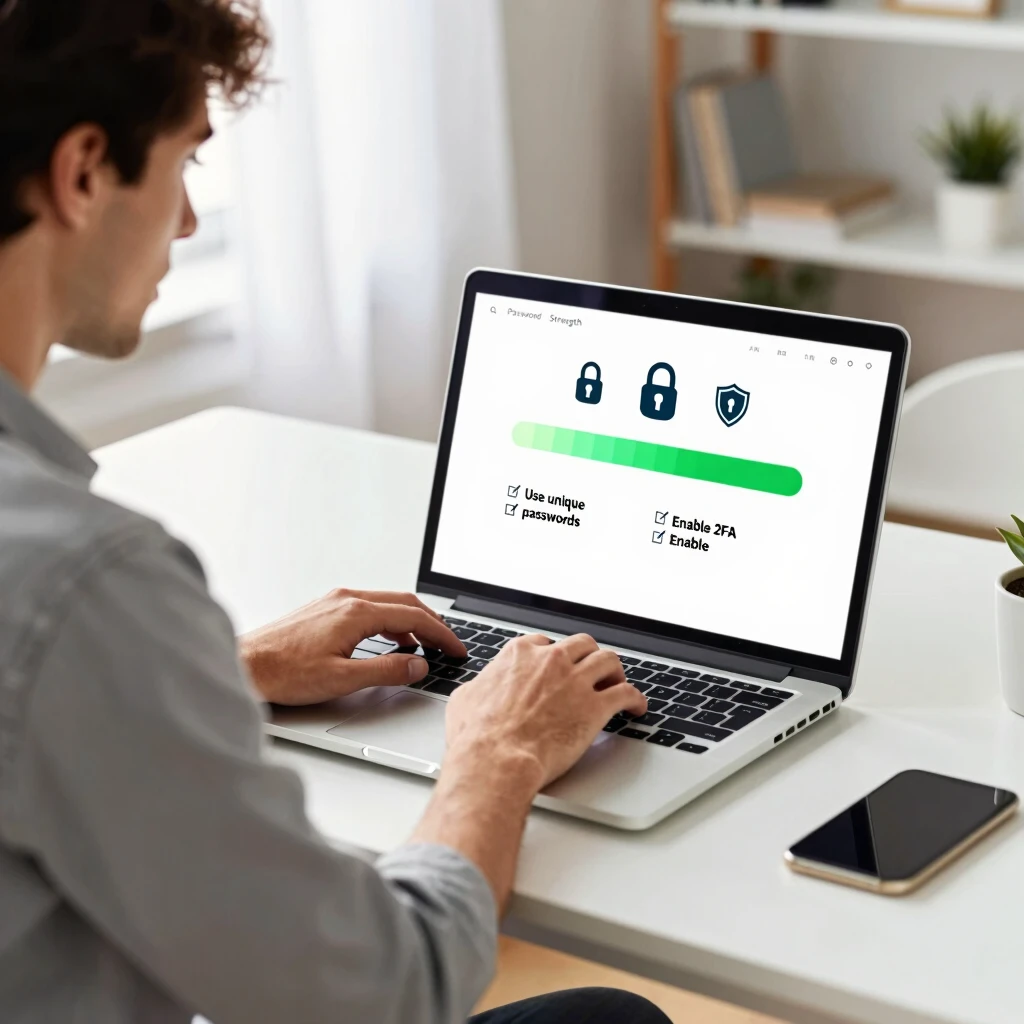
Passwords protect everything from your email to your bank account. Yet many people still use weak ones like '123456' or 'password'. Hackers love these because they guess them easily.
I remember when I got hacked years ago. I reused the same password everywhere. One site got breached, and suddenly my email and social accounts were compromised. It was a wake-up call. Since then, I've followed better habits, and I've never had that problem again.
Good news: You don't need to be a tech expert to stay safe. Follow these simple steps to lock down your online privacy.
Why Password Security Matters
Cyber attacks happen every day. Weak passwords make you an easy target. According to experts at the National Institute of Standards and Technology (NIST), passwords alone aren't enough anymore, but strong ones combined with other tools work well.
Here are key reasons to prioritize password security:
- Prevent identity theft
- Stop unauthorized access to your accounts
- Protect sensitive info like financial details
- Reduce spam and phishing risks
Create Strong, Memorable Passwords
Forget old rules like mixing uppercase, numbers, and symbols in short passwords. Modern advice from NIST's Digital Identity Guidelines focuses on length and uniqueness.
Aim for passwords at least 12-16 characters long. Use passphrases – easy-to-remember sentences.
Examples: - CorrectHorseBatteryStaple (from XKCD comic, still relevant) - MyFavoriteCoffeeShop2025! - BlueSky-RainyDay-WalkTheDog
Avoid common words, personal info like birthdays, or sequences.
Never Reuse Passwords
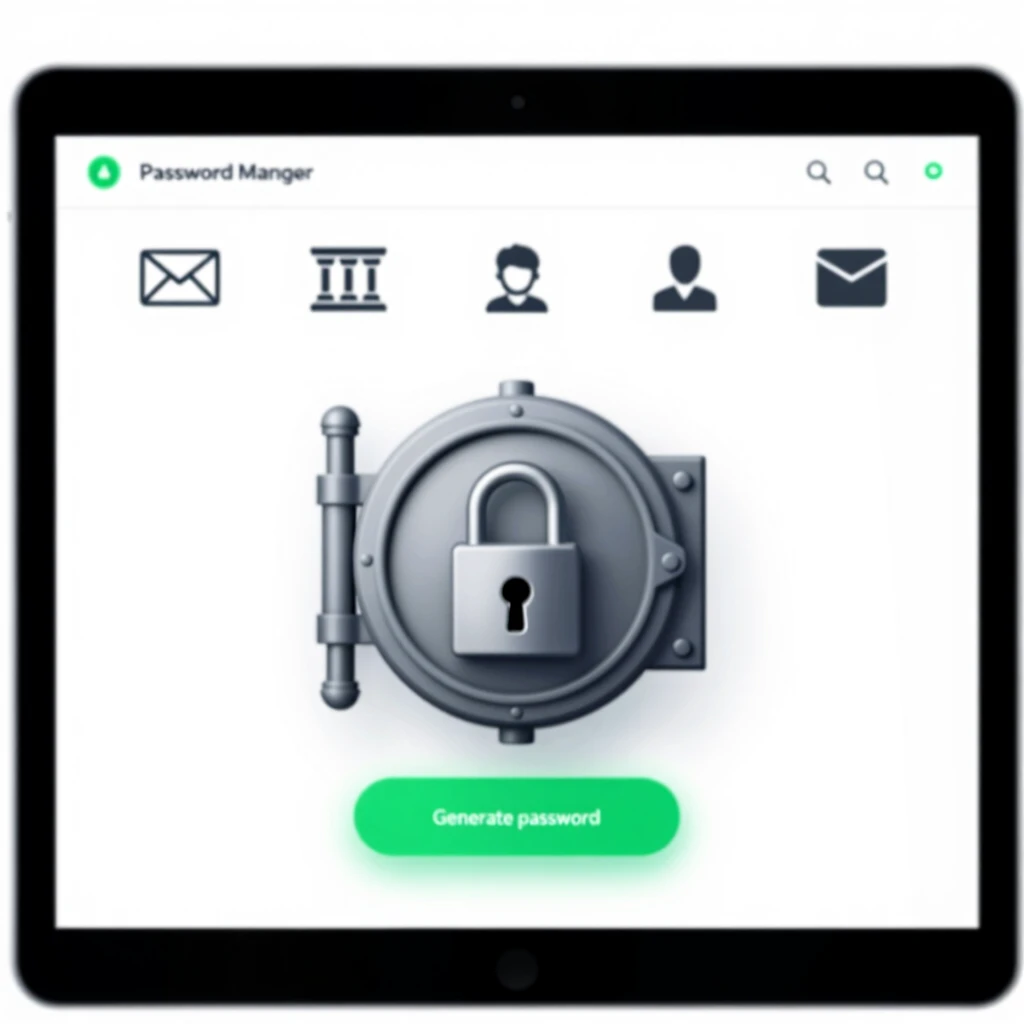
This is crucial. If one site gets hacked, attackers try your password elsewhere. Use a unique password for every account.
That's hard to remember, right? That's why password managers are a game-changer.
Use a Password Manager
A password manager stores all your logins securely. It generates strong, unique passwords and autofills them.
Popular options: Bitwarden (free and open-source), 1Password, LastPass.
I switched to one five years ago. Now I have hundreds of complex passwords, but only remember one master password. It's freed me from password stress.
Benefits: - Generates random, long passwords - Syncs across devices - Alerts for breached passwords
Enable Multi-Factor Authentication (MFA)
MFA adds an extra layer. Even if someone gets your password, they need a second factor like a code from your phone.
Turn it on everywhere possible: email, banking, social media.
NIST strongly recommends multifactor authentication over passwords alone.
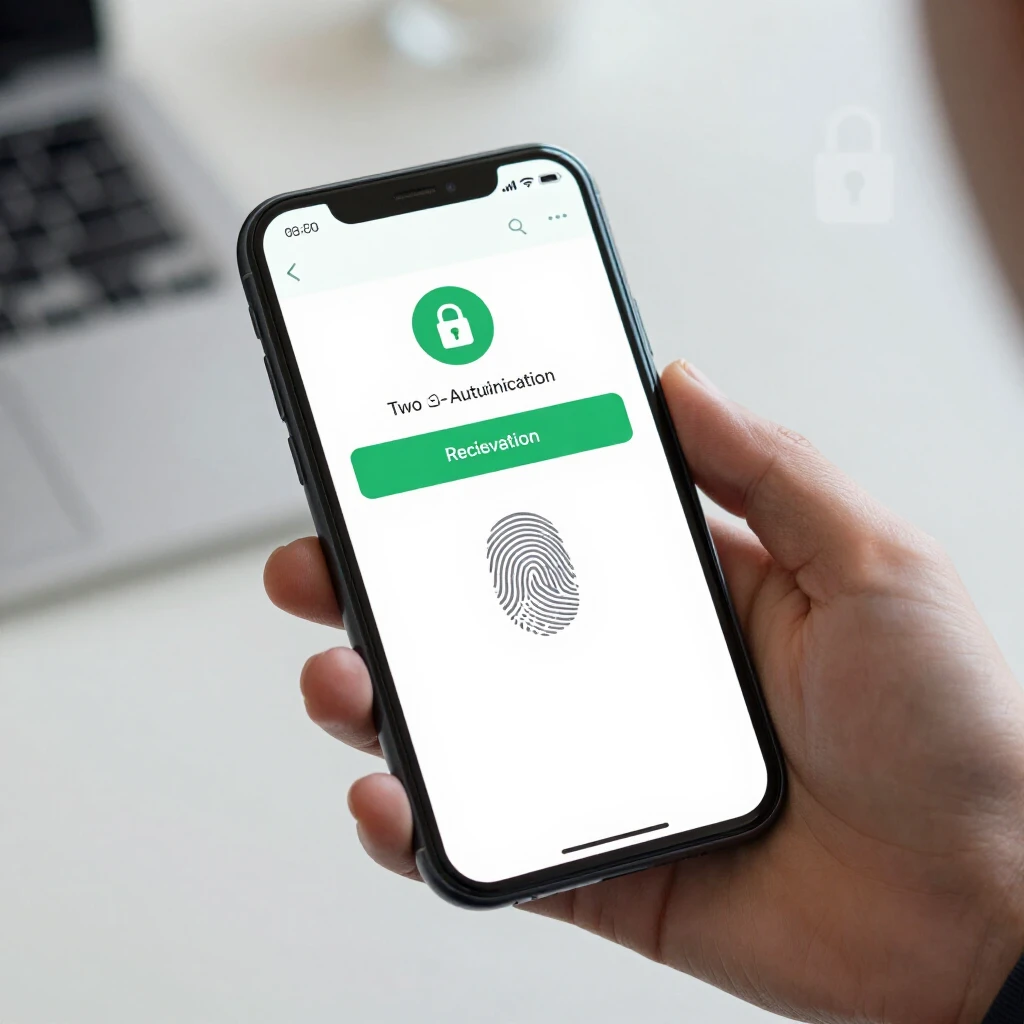
Types of MFA: - Authenticator apps (like Google Authenticator – best option) - SMS codes (less secure) - Hardware keys (most secure)
Watch for Phishing and Breaches
Never enter passwords on suspicious sites. Check for 'https://' and real domain names.
Use sites like Have I Been Pwned to check if your email was in a breach.
Simple Steps to Lock Down Your Online Privacy
Password security ties into broader privacy. Reduce your digital footprint with these steps:
- Use unique emails for sign-ups (aliases)
- Limit shared personal info
- Regularly review app permissions
How to Set Up Incogni to Delete Personal Data
Data brokers collect and sell your info, increasing risks. Tools like Incogni automate removal.
Steps: - Visit incogni.com - Sign up and provide basic info (name, address) - Authorize requests - Incogni sends opt-outs to hundreds of brokers - Get progress reports
It runs ongoing scans. I use it and saw spam drop quickly.
10 Must-Have Data Privacy Tools for 2025
Build layers of protection with these online privacy tools:
- Password Manager (Bitwarden) – Core for passwords
- VPN (like Mullvad or ProtonVPN) – Hide IP
- Incogni – Remove data from brokers
- Signal – Encrypted messaging
- Brave Browser – Blocks trackers
- DuckDuckGo – Private search
- Proton Mail – Secure email
- uBlock Origin – Ad/tracker blocker
- Authenticator App – For MFA
- Privacy Badger – Auto-blocks trackers
These tools make big differences without much effort.
Final Thoughts
Start small: Set up a password manager and enable MFA on key accounts. Then add more tools.
Strong password habits protect you long-term. Stay vigilant, update regularly, and enjoy safer online time.
You've got this – take action today!