Tuta Email: How to Use End-to-End Encryption for Better Online Privacy
In today's digital world, protecting your emails is more important than ever. Tuta email stands out as a top choice for online privacy tools because it offers built-in end-to-end encryption that's easy to use. This guide walks you through Tuta email: how to use end-to-end encryption effectively.
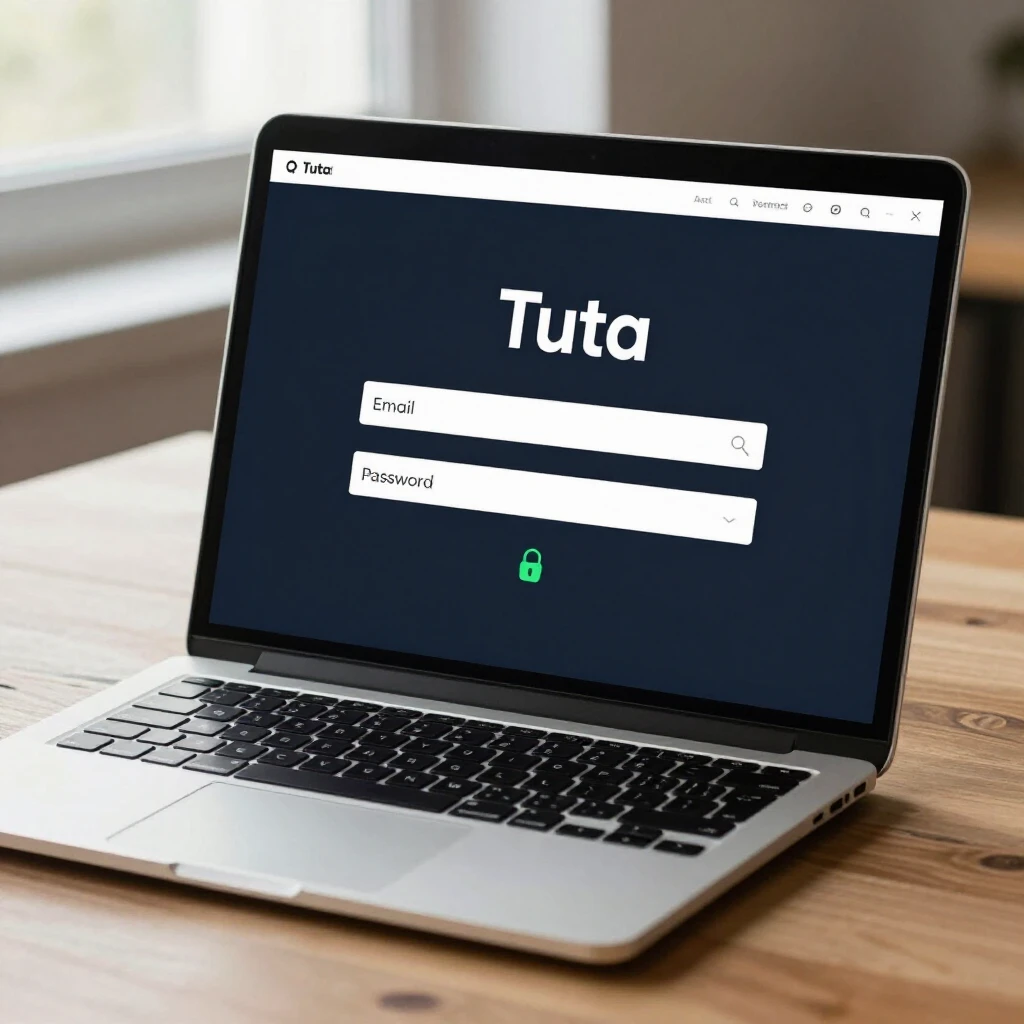
Why Choose Tuta for Online Privacy?
You might wonder why Tuta is worth switching to. I've used several email services over the years, and Tuta changed how I think about online privacy. Unlike big providers that scan your emails for ads, Tuta never accesses your data. Everything – emails, subjects, attachments, contacts, and even calendars – gets encrypted on your device before it reaches their servers.
Tuta uses strong encryption methods, including quantum-safe algorithms. This means your emails stay safe even against future threats from powerful computers. As someone who values privacy, I appreciate that Tuta is based in Germany, where strict laws like GDPR protect user data.
Tuta is free to start, ad-free, and open-source. You can sign up anonymously without a phone number. Millions of people, including businesses and activists, trust it for secure communication.
Understanding End-to-End Encryption in Tuta
End-to-end encryption means only you and the recipient can read the message. No one else – not hackers, governments, or even Tuta – can peek inside.
In Tuta, this happens automatically. When both sender and receiver use Tuta accounts, emails encrypt using asymmetric keys. Your public key encrypts the message, and only the recipient's private key decrypts it.
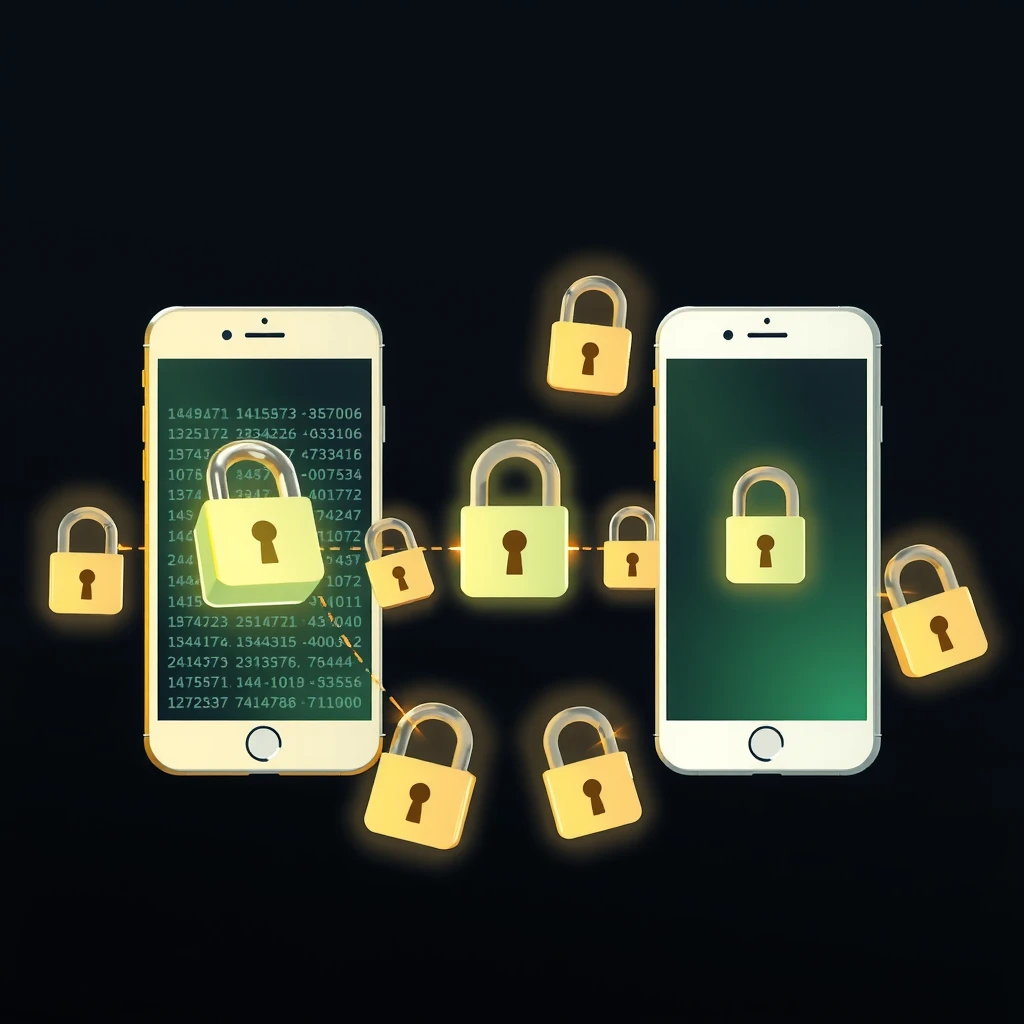
Tuta goes further by encrypting subject lines and attachments – features many other services miss. I've sent sensitive documents this way and felt confident they stayed private.
Step-by-Step: Getting Started with Tuta
Ready to try Tuta email: how to use end-to-end encryption? Here's how to begin:
- Go to tuta.com and click 'Sign up'.
- Choose a username and strong password.
- Agree to terms and complete the quick setup.
No phone verification needed – that's a big win for privacy.
Once logged in, you'll see a clean inbox. Tuta works on web, desktop apps, and mobile. Download the apps for the best experience.
Sending Encrypted Emails to Other Tuta Users
This is the easiest part. Compose a new email as usual:
- Enter the recipient's Tuta address.
- Write your subject and message.
- Hit send.
Encryption happens automatically. A small lock icon shows it's secure. I've used this for years with friends who switched to Tuta, and it's seamless.
Sending Encrypted Emails to Non-Tuta Users
Tuta shines here too. You can send end-to-end encrypted emails to anyone, like Gmail or Outlook users.
Here's how:
- Start composing an email to an external address.
- Tuta prompts you to set a password.
- Enter a strong password and a hint (don't send the actual password in the hint!).
- Send the email.
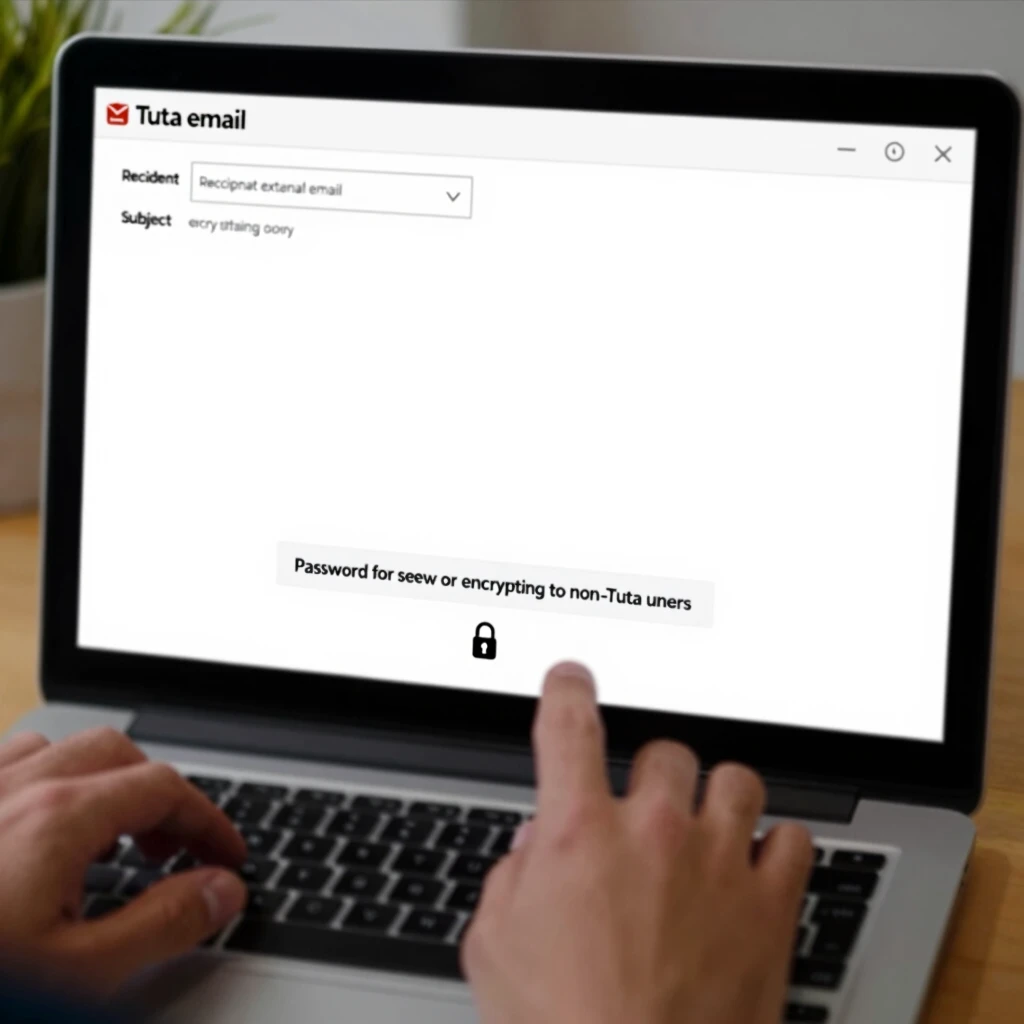
The recipient gets a notification email with a link to a secure Tuta page. They enter the password you shared separately (via phone or in person), read the message, and reply encrypted.
One password works for all future emails to that person. Super convenient!
In my experience, explaining this to family took minutes. They appreciated the extra security for personal info.
Receiving Encrypted Emails
When someone sends you an encrypted email:
- It appears in your inbox with a lock icon.
- Open it normally – Tuta decrypts it on your device.
For external senders using password protection, you'll get instructions if needed.
Advanced Tips for Maximum Privacy
Here are some actionable insights I've learned:
- Use alias addresses: Create disposable emails for sign-ups to avoid spam.
- Enable two-factor authentication for extra account security.
- Use Tuta's encrypted calendar and contacts – everything stays protected.
- For businesses, custom domains keep branding while maintaining encryption.
| Feature | Tuta | Typical Free Providers (e.g., Gmail) |
|---|---|---|
| Automatic E2E Encryption | Yes, including subjects | No |
| Quantum-Safe | Yes | No |
| Ads | None | Yes, based on email scans |
| Anonymous Signup | Yes | Often requires phone |
| Open Source | Fully | Partially |
Tuta also strips IP addresses from emails and warns about phishing attempts.
Common Questions Answered
Is Tuta really free? Yes, the basic plan includes 1GB storage and full encryption.
How secure is the password method? Very – it uses symmetric AES-256 encryption, and conversations stay encrypted on Tuta's servers.
Can I import old emails? Paid plans offer import tools.
I've switched completely to Tuta and never looked back. It gives peace of mind knowing my online privacy is protected without extra effort.
Final Thoughts
Tuta email makes end-to-end encryption accessible to everyone. Whether you're new to online privacy tools or experienced, Tuta delivers strong protection simply. Start today and take control of your digital privacy.