Top Ad Blockers and Tracker Blockers for 2023: Safeguard Your Online Privacy
Overview
In 2023, browsing the internet can feel like walking through a digital minefield. Pop-up ads, autoplay video commercials, and trackers following your every click make it hard to enjoy a smooth, private online experience. Thankfully, top ad blockers and tracker blockers for 2023 are here to help. These tools block intrusive ads, stop trackers from collecting your data, and speed up your browsing. This guide dives into the best options, shares personal insights, and explains how to choose the right online privacy tools for your needs.
Why You Need Ad and Tracker Blockers
Ads are more than just annoying—they can slow down your device, drain your data, and even expose you to malware. Trackers, on the other hand, quietly collect your browsing habits, location, and personal details to build profiles for targeted advertising. I’ve noticed how much faster websites load without ads cluttering the page, and it’s a relief knowing my data isn’t being harvested. According to a 2022 study by the Electronic Frontier Foundation, over 90% of websites use third-party trackers, often without user consent. Online privacy tools like ad blockers and tracker blockers are essential for taking back control.
Top Ad Blockers and Tracker Blockers for 2023
Here’s a breakdown of the best tools to keep your browsing ad-free and private. Each has unique strengths, so you can pick one that suits your needs.
1. uBlock Origin
Best for Customization
uBlock Origin is a lightweight, open-source ad blocker that’s a favorite among tech enthusiasts. It blocks ads, pop-ups, and trackers with minimal impact on your browser’s performance. I love how it lets you create custom filters to block specific elements on websites. It’s available for Firefox, Chrome, Edge, and more.
- Pros: Free, highly customizable, low resource usage
- Cons: Requires some technical know-how for advanced features
- Best for: Users who want granular control over what’s blocked
2. Adblock Plus
Best for Beginners
Adblock Plus is one of the most popular ad blockers, and for good reason. It’s easy to install and works across major browsers like Chrome, Firefox, and Safari. It allows “non-intrusive” ads by default, but you can disable this in settings. I’ve used it on my phone, and it makes mobile browsing so much smoother.
- Pros: User-friendly, supports multiple platforms, allows whitelisting
- Cons: Allows some ads unless you tweak settings
- Best for: New users looking for simplicity
3. Privacy Badger
Best for Tracker Blocking
Developed by the Electronic Frontier Foundation, Privacy Badger automatically learns to block trackers that violate privacy. Unlike traditional ad blockers, it focuses on stopping trackers rather than ads, though it can block ads that track you. I appreciate its hands-off approach—it just works without much setup.
- Pros: Automatic tracker detection, privacy-focused, free
- Cons: Less effective against non-tracking ads
- Best for: Privacy-conscious users who want minimal configuration
4. Ghostery
Best for Transparency
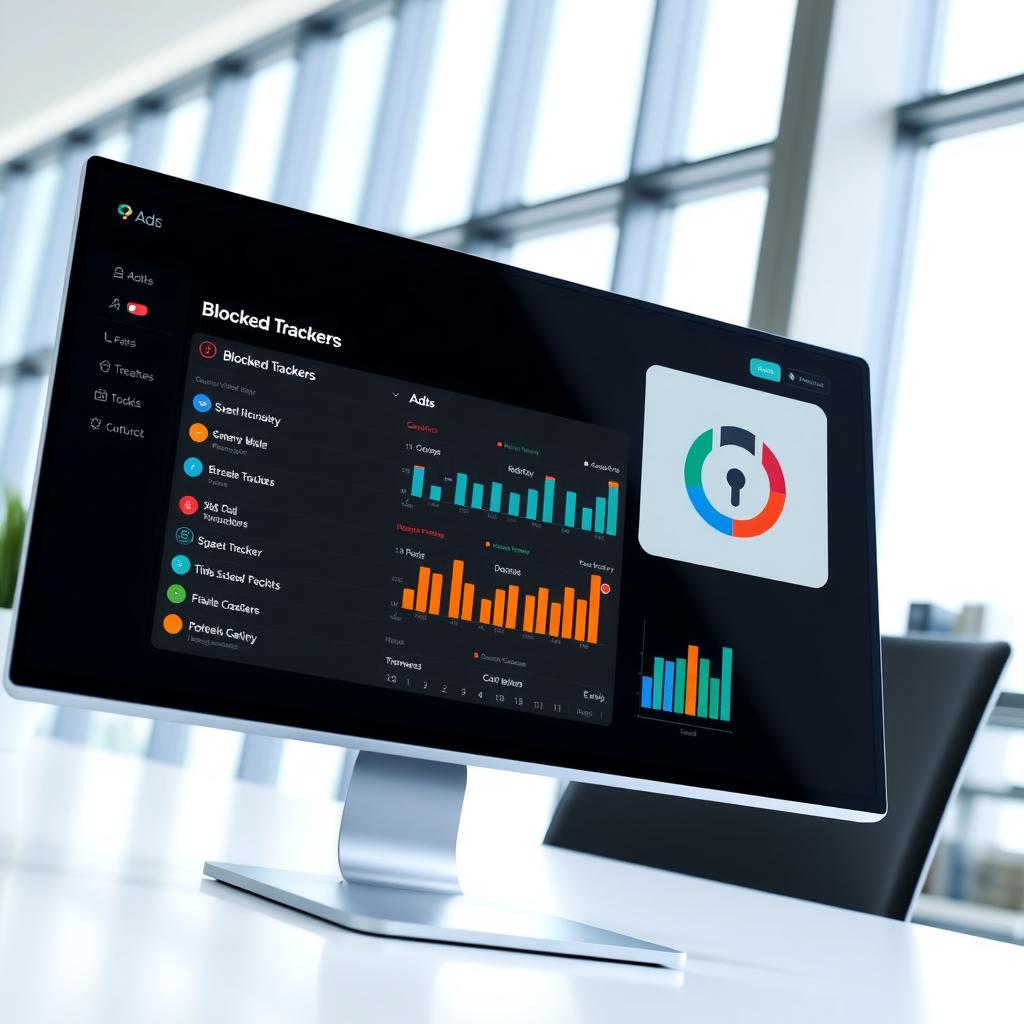
Ghostery not only blocks ads and trackers but also shows you exactly what’s trying to track you on each website. Its dashboard is like a window into the hidden world of online tracking. I’ve been shocked to see how many trackers some sites use—sometimes over 50 on a single page!
- Pros: Detailed tracker insights, customizable blocking, free
- Cons: Interface can feel cluttered
- Best for: Users who want to understand tracking
5. Surfshark CleanWeb
Best All-in-One Solution
Surfshark CleanWeb is a feature bundled with Surfshark’s VPN service. It blocks ads, trackers, and malware while you browse. I’ve found it especially useful for streaming, as it reduces annoying video ads. It’s not free, but it’s a great add-on if you already use a VPN.
- Pros: Combines ad blocking with VPN, strong security, multi-device support
- Cons: Requires a paid Surfshark subscription
- Best for: Users who want ad blocking and VPN protection
| Tool | Free/Paid | Best Feature | Best For |
|---|---|---|---|
| uBlock Origin | Free | Customization | Tech-savvy users |
| Adblock Plus | Free | Ease of use | Beginners |
| Privacy Badger | Free | Tracker detection | Privacy-focused users |
| Ghostery | Free | Transparency | Curious users |
| Surfshark CleanWeb | Paid | VPN integration | All-in-one protection |

How to Choose the Right Online Privacy Tools for Your Needs
With so many options, picking the right tool can feel overwhelming. Here are key factors to consider:
1. Your Privacy Goals
Are you more annoyed by ads or worried about trackers? If ads are your main issue, Adblock Plus or uBlock Origin are great choices. If online privacy is your priority, Privacy Badger or Ghostery focus on stopping trackers. I’ve switched between tools depending on whether I’m browsing casually or researching sensitive topics.
2. Ease of Use
If you’re not tech-savvy, go for something simple like Adblock Plus. For those comfortable tweaking settings, uBlock Origin offers more control. I remember struggling with custom filters at first, but online tutorials made it easier.
3. Browser Compatibility
Check if the tool works with your browser. Most support Chrome and Firefox, but Safari and Edge users should double-check. For example, Privacy Badger works seamlessly on Firefox, as noted by the Electronic Frontier Foundation.
4. Additional Features
Some tools offer extras like malware protection (Surfshark CleanWeb) or tracker analytics (Ghostery). If you’re already using a VPN, a built-in ad blocker like Surfshark’s can save you from installing another extension.
5. Free vs. Paid
Most ad blockers are free, but paid options like Surfshark CleanWeb offer premium features. Decide if the extra cost is worth it for your needs. I’ve stuck with free tools for years and found them plenty effective.
6. Ethical Considerations
Some websites rely on ads for revenue. Whitelisting trusted sites (like news outlets) can support creators while still blocking intrusive ads. Adblock Plus makes this easy with its whitelisting feature.
Tips for Maximizing Online Privacy
Using ad and tracker blockers is a great start, but here are additional steps to boost your online privacy:
- Use a VPN: A VPN hides your IP address and encrypts your connection. I’ve used NordVPN alongside Privacy Badger for extra security.
- Enable Browser Privacy Settings: Browsers like Firefox have built-in tracking protection. Check your browser’s settings to enable these.
- Clear Cookies Regularly: Cookies can track you across sites. Clearing them weekly keeps your data fresh.
- Be Cautious with Extensions: Only install trusted extensions. The University of Maryland’s cybersecurity guide warns that rogue extensions can compromise privacy.
By combining these steps with a good ad blocker, you’ll create a robust privacy shield.
Personal Insights and Experiences
I’ve been using ad blockers for over five years, and the difference is night and day. Before, I’d get bombarded with pop-ups that slowed my laptop to a crawl. Now, with uBlock Origin, pages load faster, and I don’t worry about trackers following me. One time, Ghostery showed me a site had 47 trackers—47! That was a wake-up call about how much data companies collect. Switching to Privacy Badger for sensitive browsing, like online banking, gave me peace of mind. The key is experimenting with different tools to find what works for you.
One thing I’ve learned: no single tool is perfect. Some websites detect ad blockers and block content, so I keep Adblock Plus handy for its whitelisting feature. It’s about balancing privacy with usability.
Summary
The top ad blockers and tracker blockers for 2023—like uBlock Origin, Adblock Plus, Privacy Badger, Ghostery, and Surfshark CleanWeb—offer powerful ways to protect your online privacy. By understanding how to choose the right online privacy tools for your needs, you can enjoy faster, safer, and ad-free browsing. Combine these tools with smart habits like using a VPN and clearing cookies to maximize your privacy. With the right setup, you’ll surf the web with confidence and control.