Understanding Phishing Scams and How to Avoid Them in 2025
Overview
Phishing scams are a growing threat in 2025, tricking people into sharing sensitive information like passwords or bank details. Cybercriminals use fake emails, texts, or websites that look real to steal your data. This guide explains how to spot these scams, protect your data, and stay safe online with practical tools and tips.
What Are Phishing Scams?
Phishing scams are fraudulent attempts to steal your personal information by pretending to be a trusted source. Scammers might send an email posing as your bank, a text claiming to be from a delivery service, or even a phone call pretending to be tech support. These messages often create urgency, like warning your account is compromised, to trick you into acting quickly.
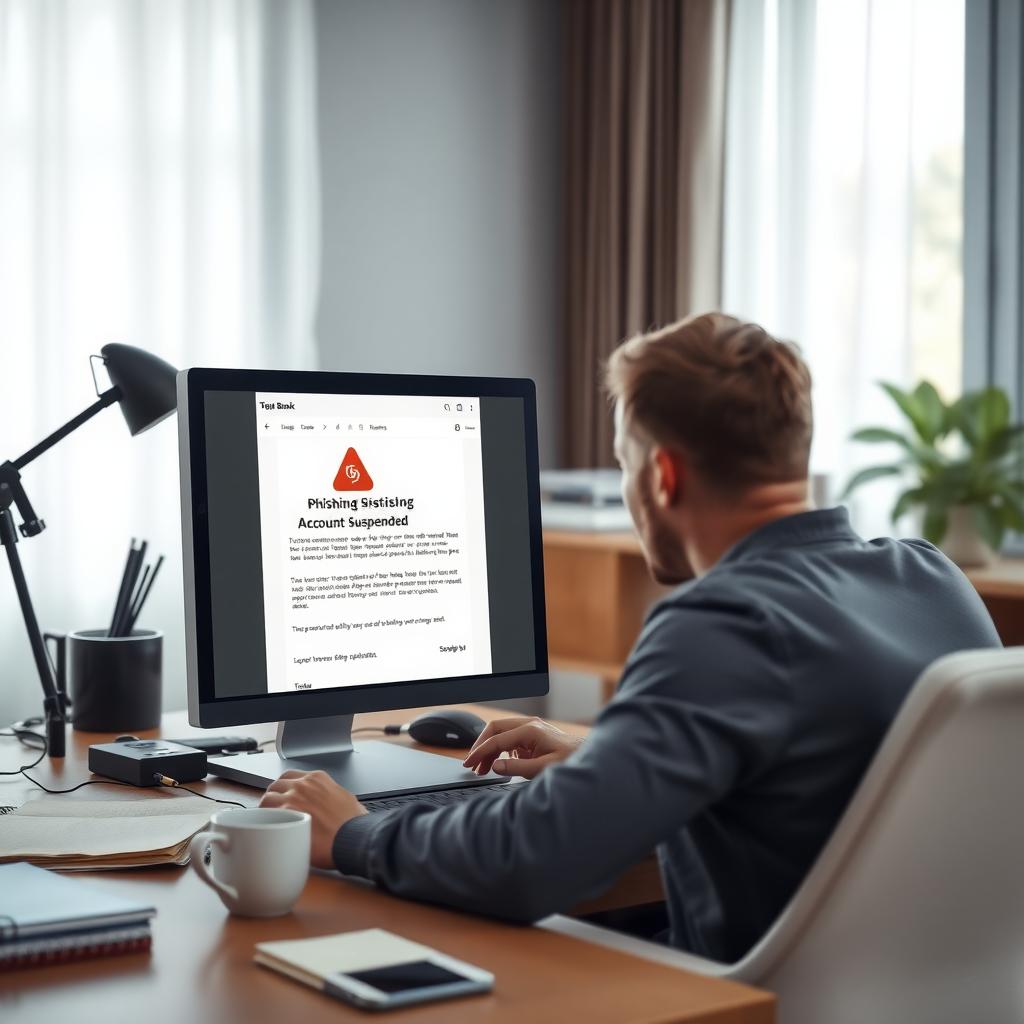
I once received an email that looked like it came from my email provider, urging me to 'verify my account' by clicking a link. The logo and formatting were spot-on, but something felt off. The sender’s email address had an odd domain, and that small detail saved me from a potential data breach. This experience taught me to always double-check before clicking.
According to the FTC’s guide on Understanding Phishing Scams and How to Avoid Them, phishing attacks have evolved, with scammers using sophisticated tactics like spoofed email addresses or AI-generated messages to seem legitimate. Staying vigilant is more important than ever in 2025.
How to Spot a Phishing Scam
Recognizing phishing attempts is the first step to staying safe. Here are key red flags to watch for:
- Unexpected Messages: Be wary of unsolicited emails, texts, or calls, especially those urging immediate action.
- Suspicious Links or Attachments: Hover over links to check the URL before clicking. Avoid opening attachments from unknown sources.
- Poor Grammar or Odd Phrasing: While some scams are polished, many still have typos or awkward language.
- Fake Sender Information: Check the sender’s email address or phone number. Scammers often use slightly altered domains, like '[email protected]' instead of '[email protected].'
If something feels off, trust your instincts and verify the source independently.
Protecting Your Data in 2025
Protecting your data in 2025 requires a mix of awareness and the right tools. Phishing scams are just one part of the broader online threat landscape, which includes data breaches and identity theft. Here are actionable steps to keep your information secure:
- Use Strong, Unique Passwords: Create complex passwords and use a password manager to track them. Never reuse passwords across sites.
- Enable Two-Factor Authentication (2FA): Add an extra layer of security by requiring a second verification step, like a code sent to your phone.
- Update Software Regularly: Keep your devices and apps updated to patch security vulnerabilities.
- Be Cautious with Public Wi-Fi: Avoid sensitive transactions on public networks unless you’re using a VPN.
Speaking of VPNs, choosing the right one can make a big difference. How to Choose the Best VPN for Your Needs involves looking for features like strong encryption, a no-logs policy, and fast connection speeds. A VPN hides your IP address and encrypts your internet traffic, making it harder for scammers to intercept your data. I’ve found that researching user reviews and comparing providers helps narrow down the best options.
Top 5 Online Privacy Tools Every User Should Have
To stay safe online, you need more than just caution. Here are five essential tools to boost your privacy:
| Tool | Purpose | Why It’s Useful |
|---|---|---|
| Password Manager | Stores and generates secure passwords | Prevents password reuse and simplifies logins |
| VPN | Encrypts internet traffic | Protects data on public Wi-Fi and hides your location |
| Antivirus Software | Detects and removes malware | Guards against phishing-related threats |
| Ad Blocker | Blocks malicious ads | Reduces risk of clicking scam ads |
| Encrypted Messaging App | Secures communications | Keeps chats private from prying eyes |
These tools, combined with good habits, create a strong defense against phishing and other cyber threats.
How to Stay Safe Online
Beyond tools, How to Stay Safe Online involves building habits that minimize risk. For example, always verify the authenticity of a website before entering personal information. Look for 'https://' and a padlock icon in the address bar. Also, avoid sharing sensitive details like your Social Security number or bank information unless you’re certain the request is legitimate.
One time, a friend got a text claiming their package was delayed and needed payment to release it. They almost paid until they called the delivery company directly and learned it was a scam. This shows why it’s crucial to contact organizations through official channels, not links or numbers provided in suspicious messages.
What to Do If You Fall for a Phishing Scam
If you suspect you’ve been phished, act fast:
- Change Passwords Immediately: Update passwords for any affected accounts, starting with email and banking.
- Contact Your Bank: If financial information was shared, alert your bank to monitor for fraud.
- Run a Security Scan: Use antivirus software to check for malware.
- Report the Scam: File a report with the FTC at ReportFraud.ftc.gov or your local authorities.
Quick action can limit the damage and help authorities track scammers.
Summary
Phishing scams are a serious threat, but you can protect yourself by staying alert, using the right tools, and building safe online habits. From spotting red flags to choosing a VPN and using privacy tools, taking proactive steps ensures your data stays secure in 2025. Stay informed, trust your instincts, and keep your digital life safe.