Free Tools to Safeguard Your Online Privacy in 2025
Overview
In 2025, protecting your online privacy is more critical than ever. Every click, search, or post leaves a digital footprint that data brokers, advertisers, and hackers can exploit. This article explores free tools to safeguard your online privacy, offering simple steps to lock down your online presence. From browsers to email encryption, I’ll share practical solutions and personal insights to help you stay secure.
Why Online Privacy Matters
Your personal data—name, address, phone number—is constantly collected by websites, apps, and even smart devices. I once Googled my own name and was shocked to find my address listed on a people-search site. This isn’t just creepy; it’s a risk. Exposed data can lead to identity theft, phishing scams, or unwanted spam. According to a 2022 report from the Federal Trade Commission, Americans lost $8.8 billion to online fraud. Free online privacy tools can help you take control without breaking the bank.
Free Tools to Safeguard Your Online Privacy
Let’s dive into the best free tools to protect your data. These are user-friendly, effective, and don’t require a tech degree to use. I’ve tested many of these myself and will share what worked for me.
1. Privacy-Focused Browsers
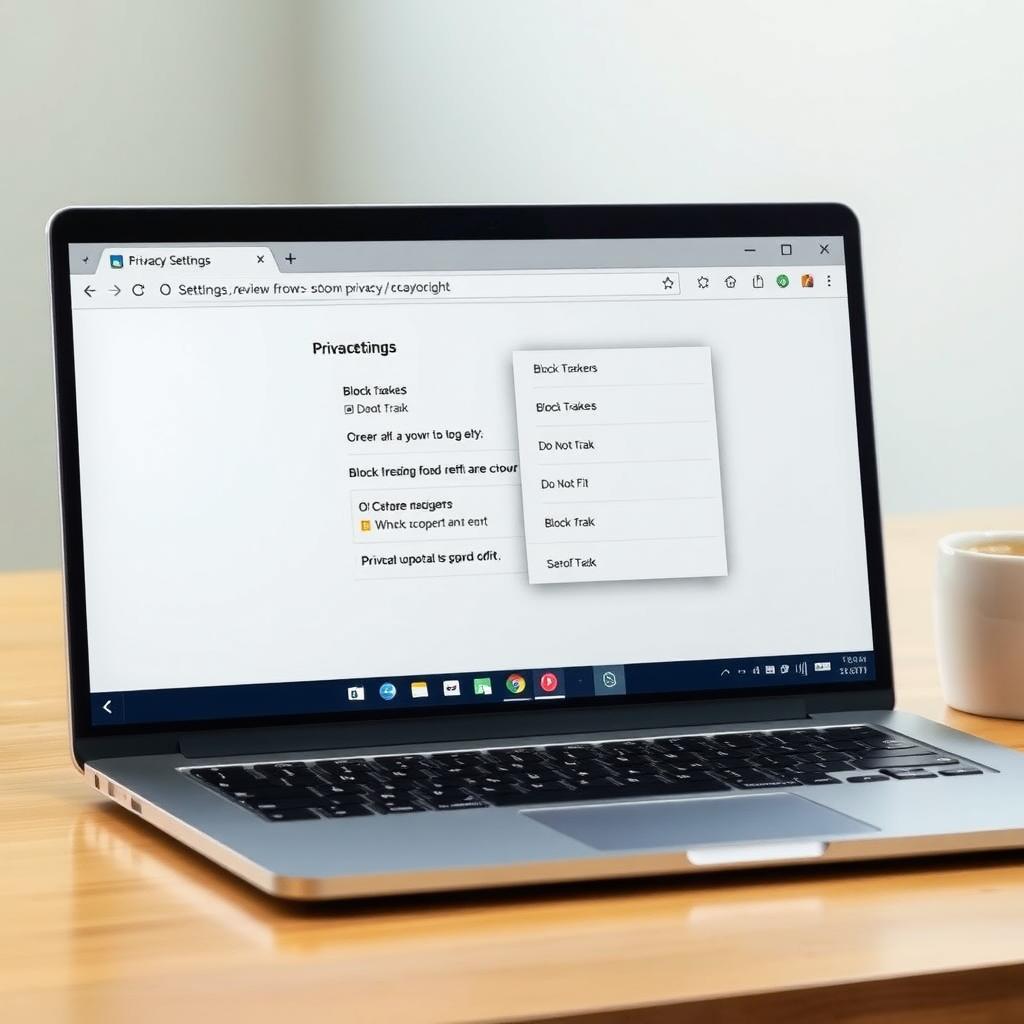
Browsers like Firefox and Brave prioritize your privacy over data collection. Firefox, developed by the non-profit Mozilla, blocks trackers by default. I switched to Firefox last year and noticed fewer creepy ads following me around. Brave goes further, blocking ads and trackers entirely while rewarding you with crypto for opt-in ads. Both are free and easy to install.
How to Get Started: - Download Firefox from Mozilla’s official site. - For Brave, visit Brave’s website and install it. - Enable 'Do Not Track' in browser settings for extra protection.
2. Email Encryption with ProtonMail
Your email is a goldmine for data collectors. ProtonMail offers free, end-to-end encrypted email, meaning only you and the recipient can read your messages. I set up a ProtonMail account for sensitive communications, like banking, and it’s been a game-changer. Unlike Gmail, ProtonMail doesn’t scan your emails for ads.
How to Use: - Sign up at ProtonMail’s website. - Create a free account with 1GB storage. - Use it for sensitive emails to keep your data private.
3. VPNs for Anonymous Browsing
A Virtual Private Network (VPN) hides your IP address and encrypts your internet traffic. Free VPNs like ProtonVPN or Windscribe offer limited but useful plans. I used ProtonVPN’s free tier while traveling, and it kept my data safe on public Wi-Fi. Be cautious—some free VPNs sell your data, so stick to reputable ones.
Top Free VPNs: | Tool | Data Limit | Servers Available | Best For | |------------|------------|-------------------|---------------------| | ProtonVPN | Unlimited | 3 countries | General browsing | | Windscribe | 10GB/month | 10 countries | Light streaming |
Tip: Always check the VPN’s privacy policy to ensure they don’t log your activity.
4. Data Removal with Incogni’s Free Scan
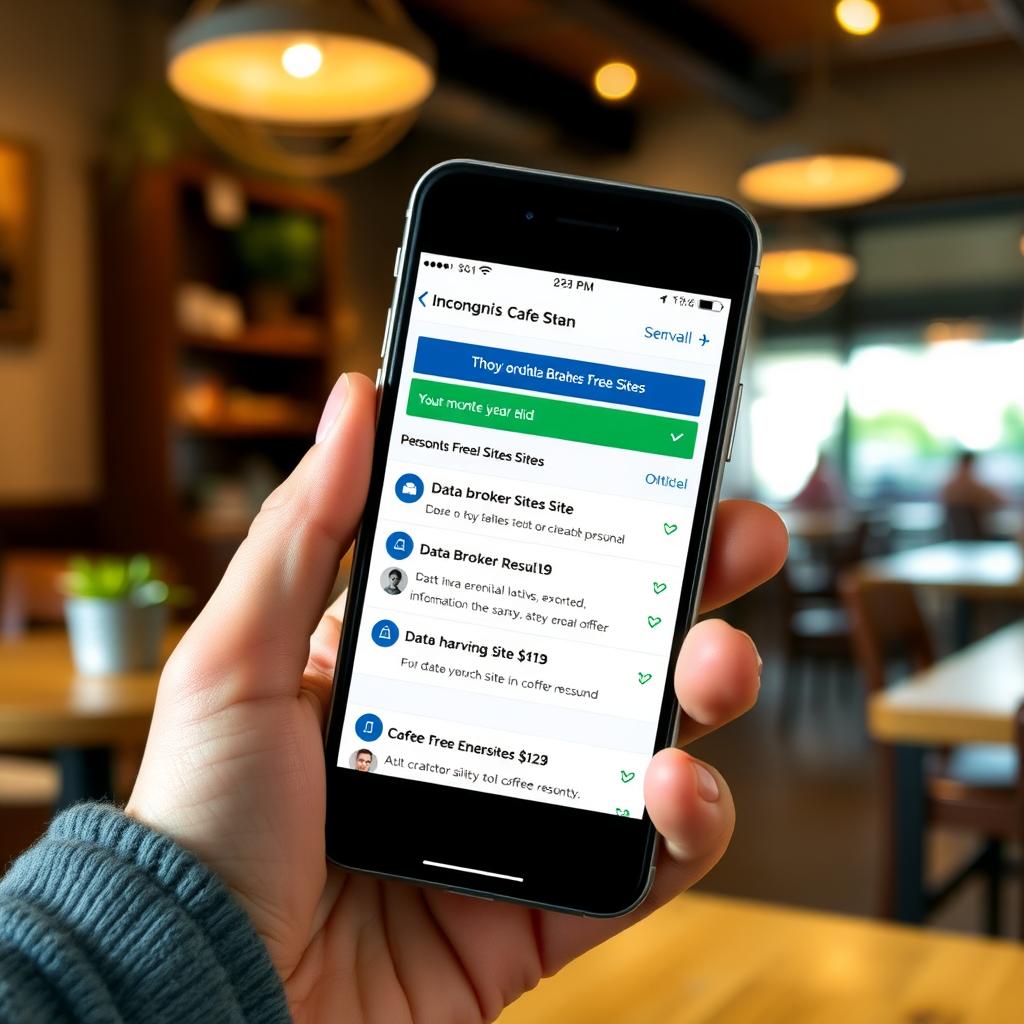
Data brokers collect and sell your personal information, often without your consent. Incogni, while primarily a paid service, offers a free scan to identify where your data appears online. I ran Incogni’s scan and found my info on 15 sites I’d never heard of. It was eye-opening.
How to Set Up Incogni to Delete Personal Data: 1. Visit Incogni’s website and sign up for a free scan. 2. Provide your name, email, and address to match your data against broker databases. 3. Review the scan results to see where your info appears. 4. While the free scan doesn’t remove data, it’s a starting point. For full removal, consider their paid plans (starting at $7.19/month) to automate the process.
Incogni leverages laws like GDPR and CCPA to demand data brokers delete your info. It’s a powerful first step to reclaim your privacy.
Simple Steps to Lock Down Your Online Privacy
Beyond tools, small habits can make a big difference. Here’s a checklist I follow to keep my data secure:
- Use Strong Passwords: I use a password manager like Bitwarden (free) to generate and store unique passwords.
- Enable Two-Factor Authentication (2FA): Add an extra layer of security to your accounts. Apps like Google Authenticator are free.
- Limit Social Media Sharing: I set my profiles to private and avoid posting sensitive info like my address.
- Delete Unused Accounts: Old accounts are data leaks waiting to happen. I used JustDelete.me to find and remove old profiles.
- Clear Cookies Regularly: In your browser settings, enable automatic cookie deletion to reduce tracking.
Challenges and Limitations
Free tools are great, but they have limits. Free VPNs often have data caps or slower speeds. Manual data removal, like opting out of data brokers, is time-consuming—I spent hours contacting sites before discovering Incogni. Social media posts or public records are harder to erase, as they’re often beyond your control. For serious privacy needs, combining free tools with paid services like Incogni or a premium VPN might be worth considering.

Personal Insights: My Privacy Journey
A few years ago, I didn’t think much about online privacy. Then, a spam call surge and a leaked email made me rethink my habits. I started with Firefox and ProtonMail, which were easy wins. The Incogni scan was a wake-up call—my data was everywhere. These tools didn’t just reduce spam; they gave me peace of mind. Privacy isn’t about paranoia; it’s about control. You decide who gets your data, not some faceless corporation.
Summary
Protecting your online privacy doesn’t have to be expensive or complicated. Free tools like Firefox, ProtonMail, and ProtonVPN, combined with simple steps to lock down your online privacy, can significantly reduce your digital footprint. Incogni’s free scan is a great starting point to see where your data is exposed. By taking these steps, you’re not just protecting your data—you’re reclaiming your digital freedom.