How to Choose the Best VPN for Your Needs in 2025
Overview
In today’s digital world, protecting your online privacy is more important than ever. A Virtual Private Network (VPN) is a powerful tool to secure your internet connection, hide your location, and access restricted content. But with so many options, how to choose the best VPN for your needs can feel overwhelming. This guide breaks down the essentials, shares personal insights, and highlights the top 5 online privacy tools every user should have to stay safe online.
Why You Need a VPN
A VPN creates a secure, encrypted tunnel between your device and the internet. It hides your IP address, making it harder for websites, advertisers, or hackers to track you. Whether you’re browsing on public Wi-Fi, streaming geo-blocked content, or safeguarding sensitive data, a VPN is a cornerstone of online privacy. I’ve used VPNs for years, from traveling abroad to securing my home network, and the peace of mind they offer is unmatched.
But not all VPNs are equal. Some prioritize speed, others focus on privacy, and many balance both. Choosing the right one depends on your specific needs—whether that’s streaming, gaming, or staying anonymous in restrictive regions. Let’s explore the key factors to consider when picking a VPN.
Key Factors to Consider When Choosing a VPN
To find the best VPN, you need to evaluate several aspects. Here’s what I’ve learned from testing dozens of services over the years:
1. Privacy and Security
The core purpose of a VPN is to protect your data. Look for a VPN with a strict no-logs policy, meaning it doesn’t track or store your browsing activity. Independent audits, like those conducted by Deloitte for NordVPN, verify these claims. Also, check for strong encryption (AES-256 is the gold standard) and features like a kill switch, which cuts your internet if the VPN drops, preventing data leaks.
If you’re in a country with heavy surveillance, like China or Russia, consider VPNs with obfuscated servers. These disguise your VPN traffic as regular internet activity, bypassing censorship. Proton VPN’s Stealth feature, for instance, is a game-changer for users in restrictive regions, as noted in PCMag’s 2025 VPN reviews.
2. Speed and Performance
A VPN can slow your internet due to encryption, but top providers minimize this impact. In my experience, NordVPN and ExpressVPN consistently deliver fast connections, even on distant servers. For streaming or gaming, choose a VPN with servers close to your location. Speed tests, like those from Speedtest.net, can help you compare performance across providers.
3. Server Network and Locations
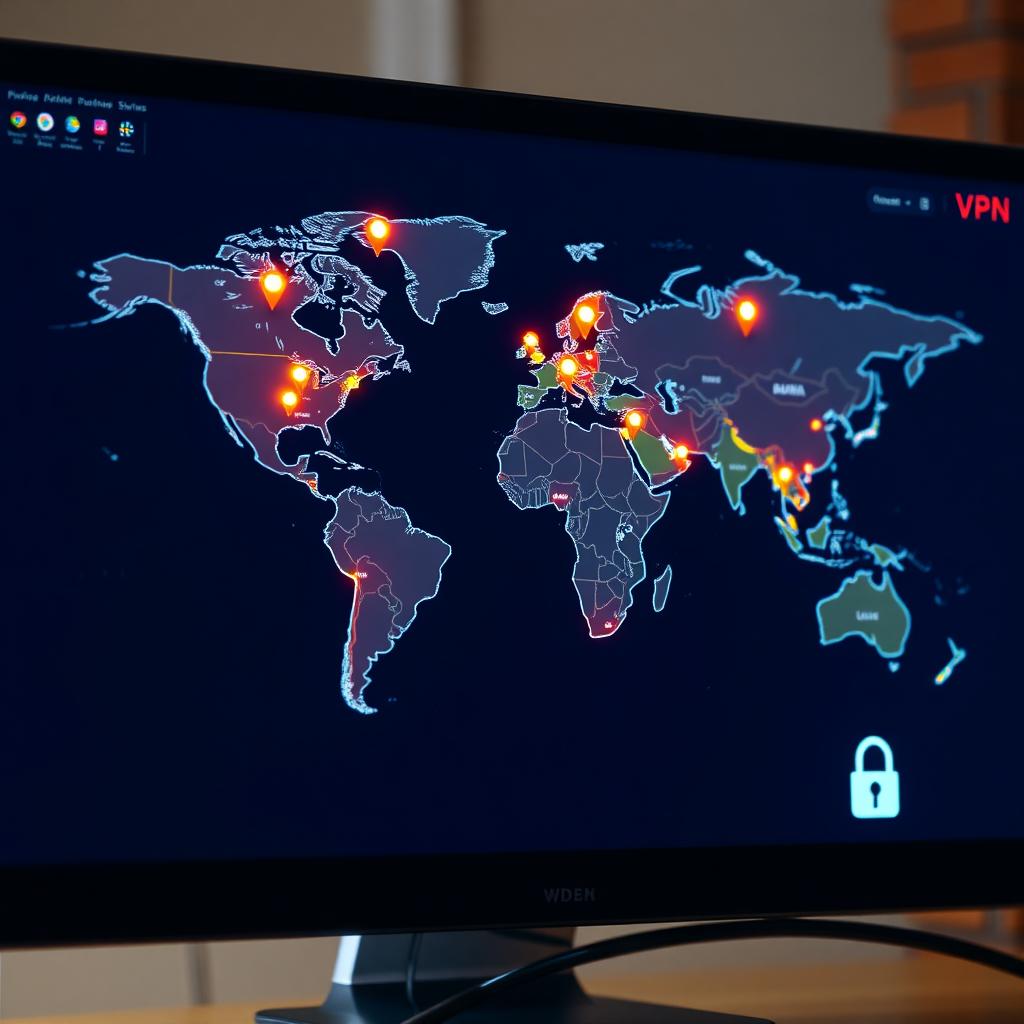
A large server network gives you more options to bypass geo-restrictions. For example, ExpressVPN offers servers in 105 countries, ideal for accessing region-locked content like Netflix Japan or BBC iPlayer. If you need servers in specific regions, check the VPN’s server list before subscribing.
4. Ease of Use
A VPN should be simple to set up and use, even for beginners. I’ve found ExpressVPN’s one-click interface incredibly intuitive, while NordVPN offers more customization for advanced users. Ensure the VPN supports all your devices—phones, laptops, routers, and even gaming consoles.
5. Price and Value
VPNs range from free to premium plans costing $5–$12 per month. Free VPNs, like Proton VPN’s free tier, are great for basic privacy but often limit data or server access. Paid plans offer better features and performance. Surfshark’s unlimited device connections, starting at $2.19/month, provide excellent value for families or small businesses.
Top 5 Online Privacy Tools Every User Should Have
A VPN is just one piece of the online privacy puzzle. Here are the top 5 online privacy tools I recommend to complement your VPN:
- Password Manager: Tools like NordPass generate and store strong, unique passwords. Reusing passwords is a major security risk, and a manager simplifies secure logins across devices.
- Ad and Tracker Blocker: uBlock Origin is a free browser extension that blocks ads and trackers, reducing the data websites collect about you.
- Secure Browser: The Tor Browser, developed by the Tor Project, offers near-anonymous browsing by routing traffic through multiple servers. It’s slower but ideal for sensitive tasks.
- Encrypted Email: Proton Mail encrypts your emails, ensuring only the recipient can read them. It’s perfect for private communication.
- VPN: A reliable VPN, like NordVPN or Proton VPN, ties these tools together by encrypting your connection and hiding your IP.
These online privacy tools work together to create a robust defense against tracking, hacking, and data breaches. For example, I use a VPN alongside uBlock Origin to browse without ads or trackers, and Proton Mail for sensitive emails. This layered approach has kept my data safe, even on public Wi-Fi.
How to Test a VPN Before Committing
Most VPNs offer a 30-day money-back guarantee, so you can test them risk-free. Here’s how I evaluate a VPN:
- Check Speed: Run tests using Speedtest.net to compare your connection with and without the VPN.
- Test Streaming: Try accessing Netflix, BBC iPlayer, or other platforms to ensure the VPN unblocks them.
- Verify Privacy: Research the VPN’s jurisdiction and no-logs policy. Providers in privacy-friendly countries, like Switzerland (Proton VPN) or Panama (NordVPN), are preferable.
- Ease of Use: Install the app on your devices and see how intuitive it is.
- Customer Support: Test live chat or email support to gauge responsiveness.
Common Pitfalls to Avoid
When choosing a VPN, watch out for these red flags:
- Free VPNs with Poor Privacy: Some free VPNs sell your data to advertisers. Stick to reputable free tiers like Proton VPN.
- Overhyped Features: Terms like “military-grade encryption” are standard, not special. Focus on unique features like Secure Core or obfuscated servers.
- Jurisdiction Risks: Avoid VPNs based in countries with heavy surveillance or data retention laws, like the 14 Eyes Alliance nations, unless they have a verified no-logs policy.
My Personal Recommendations
Based on my experience, here’s a quick ranking of VPNs for different needs:
| Need | Recommended VPN | Why |
|---|---|---|
| Best Overall | NordVPN | Fast, secure, and feature-rich |
| Best for Privacy | Proton VPN | Swiss-based, open-source, audited |
| Best Budget | Surfshark | Affordable, unlimited devices |
| Best for Streaming | ExpressVPN | Unblocks most platforms |
| Best Free | Proton VPN Free | No data limits, strong privacy |
These align with findings from PrivacyTools.io, which emphasizes open-source and audited services.
Summary
Choosing the best VPN for your needs comes down to balancing privacy, speed, usability, and cost. A VPN is a critical part of your online privacy tools, but it’s even more effective when paired with tools like password managers and ad blockers. By focusing on no-logs policies, strong encryption, and a robust server network, you can find a VPN that keeps you safe and suits your lifestyle. Test a few options, avoid common pitfalls, and build a layered approach to online privacy for peace of mind.