Your Guide to Online Privacy Basics
In today's digital world, protecting your online privacy is more important than ever. This guide covers the basics, from understanding threats to choosing tools like VPNs. You'll learn practical steps to stay safe while browsing, streaming, and sharing.
Why Online Privacy Matters
Think about how much of your life happens online. You shop, chat with friends, and watch videos. But every click leaves a trail. Companies track your habits to sell ads, and hackers lurk for personal data. I've seen friends deal with identity theft after a simple data breach. It changed how I approach the web.
Privacy isn't just about hiding; it's about control. You decide who sees your info. Without it, you risk spam, scams, or worse. Start by knowing common risks like phishing emails or unsecured Wi-Fi spots.
Common Threats to Your Online Privacy
Let's break down the dangers:
- Tracking Cookies: Websites drop these to follow your moves across sites.
- Data Breaches: Hackers steal info from big companies.
- Public Wi-Fi Risks: Open networks let others spy on your traffic.
- Social Media Oversharing: Posts reveal more than you think.
I once used free Wi-Fi at a cafe and noticed weird ads later. That taught me to be cautious.
Essential Online Privacy Tools
To fight back, use reliable tools. These include VPNs, password managers, and ad blockers. They form your first line of defense.
Start with a VPN. It hides your IP address and encrypts your connection. This makes it hard for snoopers to see what you do.
Other tools:
| Tool | Purpose | Example |
|---|---|---|
| Password Manager | Stores strong passwords securely | LastPass or Bitwarden |
| Ad Blocker | Stops trackers and ads | uBlock Origin |
| Two-Factor Authentication | Adds extra login security | Apps like Google Authenticator |
I've switched to these and noticed fewer targeted ads. It's freeing.
How to Choose the Right Online Privacy Tools for Your Needs
Not all tools fit everyone. Consider your habits. Do you travel a lot? Need something for work?
Ask yourself: - What devices do you use? - How much do you value speed? - What's your budget?
For beginners, free options work, but paid ones offer more features. Research reviews on sites like PCMag or Consumer Reports. I tried a few before settling on one that balances speed and security.
VPNs and Streaming: What to Know
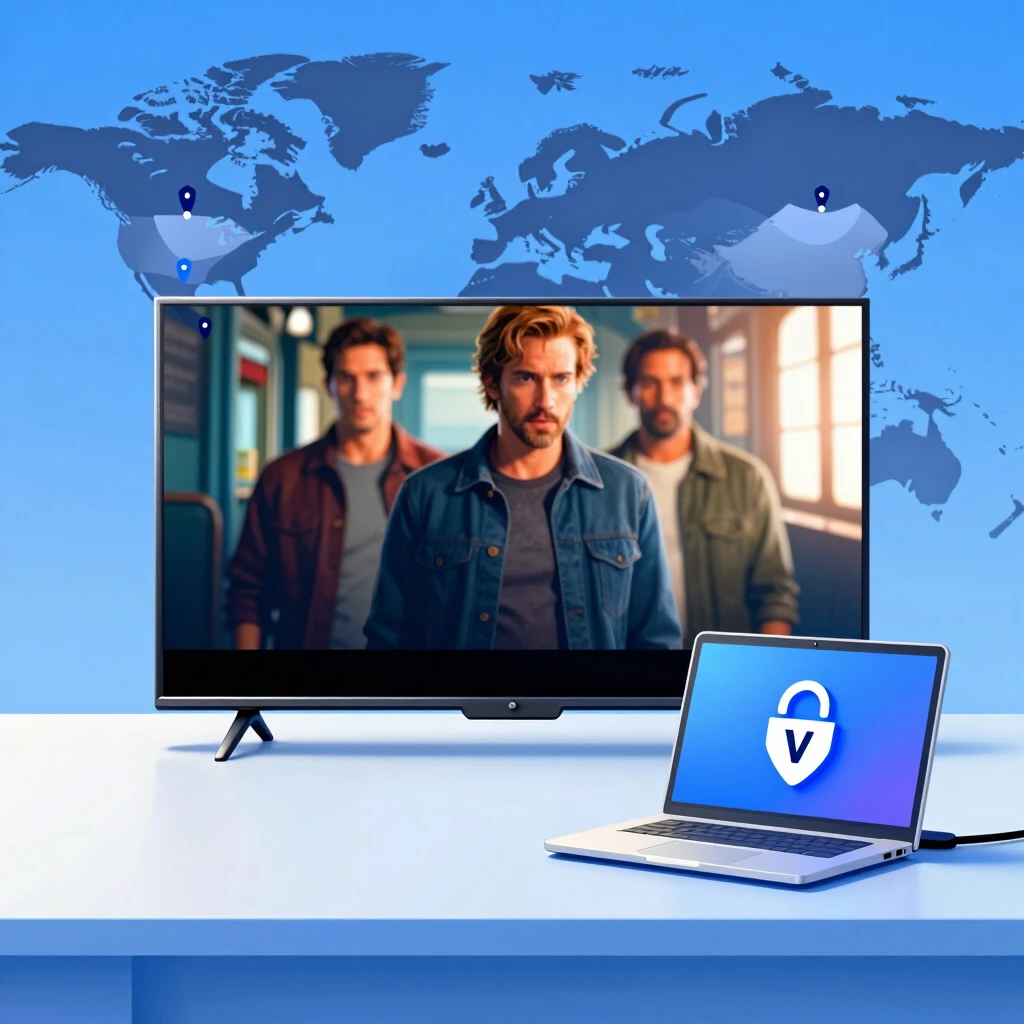
VPNs shine for streaming. They let you access content from other countries by changing your virtual location. Want to watch a show only available in the UK? Connect to a UK server.
But not all VPNs handle streaming well. Some get blocked by services like Netflix. Look for ones with dedicated streaming servers.
Pros: - Bypass geo-blocks - Secure your connection on public networks
Cons: - May slow your speed slightly - Free VPNs often sell your data
In my experience, a good VPN made movie nights better without lag.
Choosing the Right VPN for Your Needs
With so many options, picking a VPN feels overwhelming. Focus on key factors:
- Privacy Policy: Choose no-log providers. Check audits from firms like Deloitte.
- Speed and Servers: More servers mean better performance. Test with free trials.
- Compatibility: Works on phones, computers, routers?
- Price: Ranges from $3 to $12 monthly. Value over cheap.
I recommend ExpressVPN for beginners—it's user-friendly. Or NordVPN for extras like threat protection. Read their policies on their sites, like expressvpn.com or nordvpn.com.
Test a few. I did, and it saved me from a slow one.
Best Practices for Daily Privacy
Tools alone aren't enough. Build habits:
- Use strong, unique passwords.
- Update software regularly.
- Avoid clicking suspicious links.
- Review app permissions.
On social media, limit what you share. I set my profiles to private and think twice before posting.
For email, use aliases for sign-ups. Services like Apple's Hide My Email help.
These steps add up. After adopting them, I feel more in control.
Advanced Tips for Better Protection
Once basics are down, level up:
- Enable HTTPS everywhere with browser extensions.
- Use encrypted messaging like Signal.
- Consider a privacy-focused browser like Brave.
I've used Signal for years—it's simple and secure. For deeper dives, check the Electronic Frontier Foundation at eff.org.
Remember, privacy evolves. Stay informed through newsletters or forums.
Wrapping It Up
Protecting your online privacy starts with awareness and the right tools. From VPNs to daily habits, small changes make a big difference. Stay vigilant, and you'll enjoy the web safely.
For more, explore these resources.