Discover the Best Password Managers of 2025
Overview
In 2025, keeping your online accounts safe is more important than ever. With cyber threats growing, password managers are essential tools for creating, storing, and autofilling strong passwords. This article dives into the best password managers of 2025, helping you choose the right one for your needs, especially if you’re an Android user looking for top online privacy tools.
Why You Need a Password Manager in 2025
Passwords are your first line of defense against hackers. But let’s be honest—remembering dozens of unique, complex passwords is nearly impossible. Reusing passwords or writing them down leaves you vulnerable. A password manager solves this by generating strong passwords, storing them securely, and syncing them across your devices.
I’ve been using password managers for years, and the peace of mind they offer is unmatched. Whether it’s protecting my banking apps or securing my social media, these tools make life easier while keeping my data safe. In 2025, password managers are smarter, with features like breach alerts, two-factor authentication (2FA) integration, and seamless Android support.
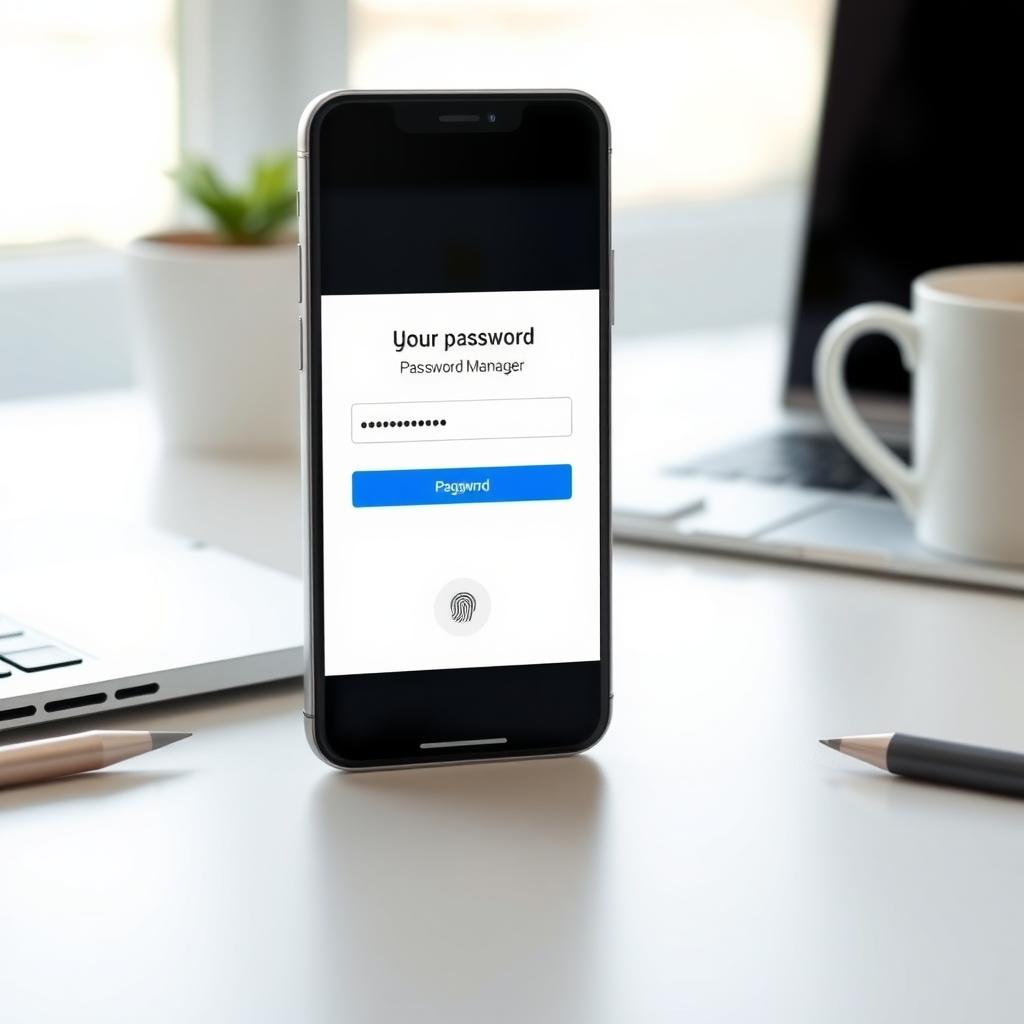
Top Password Managers of 2025
After testing multiple options, here are the standout password managers for 2025, each excelling in usability, security, and Android compatibility:
1. Bitwarden
Bitwarden is an open-source favorite, offering a free plan with robust features. It supports unlimited password storage, cross-device syncing, and a built-in password generator. Its Android app is smooth, with autofill that works seamlessly across browsers and apps. Bitwarden’s premium plan, under $10/year, adds 2FA and encrypted file storage. I love its transparency—open-source code means anyone can verify its security.
2. 1Password
1Password shines for its polished interface and family-friendly features. It offers a Watchtower feature that alerts you to data breaches and weak passwords. Its Android app integrates beautifully with biometric login, making it a top pick for Android users. The downside? It’s subscription-based, starting at $36/year, but the ease of use is worth it for many.
3. Dashlane
Dashlane combines password management with a built-in VPN for extra privacy. Its Android app is intuitive, with dark web monitoring to catch compromised credentials. While pricier (around $60/year), its premium features like secure file sharing make it ideal for professionals. I found its VPN handy for public Wi-Fi, though it’s not as robust as standalone VPNs like IVPN.
4. LastPass
LastPass remains a solid choice with a free tier that includes unlimited device syncing. Its Android app supports autofill and password auditing. However, its premium plan ($36/year) feels less feature-rich compared to 1Password or Dashlane. Still, it’s a reliable option for budget-conscious users.
Picking the Perfect Password Manager for You
Choosing a password manager depends on your needs. Are you looking for free options, or do you need advanced features like VPN integration? Here’s a quick guide to help you decide:
| Feature | Bitwarden | 1Password | Dashlane | LastPass |
|---|---|---|---|---|
| Free Tier | Yes | No | Limited | Yes |
| Android Autofill | Excellent | Excellent | Good | Good |
| 2FA Support | Yes | Yes | Yes | Yes |
| Price (Premium) | $10/year | $36/year | $60/year | $36/year |
| Unique Feature | Open-source | Watchtower | Built-in VPN | Free syncing |
For Android users, prioritize apps with strong autofill and biometric support. I’ve found Bitwarden’s free tier perfect for personal use, while 1Password suits families or businesses. If privacy is your top concern, pair your password manager with a dedicated VPN like IVPN. According to a 2024 study by the University of Maryland, combining strong passwords with VPNs reduces data breach risks by up to 60%. Learn more about cybersecurity best practices.
Top Online Privacy Tools for Android Users
Password managers are just one piece of the privacy puzzle. Android users can boost security with complementary tools:
- VPNs: IVPN and ProtonVPN offer robust encryption for secure browsing. IVPN, in particular, is known for its no-logs policy and open-source apps, making it a top choice for privacy-focused users.
- Secure Browsers: Brave and Firefox Focus block trackers and ads, enhancing your online privacy.
- Encrypted Messaging: Apps like Signal provide end-to-end encryption for texts and calls.
Pairing these tools with a password manager creates a strong privacy ecosystem. For example, I use Bitwarden alongside IVPN on my Android phone. The combination ensures my passwords are secure and my browsing data stays private, especially on public Wi-Fi.
How to Configure IVPN on Android for Maximum Privacy
IVPN is a powerful tool for Android users seeking top online privacy. Here’s a step-by-step guide to set it up for maximum security:
- Download the App: Get the IVPN app from the Google Play Store or IVPN’s official website for the open-source APK.
- Choose a Plan: IVPN offers flexible plans. Check their pricing at IVPN’s official site.
- Enable Kill Switch: In the app settings, turn on the kill switch to block internet access if the VPN disconnects.
- Select Multi-Hop: For extra privacy, enable multi-hop routing to bounce your connection through multiple servers.
- Use WireGuard: Choose the WireGuard protocol for faster speeds and strong encryption.
- Block Trackers: Enable IVPN’s anti-tracker feature to prevent data collection by websites.
I’ve been using IVPN for months, and its lightweight app doesn’t drain my phone’s battery. A 2023 report by the Electronic Frontier Foundation highlights WireGuard’s efficiency for mobile devices, making it ideal for Android. Read more about VPN protocols.
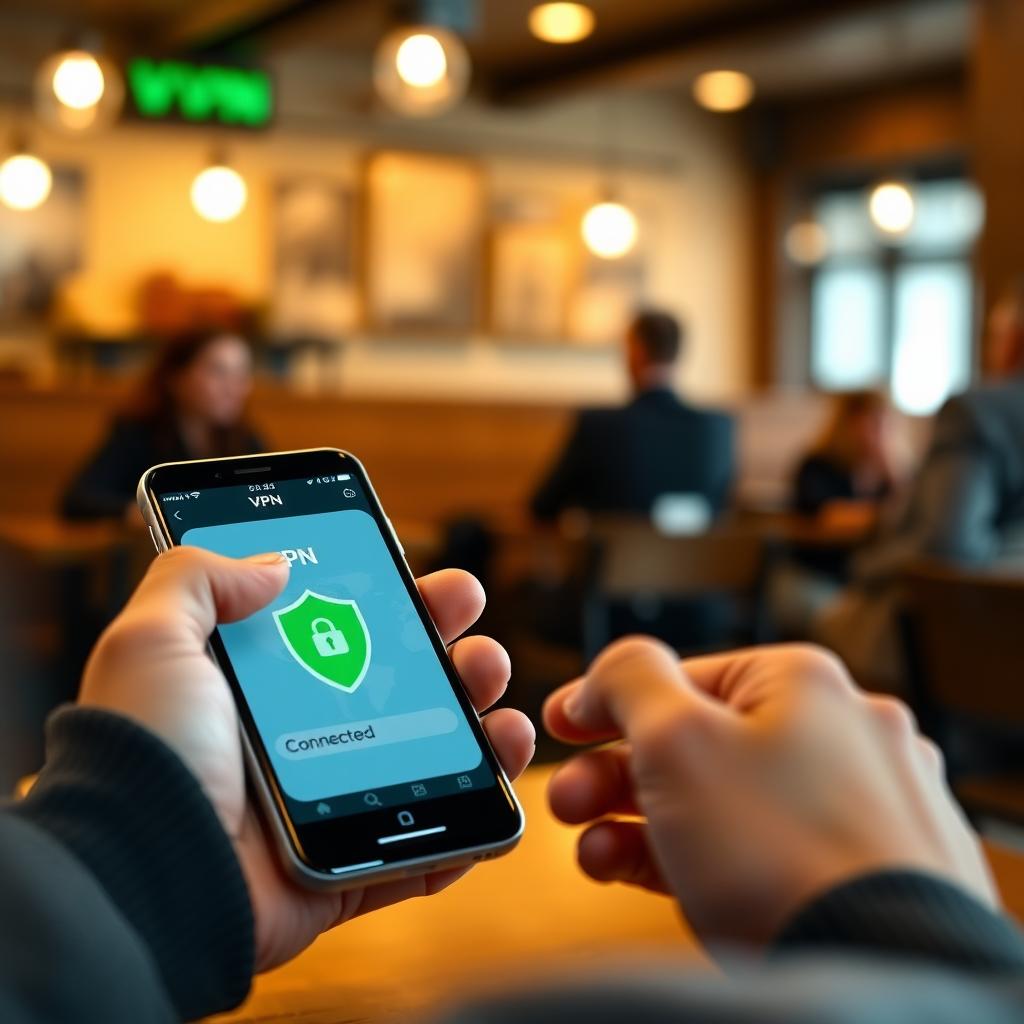
Tips for Maximizing Password Manager Security
To get the most out of your password manager, follow these tips:
- Use Unique Passwords: Let your manager generate random, 20+ character passwords for each account.
- Enable 2FA: Add two-factor authentication wherever possible. Apps like Authy or Google Authenticator work well.
- Regularly Audit Passwords: Check for weak or reused passwords using built-in auditing tools.
- Backup Your Vault: Store an encrypted backup of your password vault in a secure location.
- Update Software: Keep your password manager and Android device updated to patch vulnerabilities.
These habits have saved me from potential breaches. For instance, Bitwarden’s breach alerts once flagged a compromised login, letting me update it before any damage was done.
Summary
Discovering the best password managers of 2025 is about finding the right balance of security, usability, and cost. Bitwarden, 1Password, Dashlane, and LastPass lead the pack, each offering unique strengths for Android users. Pairing a password manager with tools like IVPN or Brave ensures robust online privacy. Take control of your digital security today by picking the perfect password manager for you.