How to Protect Your Online Privacy in 2025: Simple Steps to Stay Secure
Overview
In 2025, protecting your online privacy is more critical than ever. With data breaches, tracking, and identity theft on the rise, securing your digital life doesn’t have to be overwhelming. This guide offers simple, actionable steps to lock down your online privacy and keep your personal information safe.
Why Online Privacy Matters in 2025
Every day, you share bits of your life online—your name, address, browsing habits, even your location. Companies and hackers are eager to collect this data. Some use it for targeted ads, while others have more sinister motives, like identity theft. I’ve seen friends deal with the fallout of stolen data, from drained bank accounts to endless spam calls. It’s a wake-up call that privacy isn’t just a buzzword—it’s a necessity.
The good news? You can take control. By understanding how your data is collected and using the right tools, you can drastically reduce your digital footprint. Let’s dive into practical ways to protect your online privacy in 2025.

Use Strong, Unique Passwords
Passwords are your first line of defense. Weak or reused passwords are an open invitation to hackers. In 2025, password managers are a must-have for creating and storing complex passwords. I started using one a few years ago, and it’s a game-changer—no more jotting down passwords on sticky notes!
Here’s how to get started: - Choose a reputable password manager: Options like LastPass or 1Password generate and store unique passwords for every account. - Enable two-factor authentication (2FA): Add an extra layer of security by requiring a second verification step, like a text code or authenticator app. - Update passwords regularly: Aim to refresh your passwords every 6-12 months.
Pro tip: Avoid using personal information (like your birthday) in passwords. Hackers can easily guess these.
Secure Your Browsing Habits
Your browser knows a lot about you—maybe too much. Every click, search, or website visit can be tracked unless you take steps to stop it. Here are some simple ways to browse more privately in 2025:
| Action | Tool/Method | Why It Helps |
|---|---|---|
| Use a privacy-focused browser | Brave, Firefox | Blocks trackers and ads by default |
| Enable private browsing | Incognito mode | Prevents saving browsing history |
| Install tracker blockers | uBlock Origin | Stops websites from collecting data |
I switched to Brave a while back, and the difference is noticeable—no more creepy ads following me around. Pair this with a VPN (virtual private network) to hide your IP address and encrypt your connection. NordVPN and ProtonVPN are solid choices for 2025.
How to Set Up Incogni to Delete Personal Data
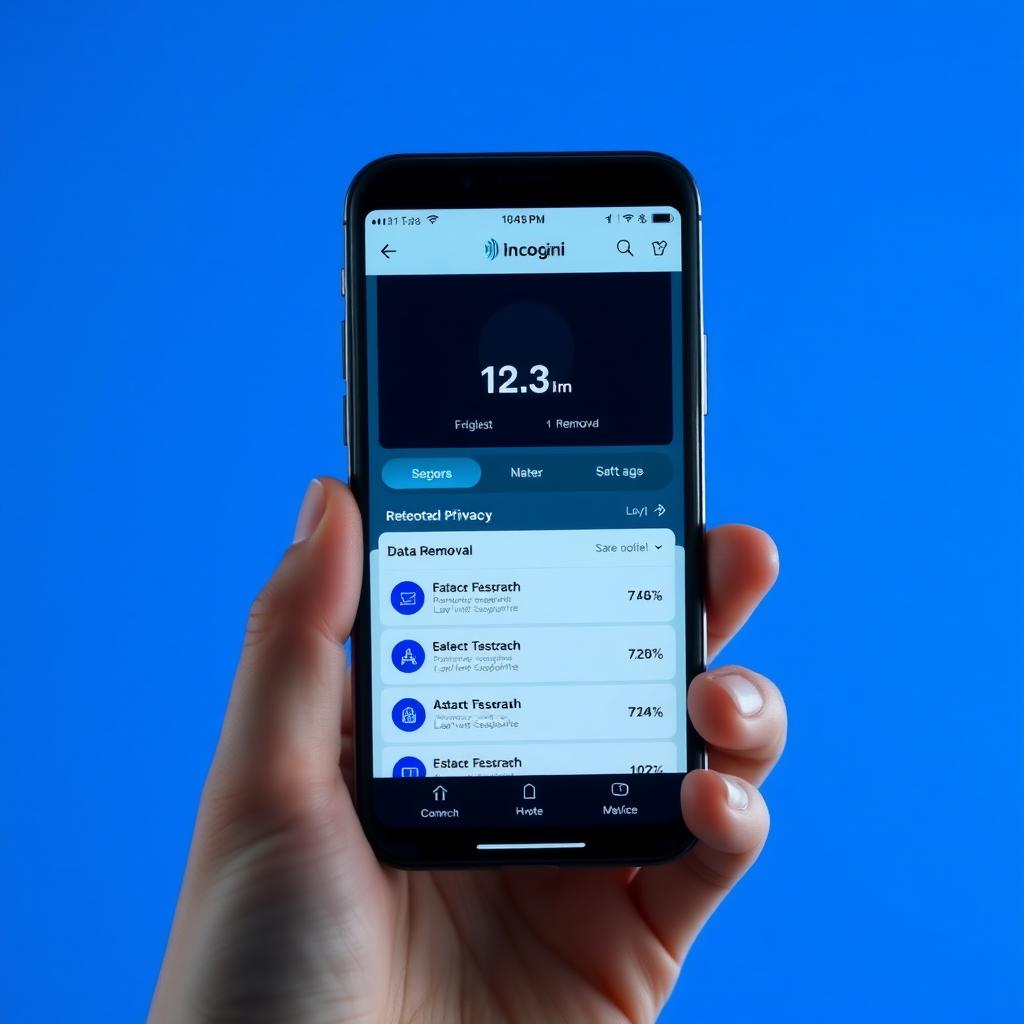
Data brokers are companies that collect and sell your personal information, often without your consent. In 2025, tools like Incogni make it easy to remove your data from these databases. I tried Incogni last year, and it was surprisingly simple to reduce my online exposure.
Here’s how to set up Incogni to delete personal data: 1. Sign up for Incogni: Visit their website and create an account. 2. Provide your details: Enter the personal information you want removed, like your name, email, or phone number. 3. Authorize data removal: Incogni will contact data brokers on your behalf to request deletion. 4. Monitor progress: Check Incogni’s dashboard for updates on removal requests.
Incogni handles the heavy lifting, saving you hours of manual requests. It’s a powerful tool for anyone serious about online privacy.
Limit Social Media Exposure
Social media platforms are data goldmines. Oversharing can expose you to risks like phishing or identity theft. I learned this the hard way when a friend’s account was hacked after posting too much personal info.
Try these steps to stay safe: - Review privacy settings: Platforms like Facebook and Instagram let you control who sees your posts. Set them to ‘Friends Only’ or tighter. - Avoid posting sensitive details: Skip sharing your address, phone number, or travel plans. - Log out on shared devices: Don’t stay signed in on public computers or shared tablets.
Also, consider reducing your social media footprint. Do you really need accounts on every platform? Deleting unused profiles can minimize your risk.
Encrypt Your Communications
Messaging apps and emails can be intercepted if they’re not encrypted. In 2025, end-to-end encryption is non-negotiable for private conversations. Apps like Signal and WhatsApp use this technology to ensure only you and the recipient can read your messages.
For email, ProtonMail is a great choice—it’s encrypted and based in privacy-friendly Switzerland. I switched to ProtonMail for sensitive communications, and it’s reassuring to know my emails aren’t being scanned for ads. If you’re still using Gmail, enable its Confidential Mode for extra security.
Be Cautious with Public Wi-Fi
Public Wi-Fi is convenient but risky. Hackers can intercept your data on unsecured networks, like those in coffee shops or airports. I’ve made it a habit to avoid sensitive tasks, like banking, on public Wi-Fi.
Here’s how to stay safe: - Use a VPN: It encrypts your connection, making it harder for hackers to snoop. - Turn off auto-connect: Prevent your device from joining unknown networks. - Verify network names: Hackers often create fake Wi-Fi hotspots with names like ‘Free_Cafe_WiFi.’
If you must use public Wi-Fi, stick to browsing non-sensitive sites or use your phone’s hotspot instead.

Explore Online Privacy Tools
Beyond Incogni, several online privacy tools can bolster your security in 2025. Here are my top picks: - Privacy Badger: Automatically blocks trackers that violate privacy. - Tor Browser: Anonymizes your browsing for maximum privacy. - Cookie AutoDelete: Deletes cookies after you close a tab.
I’ve used Privacy Badger for years, and it’s shocking to see how many trackers it blocks daily. These tools are easy to install and work quietly in the background, giving you peace of mind.
Stay Informed and Vigilant
Online privacy threats evolve fast. In 2025, staying informed is key. Follow reputable sources like the Electronic Frontier Foundation (EFF) or subscribe to newsletters from privacy-focused sites. I check the EFF’s blog monthly for updates on new threats and solutions.
Also, watch for phishing scams—fake emails or texts pretending to be from trusted sources. If something feels off, don’t click links or share info. Trust your instincts.
Summary
Protecting your online privacy in 2025 doesn’t require tech expertise—just a few smart habits. From strong passwords to tools like Incogni, you can lock down your digital life with ease. Start small, stay consistent, and keep learning to stay ahead of threats. Your privacy is worth it.