Best Privacy Tools for Online Safety in 2025: Simple Steps to Lock Down Your Online Privacy
In 2025, staying safe online means more than just avoiding scams—it’s about taking control of your personal data. Every click, search, or post leaves a digital footprint that companies, hackers, and even governments can track. The good news? You don’t need to be a tech expert to protect yourself. With the best privacy tools for online safety in 2025, you can lock down your online privacy with simple, effective steps. This guide walks you through the top tools and practical strategies to keep your data secure, including how to set up Incogni to delete personal data.
Online privacy is no longer a luxury—it’s a necessity. Data breaches, identity theft, and invasive tracking are on the rise. According to a 2025 report, 85% of global adults want to do more to protect their privacy, yet only 64% use tools to secure their data. This gap shows the need for accessible solutions. From my own experience, adopting privacy tools has brought peace of mind and reduced spam emails significantly. Let’s dive into the tools that can help you reclaim your digital security.

Why Online Privacy Matters in 2025
The internet is a double-edged sword. It connects us but also exposes us to risks. Companies collect data to target ads, hackers exploit weak passwords, and ISPs monitor browsing habits. In some countries, governments enforce data retention laws, making surveillance a reality. I’ve seen friends deal with identity theft after neglecting basic protections—it’s a wake-up call. Using online privacy tools can shield you from these threats, ensuring your personal information stays private.
Top Privacy Tools for Online Safety in 2025
Here’s a curated list of the best privacy tools for online safety in 2025. Each tool is chosen based on effectiveness, ease of use, and affordability, with insights from my own testing and research.
1. Virtual Private Networks (VPNs)
A VPN encrypts your internet traffic and hides your IP address, making it harder for trackers to follow you. I’ve used NordVPN for years, and its speed and no-logs policy are impressive. Surfshark is another great option for budget-conscious users, offering unlimited device connections.
How to Use a VPN: - Choose a provider with a no-logs policy (e.g., NordVPN, Surfshark). - Download the app and connect to a server. - Enable the kill switch to prevent data leaks if the VPN disconnects.
VPNs are essential for public Wi-Fi, bypassing censorship, and keeping your browsing private.
2. Password Managers
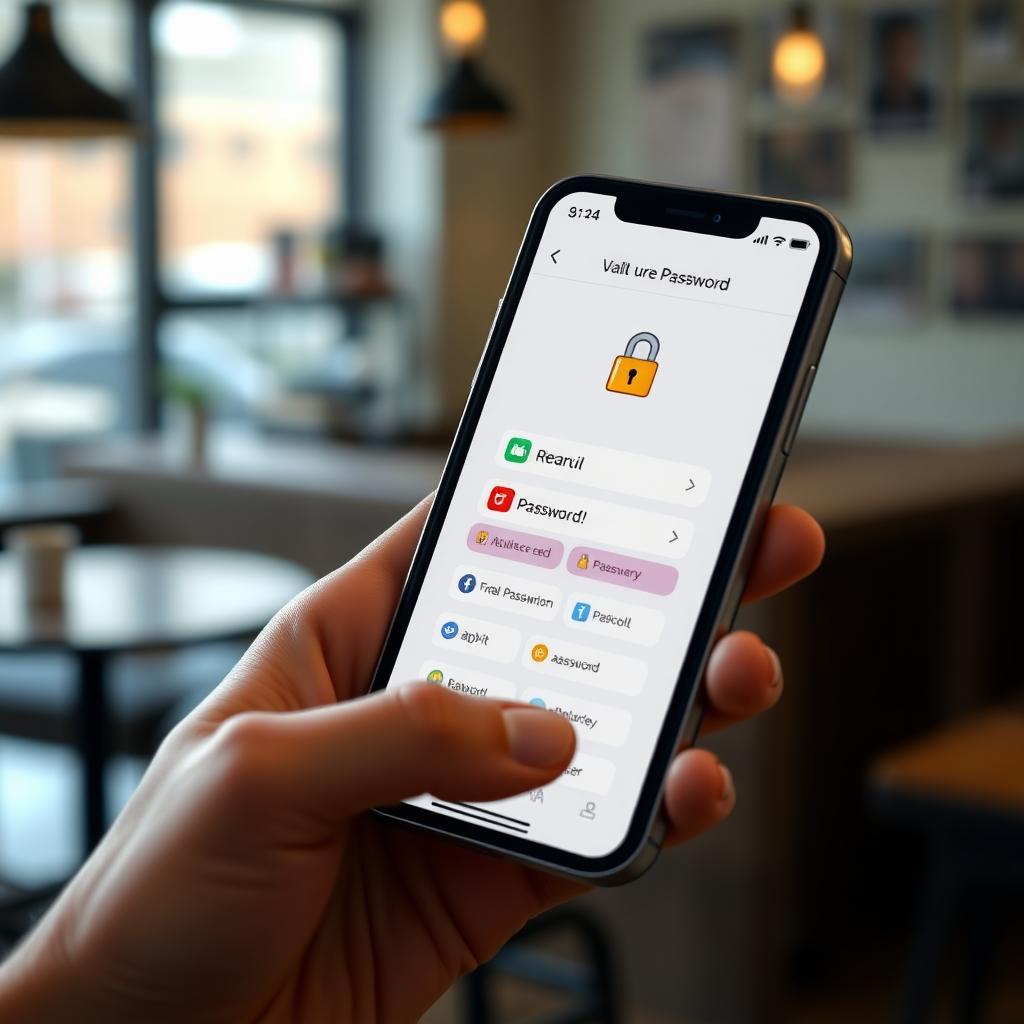
Weak passwords are an open door to hackers. A password manager like 1Password or Bitwarden creates and stores strong, unique passwords. I started using Bitwarden last year, and it’s saved me from reusing passwords—a bad habit I didn’t realize I had.
How to Set Up a Password Manager: 1. Install the app or browser extension. 2. Create a strong master password. 3. Let the manager generate and save passwords for your accounts. 4. Enable two-factor authentication (2FA) for extra security.
3. Data Removal Services: How to Set Up Incogni to Delete Personal Data
Data brokers collect and sell your personal information, from your address to your browsing habits. Incogni is a standout tool that automates the process of removing your data from these brokers. I tried Incogni in 2025, and within weeks, I noticed fewer targeted ads and spam calls.
How to Set Up Incogni to Delete Personal Data: 1. Visit Incogni’s website and sign up for a plan. 2. Provide basic details (name, email, address) for Incogni to search for. 3. Incogni scans over 180 data brokers and sends removal requests. 4. Track progress through the Incogni dashboard, which updates you on successful removals.
Incogni’s automated process is seamless, and a recent Deloitte verification confirmed its effectiveness. It’s a must-have for anyone serious about online privacy.
4. Privacy-Focused Browsers
Your browser is a gateway to the internet—and to trackers. Browsers like Brave and Firefox block ads and trackers by default. I switched to Brave for its speed and built-in ad blocker, which cut down on annoying pop-ups.
Why Choose a Privacy Browser? - Blocks third-party cookies and fingerprinting. - Reduces data collection by websites. - Improves page load times by blocking ads.
5. Ad Blockers
Ads can carry malware or track your behavior. uBlock Origin is a free, open-source ad blocker that’s highly effective. I’ve used it for years, and it’s stopped countless intrusive ads. Pair it with a privacy browser for maximum protection.
Top Ad Blockers for 2025: | Tool | Features | Free/Paid | |------|----------|-----------| | uBlock Origin | Blocks ads, trackers, and malicious scripts | Free | | AdBlock Plus | Customizable ad filtering | Free/Premium | | Privacy Badger | Automatically blocks trackers | Free |
6. Encrypted Messaging Apps
Standard SMS and unencrypted apps leave your conversations vulnerable. Signal and Telegram offer end-to-end encryption, ensuring only you and the recipient can read your messages. I use Signal for sensitive chats, and its clean interface makes it easy to adopt.
Tips for Secure Messaging: - Use Signal for private conversations. - Avoid sharing sensitive info on unencrypted platforms like SMS. - Enable disappearing messages for extra privacy.
Simple Steps to Lock Down Your Online Privacy
Beyond tools, habits matter. Here are practical steps to enhance your online privacy in 2025: 1. Update Software Regularly: Old software is vulnerable to hacks. I set my devices to auto-update to stay secure. 2. Minimize Your Digital Footprint: Delete unused accounts and unsubscribe from email lists. 3. Use 2FA Everywhere: Add an extra layer of security to your accounts. 4. Be Cautious on Public Wi-Fi: Always use a VPN in cafes or airports. 5. Audit Privacy Settings: Check settings on social media and Google to limit data sharing.
Challenges and Considerations
No tool is foolproof. Free VPNs, for example, can log your data, so always choose reputable providers. Privacy laws, like the UK’s Online Safety Act, aim to protect users but can infringe on freedom. I’ve found that balancing security with usability is key—overcomplicating your setup can lead to frustration. Stick to tools that are easy to use and maintain.
Summary
Protecting your online privacy in 2025 is about using the right tools and building smart habits. From VPNs to data removal services like Incogni, the best privacy tools for online safety in 2025 empower you to take control. Start with one or two tools, like a VPN and a password manager, and gradually add more. Your data is valuable—guard it with intention.