How to Stay Safe on Public Wi-Fi: Protecting Your Data in a Connected World
Overview
Public Wi-Fi is a lifesaver when you're working from a coffee shop or traveling, but it comes with risks. Hackers can exploit unsecured networks to steal your data. This guide shares practical tips on how to stay safe on public Wi-Fi, shrink your digital footprint, and use tools like Incogni to protect your privacy.
Why Public Wi-Fi Can Be Risky
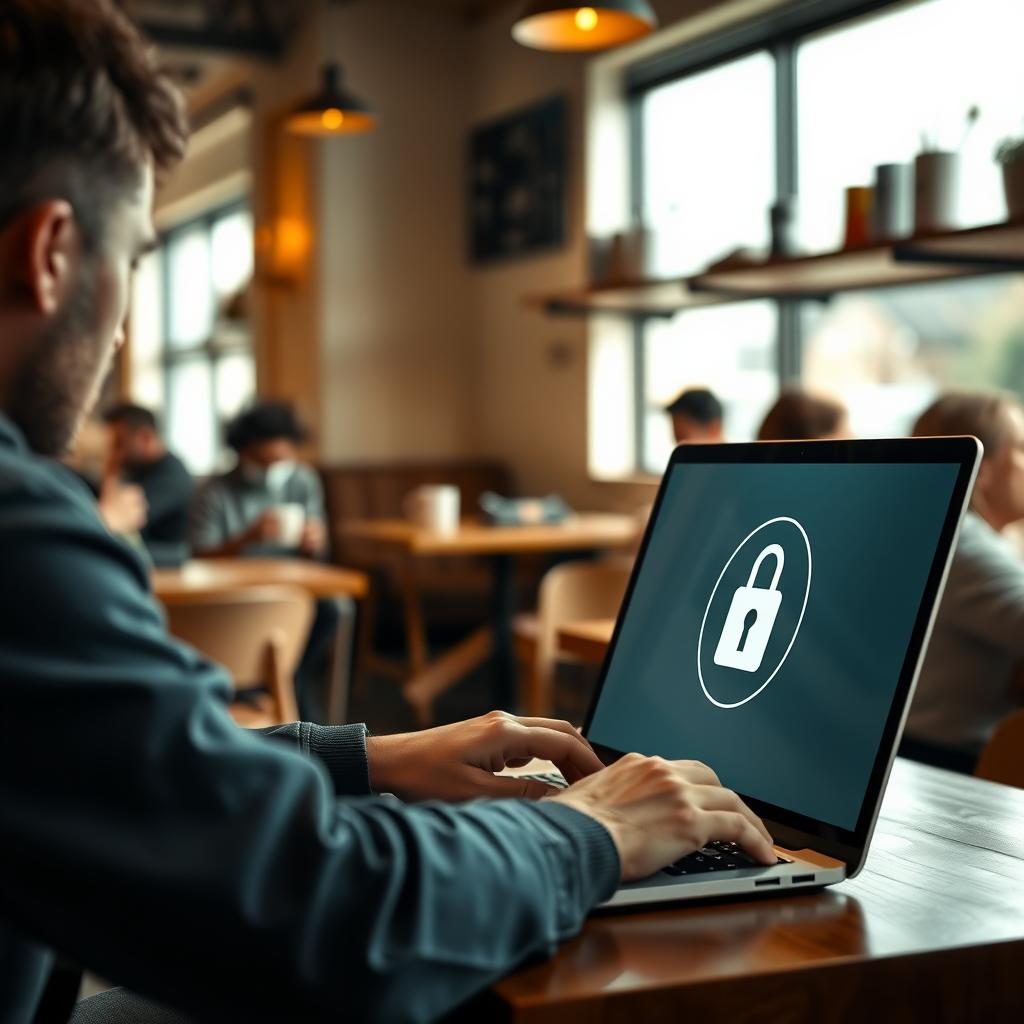
I’ve been in countless cafés and airports, relying on public Wi-Fi to check emails or browse. But here’s the thing: these networks are often unsecured, making them a playground for cybercriminals. According to a study by the University of California, San Diego, public Wi-Fi networks are vulnerable to attacks like packet sniffing, where hackers intercept your data. Your passwords, emails, or even credit card details could be at risk if you're not careful.
The problem lies in how these networks are set up. Many lack encryption, meaning your data travels in plain text, easily readable by anyone with the right tools. Even password-protected networks aren’t always safe—hackers can create fake hotspots with names like “Free_Cafe_WiFi” to trick you into connecting.
Practical Tips to Stay Safe on Public Wi-Fi
Staying safe doesn’t require tech expertise. Here are actionable steps I’ve used to protect my data on public Wi-Fi:
1. Verify the Network
Before connecting, confirm the network’s legitimacy. I once almost joined a suspicious “Airport_Free_WiFi” network before asking a staff member. Always check with the venue for the official network name and password. Avoid networks with generic names like “FREEWIFI” that scream red flags.
2. Use HTTPS Websites
Stick to websites with “https” in the URL, which means they’re encrypted. Most browsers show a padlock icon next to secure sites. For example, when shopping online, I ensure the checkout page is HTTPS to protect my payment details. The Electronic Frontier Foundation explains that HTTPS encrypts your data, making it harder for hackers to intercept.
3. Enable a VPN
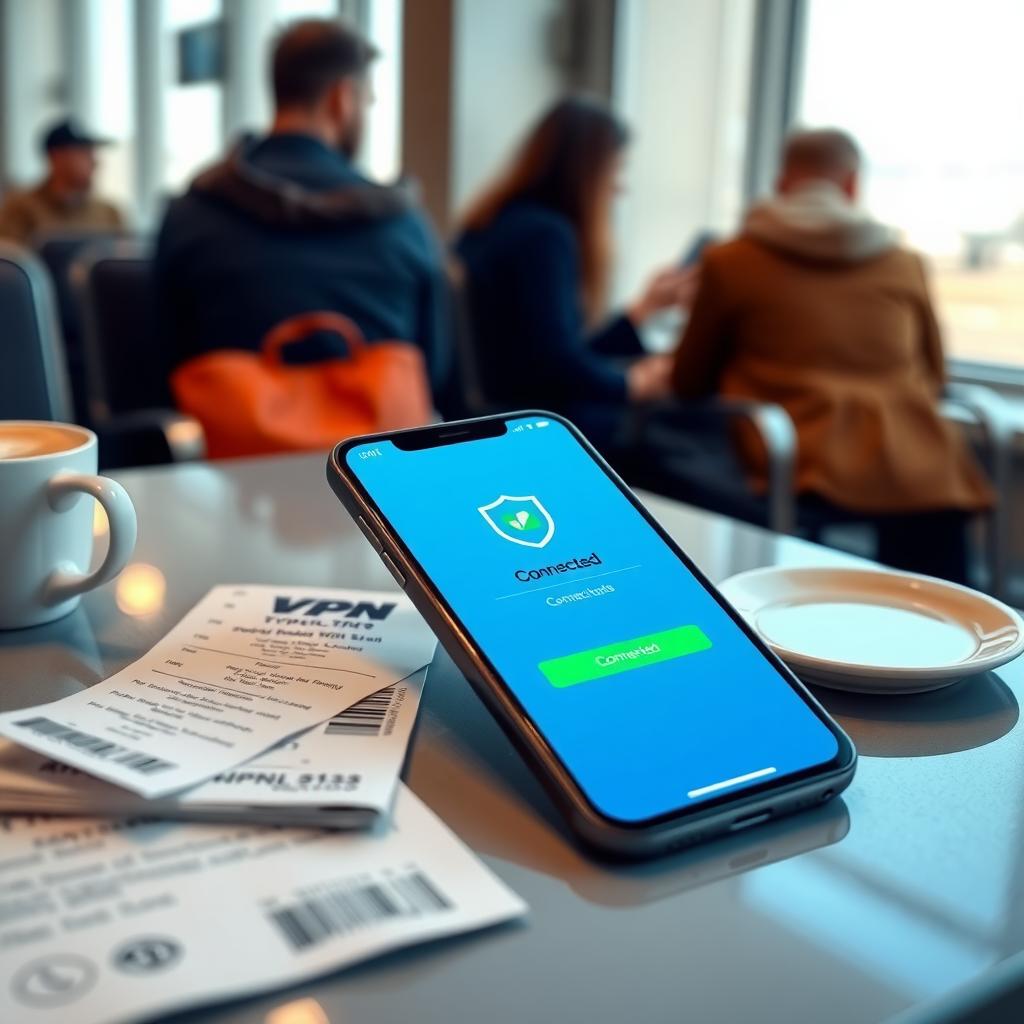
A Virtual Private Network (VPN) is my go-to for public Wi-Fi. It creates a secure tunnel for your data, hiding it from prying eyes. I use a VPN like NordVPN or Surfshark, which encrypts my connection even on sketchy networks. According to Consumer Reports, a good VPN can significantly boost your online privacy.
4. Turn Off Auto-Connect
Your device might automatically connect to known networks, which is risky. I learned this the hard way when my phone reconnected to a hotel Wi-Fi I’d used months ago, exposing me to potential threats. Go to your device’s Wi-Fi settings and disable auto-connect for public networks.
5. Avoid Sensitive Transactions
I never bank or shop on public Wi-Fi unless I’m using a VPN. If you must, ensure the website uses HTTPS and consider using mobile data instead. It’s a small inconvenience for peace of mind.
How to Shrink Your Digital Footprint
Public Wi-Fi safety ties into a bigger picture: reducing your digital footprint. Every time you log into a network or share data online, you leave traces that hackers or data brokers can exploit. Here’s how I’ve worked to minimize mine:
- Delete Unused Accounts: I had old profiles on sites like MySpace and forgotten forums. Deleting them reduces the data available about you. Use a service like JustDeleteMe to find instructions for removing accounts.
- Limit Sharing: I stopped posting personal details like my location or phone number on social media. Even seemingly harmless posts can help scammers build a profile about you.
- Use Privacy-Focused Tools: Tools like DuckDuckGo for search or Brave browser block trackers that collect your data. These small changes add up.
Shrinking your digital footprint isn’t just about Wi-Fi—it’s about controlling what’s out there. Data brokers collect and sell your info, which can end up in the wrong hands. This leads us to tools like Incogni.

How to Set Up Incogni to Delete Personal Data
One of the best online privacy tools I’ve used is Incogni, a service that removes your personal data from data brokers. These companies collect and sell your name, address, and more, often without your consent. Incogni automates the process of opting out, saving you hours of manual work. Here’s how I set it up:
- Sign Up: Visit Incogni’s website and choose a plan. I went with the annual plan for cost savings and a 30-day money-back guarantee.
- Provide Details: Enter your name, email, phone numbers, and addresses (current and past). Incogni uses this to find and remove your data from broker databases.
- Authorize Removal: Sign an online form allowing Incogni to contact data brokers on your behalf. This leverages laws like GDPR and CCPA for compliance.
- Track Progress: Incogni’s dashboard shows how many removal requests are sent and completed. In my first month, it sent over 400 requests, saving me an estimated 200 hours.
Incogni doesn’t just remove data once—it keeps monitoring to ensure your info stays off. It’s a hands-off way to boost your online privacy.
Other Online Privacy Tools to Consider
Beyond Incogni, other tools can enhance your safety on public Wi-Fi and beyond:
| Tool | Purpose | Why I Like It |
|---|---|---|
| NordVPN | Encrypts your connection | Fast and reliable, great for public Wi-Fi |
| DuckDuckGo | Privacy-focused search engine | Doesn’t track your searches |
| Privacy Bee | Data removal service | Transparent with a Privacy Risk Score |
| Brave Browser | Blocks trackers and ads | Speeds up browsing while protecting privacy |
I’ve tested NordVPN in crowded airports and Privacy Bee for data removal. Both complement Incogni by tackling different aspects of online privacy. Combining these tools creates a robust defense against data theft.
Common Mistakes to Avoid
I’ve made my share of slip-ups on public Wi-Fi. Here are mistakes to steer clear of:
- Using the Same Passwords: If a hacker grabs your Wi-Fi password, they shouldn’t access your bank account too. Use a password manager like Bitwarden for unique passwords.
- Ignoring Browser Warnings: If your browser flags an insecure site, don’t bypass it. I once ignored a warning and later found my data exposed.
- Leaving Bluetooth On: Hackers can exploit Bluetooth to access your device. Turn it off in public.
These lessons came from experience, and they’ve made me more cautious. How to stay safe on public Wi-Fi is about building habits, not just one-time fixes.
Summary
Staying safe on public Wi-Fi is about vigilance and the right tools. Verify networks, use HTTPS, enable a VPN, and avoid sensitive transactions. To go further, shrink your digital footprint with services like Incogni and privacy-focused tools. By taking these steps, you can enjoy the convenience of public Wi-Fi without compromising your data.