How to Use Incogni for Online Privacy Protection: Simple Steps to Lock Down Your Data
Overview
In today’s digital world, your personal information is scattered across countless websites, databases, and apps. Every click, purchase, or sign-up leaves a trace that companies can exploit. Protecting your online privacy feels overwhelming, but tools like Incogni make it easier. This guide walks you through how to use Incogni for online privacy protection, offering step-by-step instructions, personal insights, and practical tips to lock down your data. Whether you’re new to online privacy tools or a seasoned user, you’ll find actionable advice to take control of your digital footprint.
Why Online Privacy Matters
Before diving into how to use Incogni for online privacy protection, let’s talk about why it’s critical. Every day, data brokers collect and sell your personal details—your name, address, phone number, even your browsing habits. According to a 2023 study by the Pew Research Center, 67% of Americans believe they have little to no control over how their data is used. This lack of control can lead to identity theft, targeted scams, or unwanted marketing.
Incogni steps in to tackle this problem by automating the process of finding and removing your personal information from data broker databases. It’s like hiring a digital assistant to clean up your online presence, saving you time and stress.

What Is Incogni?
Incogni is an online privacy tool designed to remove your personal information from data brokers and people-search sites. These sites often collect your data without consent and sell it to marketers or other third parties. Incogni scans the web, identifies where your data appears, and sends automated removal requests on your behalf.
I’ve used Incogni for over a year, and what stands out is its simplicity. Unlike manually contacting dozens of data brokers (a tedious process), Incogni handles everything in the background. It’s not a one-time fix—data brokers constantly update their databases—but Incogni’s ongoing monitoring ensures your information stays off their radar.
How to Set Up Incogni to Delete Personal Data
Getting started with Incogni is straightforward. Below are the simple steps to lock down your online privacy using Incogni. Follow these, and you’ll be on your way to a cleaner digital footprint.
Step 1: Sign Up for Incogni
Visit the Incogni website and create an account. You’ll need to provide basic details like your email address and set a password. Incogni offers both monthly and annual plans. While I can’t share pricing details (check their site for that), I found the annual plan more cost-effective for continuous protection.
Step 2: Provide Your Personal Information
This part feels ironic—you’re giving Incogni the data you want to protect. But don’t worry; Incogni needs this to search for and remove your details from data brokers. You’ll enter your full name, address, phone number, and email. I was hesitant at first, but Incogni’s privacy policy is clear about how they safeguard your data.
Step 3: Authorize Data Removal Requests
Incogni requires your permission to send removal requests to data brokers. You’ll digitally sign a form authorizing them to act on your behalf. This step is crucial, as many data brokers won’t process requests without legal authorization.
Step 4: Let Incogni Do the Work
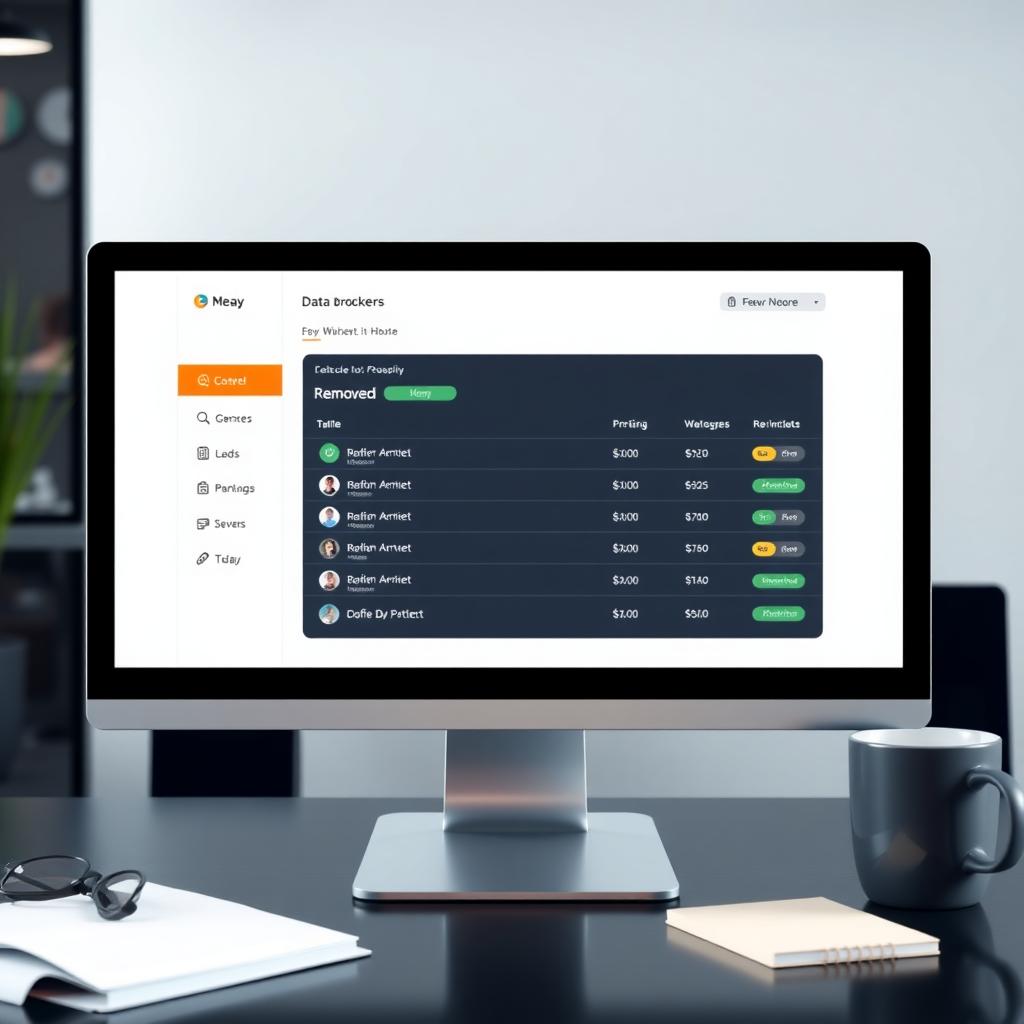
Once set up, Incogni starts scanning hundreds of data brokers and people-search sites. It identifies where your information appears and sends removal requests automatically. You’ll receive a dashboard with updates on which sites have been contacted and the status of each request. In my experience, the first batch of removals took about a week, with ongoing requests handled monthly.
Step 5: Monitor and Maintain
Incogni doesn’t just stop after the initial sweep. It continuously monitors data brokers to ensure your information doesn’t reappear. You can log into your dashboard anytime to see progress. I check mine monthly, and it’s satisfying to see the list of removed data points grow.
Tips for Maximizing Incogni’s Effectiveness
While Incogni is powerful, it works best when paired with good privacy habits. Here are some tips I’ve learned to enhance your online privacy:
- Limit Data Sharing: Be cautious about what you share online. Avoid filling out unnecessary forms or quizzes that collect personal details.
- Use Strong Passwords: Combine Incogni with a password manager to secure your accounts. The National Institute of Standards and Technology (NIST) recommends unique, complex passwords for better security.
- Enable Two-Factor Authentication (2FA): Add an extra layer of protection to your accounts. Most platforms now support 2FA, which significantly reduces the risk of unauthorized access.
- Check Incogni’s Dashboard Regularly: While Incogni works automatically, reviewing your dashboard ensures you’re aware of progress and any issues.
I’ve found that combining Incogni with these habits creates a robust privacy shield. For example, after using Incogni, I noticed fewer spam calls, likely because my phone number was removed from several data broker lists.
Common Questions About Incogni
Here are answers to questions I had when I started using Incogni, which might help you too:
| Question | Answer |
|---|---|
| How long does it take to see results? | Initial removals can take a few days to weeks, depending on the data broker’s response time. Ongoing monitoring ensures long-term protection. |
| Is Incogni a one-time solution? | No, data brokers constantly update their databases, so Incogni’s continuous monitoring is key. |
| Can I use Incogni for family members? | Yes, but you’ll need separate accounts or add-ons for each person’s data. Check Incogni’s site for details. |
If you’re curious about data brokers, the Federal Trade Commission (FTC) has resources explaining how they operate and why they’re a privacy concern.

My Experience With Incogni
When I first started using Incogni, I was skeptical. Could a tool really scrub my data from the internet? But after a few months, I saw results. My inbox had fewer spam emails, and those creepy targeted ads based on my search history dropped noticeably. The dashboard is user-friendly, and I appreciate the transparency—Incogni shows exactly which sites have your data and what they’re doing about it.
One downside? Some data brokers are stubborn and take longer to comply. But Incogni’s persistence pays off. It’s not perfect—no tool can erase your entire digital footprint—but it’s a huge step toward reclaiming your privacy.
Summary
Protecting your online privacy doesn’t have to be complicated. By following the simple steps to lock down your online privacy with Incogni, you can reduce your digital footprint and take control of your personal data. From signing up to monitoring your dashboard, Incogni makes the process easy and effective. Pair it with smart privacy habits, and you’ll be well on your way to a safer online experience.