Understanding Online Tracking: Mozilla’s Approach to Privacy
Overview
Every time you browse the web, websites and advertisers are watching. They track your clicks, searches, and even your location to build profiles about you. Understanding Online Tracking - Mozilla sheds light on how Mozilla fights this with privacy-first tools like Firefox and Firefox Focus. This article dives into Mozilla’s efforts, compares Firefox Focus with DuckDuckGo, and explores why privacy matters.
What Is Online Tracking?
Online tracking is like having a shadow follow you around the internet. Websites, advertisers, and even social media platforms collect data about your behavior—where you go, what you click, how long you stay. This data fuels targeted ads, but it can also be sold or misused. I’ve noticed ads for things I’ve only thought about, which feels creepy and invasive.
Trackers use cookies, browser fingerprinting, and IP addresses to identify you. Cookies store bits of info about your visits, while fingerprinting creates a unique profile based on your device and browser settings. It’s unsettling to know that even in 'private' modes, some mainstream browsers still allow tracking if you’re logged into accounts like Google or Facebook.
Mozilla, the organization behind Firefox, has been a vocal advocate for user privacy. Their mission is to make the internet a safer, more open place. They’ve built tools to block trackers and give you control over your data. The Importance of Online Privacy - https://www.eff.org/issues/privacy highlights how unchecked tracking can lead to discrimination, data breaches, and loss of autonomy. Mozilla’s approach is a direct response to these risks.

Mozilla’s Tools for Fighting Tracking
Mozilla offers a suite of tools to combat online tracking. Their flagship browser, Firefox, includes Enhanced Tracking Protection, which blocks trackers by default. I’ve used Firefox for years, and it’s satisfying to see it block thousands of trackers monthly. You can customize protection levels—Standard, Strict, or Custom—to balance privacy and website functionality.
Firefox also supports add-ons like uBlock Origin and Privacy Badger, which enhance its tracker-blocking capabilities. These are part of the Top Privacy Tools for Safe Browsing that make Firefox a go-to for privacy-conscious users. Another gem is Firefox Relay, a service that creates email aliases to shield your real email from trackers. I tried Relay for online shopping, and it’s reassuring to know my inbox isn’t being bombarded with spam.
For mobile users, Mozilla offers Firefox Focus, a lightweight browser designed for privacy. It automatically deletes browsing data after each session, leaving no trace. This minimalism is perfect for quick searches—like checking a restaurant’s hours without ads following me later. But how does it stack up against other privacy-focused browsers?
Firefox Focus vs DuckDuckGo: Which Mobile Browser Is More Private?
Firefox Focus vs DuckDuckGo: A Deep Dive reveals two browsers with strong privacy credentials but different approaches. Firefox Focus is like a ninja—it’s fast, simple, and erases your tracks when you close it. It blocks trackers, ads, and even fonts that could be used for fingerprinting. You can choose your search engine, but the default is Google, which might undermine privacy if not changed to something like DuckDuckGo.
DuckDuckGo’s browser, on the other hand, is more like a vigilant guide. It blocks trackers, enforces HTTPS encryption, and assigns websites a privacy grade (A to F). I love seeing a site’s grade pop up—it’s like a quick health check for safety. DuckDuckGo’s 'Fire Button' clears all data instantly, similar to Firefox Focus’s auto-delete feature. However, DuckDuckGo offers tabs and bookmarks, making it better for multitasking.
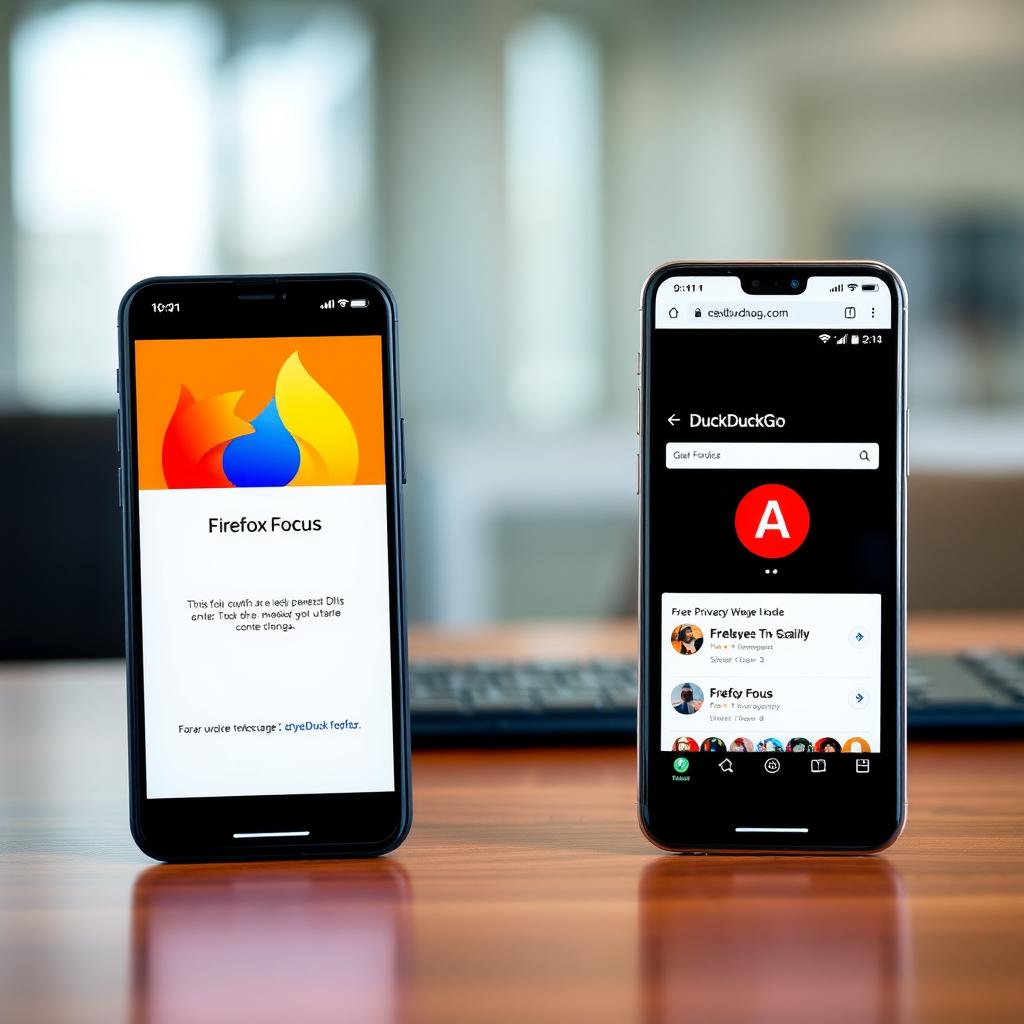
Here’s a quick comparison:
| Feature | Firefox Focus | DuckDuckGo |
|---|---|---|
| Tracker Blocking | Blocks ads, trackers, and fonts | Blocks trackers, shows privacy grades |
| Data Deletion | Auto-deletes on close | Fire Button for instant wipe |
| Tabs/Bookmarks | None | Supported |
| Search Engine | Customizable (Google default) | DuckDuckGo only |
| VPN Support | None | Optional (paid) |
Firefox Focus vs DuckDuckGo: which mobile browser is more private? depends on your needs. Firefox Focus is ideal for one-off, private searches due to its simplicity. DuckDuckGo suits users who want more features without sacrificing privacy. I switch between them—Focus for quick lookups, DuckDuckGo for browsing news or recipes.
A past controversy with DuckDuckGo involved allowing Microsoft trackers due to a syndication agreement, which raised eyebrows. They’ve since addressed this, but it’s a reminder to stay vigilant. Firefox Focus, built on Mozilla’s privacy-first ethos, avoids such partnerships, giving it a slight edge for purists. Still, both browsers score high on tests like the EFF’s Cover Your Tracks, offering strong protection against tracking.
Why Online Privacy Matters
The digital world is a double-edged sword. It’s convenient but exposes you to risks. The Electronic Frontier Foundation (EFF) emphasizes that online privacy protects against identity theft, data misuse, and even government surveillance. I’ve felt the sting of data breaches—once, a hacked account led to weeks of stress. Privacy tools like Mozilla’s offerings help prevent such nightmares.
Beyond browsers, Top Privacy Tools for Safe Browsing include VPNs, tracker-blocking extensions, and secure email services. For example, combining DuckDuckGo’s browser with Ghostery’s tracker blocker creates a robust privacy shield. I’ve also started using two-factor authentication (2FA) for accounts, adding an extra layer of security. These tools empower you to take back control.

How to Get Started with Mozilla’s Privacy Tools
Ready to browse safer? Here’s how: 1. Download Firefox: Available on all major platforms, it’s a great starting point with built-in tracker blocking. 2. Try Firefox Focus: Perfect for mobile users who want a clean slate after every session. 3. Add Extensions: Install uBlock Origin or Privacy Badger for extra protection. 4. Use Firefox Relay: Protect your email from trackers with aliases. 5. Explore Other Tools: Pair Mozilla’s tools with a VPN or DuckDuckGo for enhanced privacy.
I started with Firefox and gradually added tools like Relay. It’s like building a fortress around your data—each layer makes you harder to track.
Summary
Online tracking is pervasive, but Mozilla’s tools like Firefox and Firefox Focus offer powerful defenses. Understanding Online Tracking - Mozilla shows their commitment to user privacy through features like Enhanced Tracking Protection and Relay. Comparing Firefox Focus vs DuckDuckGo highlights their strengths—Focus for simplicity, DuckDuckGo for versatility. Privacy isn’t just a luxury; it’s a necessity, as the EFF reminds us. By using these tools, you can browse with confidence, knowing your data stays yours.