How to Choose the Right VPN for Your Needs
Overview
With so many VPNs out there, picking the right one can feel overwhelming. Whether you're shielding your data from hackers or streaming your favorite shows, this guide on how to choose the right VPN breaks it down into simple, actionable steps. Let’s dive into what makes a VPN great and how to set it up for maximum privacy.
Why You Need a VPN
A VPN, or Virtual Private Network, is one of the best online privacy tools you can use. It creates a secure tunnel for your internet traffic, hiding your activity from prying eyes like hackers, your ISP, or even governments. I’ve used VPNs for years, from browsing safely on public Wi-Fi to accessing region-locked content while traveling. The peace of mind is worth it.
VPNs encrypt your data, making it unreadable to anyone who intercepts it. They also mask your IP address, so websites can’t track your location. But not all VPNs are created equal. Some prioritize speed, others security, and a few excel at both. Knowing what you need is the first step.
Key Factors to Consider When Choosing a VPN
Picking the right VPN comes down to balancing your priorities. Here are the main factors to evaluate:
1. Security and Privacy
Security is non-negotiable. Look for a VPN with strong encryption, like AES-256, which is the gold standard. A strict no-logs policy is also critical—meaning the VPN doesn’t store your browsing history. I once tested a VPN that claimed 'no logs' but was caught sharing data. Always check independent audits for proof.
Also, consider features like a kill switch, which cuts your internet if the VPN drops, preventing data leaks. Protocols matter too. OpenVPN and WireGuard are fast and secure, while older ones like PPTP are outdated.
2. Speed and Performance
A VPN can slow your connection, but top-tier ones minimize this. If you stream or game, prioritize VPNs with high-speed servers. I’ve found providers with servers close to my location work best for speed. Test the VPN during peak hours to see how it holds up.
3. Server Locations
More servers in more countries mean better access to geo-restricted content. If you want to watch Netflix US from Europe, for example, ensure the VPN has US servers. I’ve used VPNs to catch up on shows while abroad—it’s a lifesaver.
4. Ease of Use
A good VPN should be simple to set up and use, even for beginners. Look for apps with clean interfaces and one-click connections. I’ve helped friends set up VPNs, and the best ones don’t require tech know-how.
5. Price and Value
Free VPNs sound tempting but often sell your data or limit bandwidth. Paid VPNs, starting at $3-$12 a month, offer better security and features. Compare plans to find one that fits your budget without sacrificing quality.
Understanding VPNs: A Beginner's Guide to Online Privacy
If you’re new to VPNs, don’t worry—it’s simpler than it sounds. A VPN reroutes your internet traffic through a remote server, hiding your real location and encrypting your data. This protects you from threats like phishing on public Wi-Fi or surveillance in restrictive regions.
When I first started using VPNs, I was skeptical. Would it slow my internet? Was it legal? After years of use, I can confirm VPNs are legal in most countries and won’t tank your connection if you pick a good one. For beginners, start with a reputable provider and test it on your devices. You’ll quickly see the value of online privacy.
How to Configure IVPN on Android for Maximum Privacy
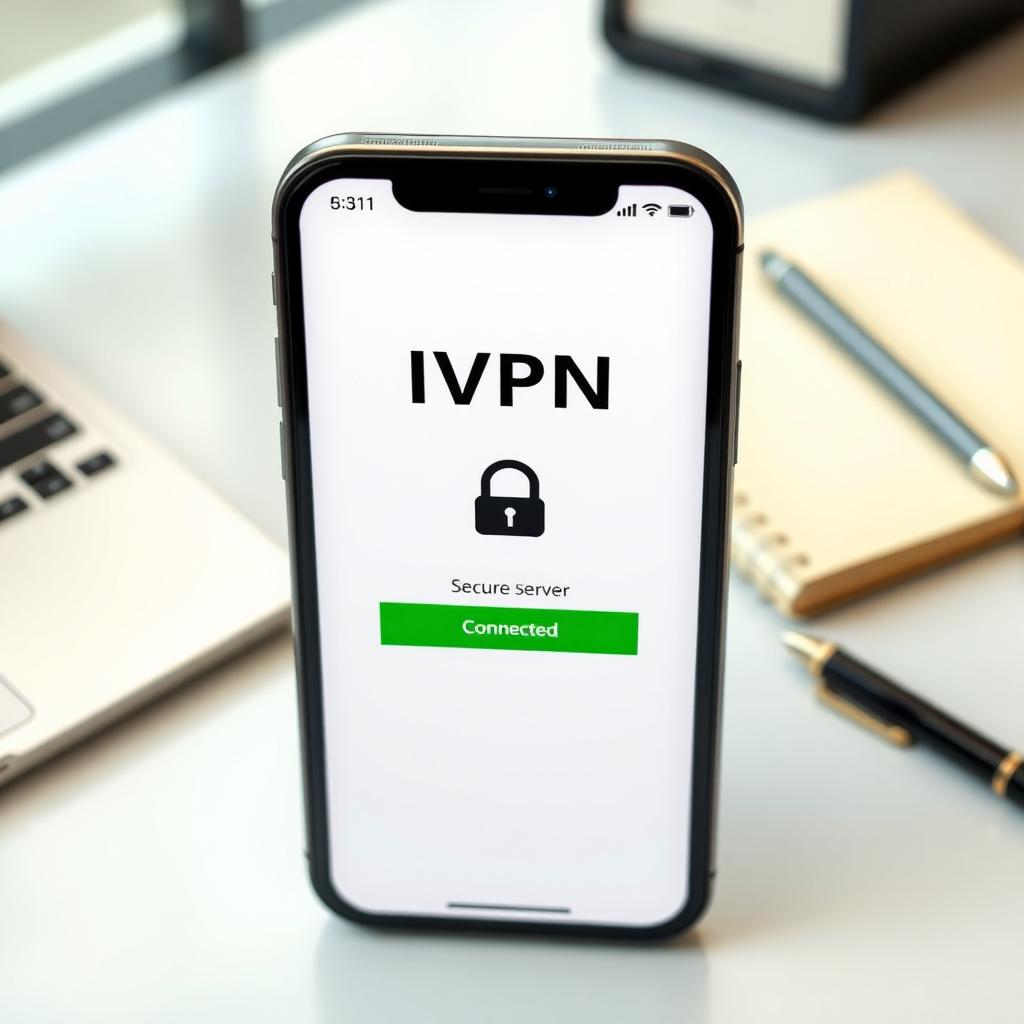
IVPN is a solid choice for privacy-focused users, with a no-logs policy and strong encryption. Setting it up on Android is straightforward and boosts your online privacy. Here’s how I configure it for maximum security:
- Download the App: Get the IVPN app from the Google Play Store or IVPN’s website (safer to avoid third-party sources).
- Sign In: Log in with your IVPN account credentials.
- Choose a Protocol: Select WireGuard for the best balance of speed and security. OpenVPN is another good option.
- Enable the Kill Switch: Go to settings and turn on the kill switch to prevent data leaks if the VPN disconnects.
- Activate Multi-Hop: This routes your traffic through two servers for extra privacy, though it may slow your connection slightly.
- Test for Leaks: Visit a site like ipleak.net to ensure your real IP isn’t exposed.
I’ve used IVPN on Android for secure browsing on public Wi-Fi, and it’s reliable. Just remember to connect before accessing sensitive apps like banking or email.
Comparing Top VPN Providers
To help you choose, here’s a quick comparison of popular VPNs based on my experience and research:
| VPN Provider | Encryption | No-Logs Policy | Server Count | Price (Monthly) | Best For |
|---|---|---|---|---|---|
| IVPN | AES-256 | Yes (Audited) | 70+ | $6-$10 | Privacy |
| NordVPN | AES-256 | Yes (Audited) | 5,500+ | $3-$12 | Streaming |
| ExpressVPN | AES-256 | Yes (Audited) | 3,000+ | $8-$12 | Ease of Use |
| Surfshark | AES-256 | Yes (Audited) | 3,200+ | $2-$10 | Budget |
Each has strengths, so match them to your needs. For example, NordVPN is great for streaming, while IVPN excels in privacy.

Common Mistakes to Avoid
I’ve seen people make these errors when choosing a VPN:
- Picking a Free VPN: They often monetize by selling your data. Invest in a paid VPN for safety.
- Ignoring the No-Logs Policy: Without an audit, claims of 'no logs' are just words.
- Overlooking Speed: A slow VPN can ruin streaming or gaming. Test before committing.
- Not Testing on All Devices: Ensure the VPN works on your phone, laptop, and tablet.
When I started, I fell for a cheap VPN that throttled my speed. Lesson learned: quality matters.
Summary
Choosing the right VPN is about matching your needs—security, speed, or streaming—to the right provider. Prioritize strong encryption, a no-logs policy, and a user-friendly app. For Android users, configuring IVPN properly ensures top-notch online privacy. Take your time, test a few options, and enjoy safer browsing.