Online Privacy Tools: The Essential Guide to Protecting Your Digital Life
In today's connected world, your personal data is constantly collected. Online privacy tools help you take back control, block trackers, encrypt your connection, and keep your information safe from prying eyes.
Every time you go online, companies track your activity to build profiles for ads. Governments and hackers can also access your data. Simple tools make a big difference in protecting yourself without complicating your daily routine.

Why Online Privacy Matters More Than Ever
Your online activity leaves a digital footprint. Websites, apps, and internet providers collect information about what you search, buy, and read. This data can be sold, hacked, or used against you.
According to the Federal Trade Commission's guide on how websites and apps collect information, trackers follow you across sites to build detailed profiles. These profiles influence what ads you see and even affect prices you pay.
Data breaches happen regularly. When companies store your information insecurely, hackers can steal emails, passwords, and financial details. Strong privacy habits reduce your risk.
Essential Online Privacy Tools You Should Use
Here are the most effective tools that actually work. I've tested many of them over the years, and these stand out for ease of use and real protection.
1. Virtual Private Networks (VPNs)
A VPN encrypts your internet connection and hides your IP address. This stops your internet provider from seeing what you do and protects you on public Wi-Fi.
I always turn on my VPN when traveling. It prevents snooping on hotel or airport networks. Look for no-log providers that don't keep records of your activity.
2. Password Managers
Stop reusing passwords. A password manager creates strong, unique passwords for every account and stores them securely.
I've used one for years and never worry about forgetting passwords. Many are free and sync across devices. Enable auto-fill for convenience.
3. Private Web Browsers and Extensions
Regular browsers track you by default. Privacy-focused options block trackers automatically.
The Electronic Frontier Foundation's Surveillance Self-Defense toolkit recommends extensions like Privacy Badger, which learns to block invisible trackers as you browse.
| Tool | What It Blocks | Best For |
|---|---|---|
| uBlock Origin | Ads and trackers | Lightweight protection |
| Privacy Badger | Third-party trackers | Automatic learning |
| ClearURLs | Tracking elements in links | Cleaner browsing |
| HTTPS Everywhere | Forces secure connections | Safer data transfer |
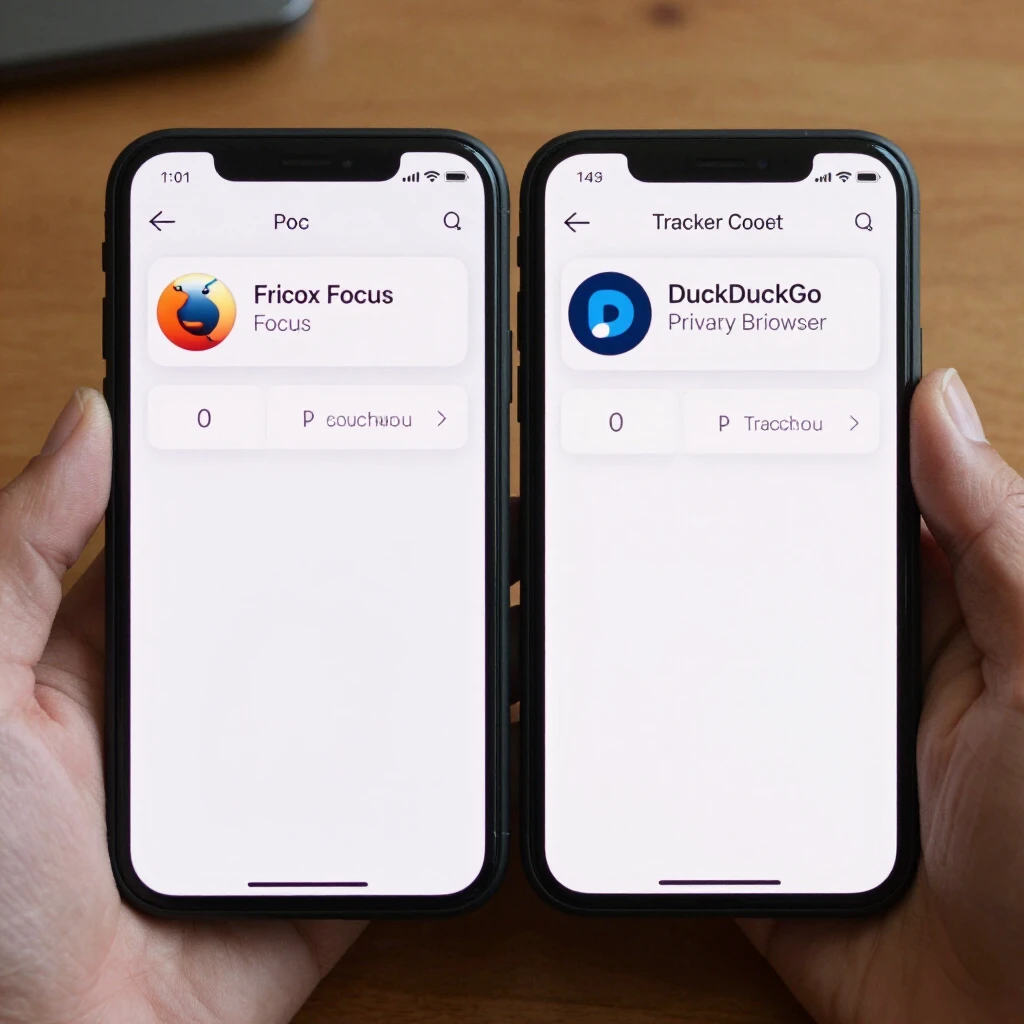
Firefox Focus vs DuckDuckGo: Which Mobile Browser is More Private?
Both browsers prioritize privacy, but they work differently.
Firefox Focus automatically blocks trackers and erases your history when you close it. It's extremely strict—sometimes blocking content that requires manual adjustment.
DuckDuckGo Privacy Browser blocks trackers and forces encrypted connections when possible. It also grades sites on privacy and offers a "Fire" button to clear data instantly.
In my daily use, DuckDuckGo feels more flexible while still very private. Firefox Focus wins for maximum minimalism. Choose based on whether you want strict automatic protection or more control.
Two-Factor Authentication: Your Second Line of Defense
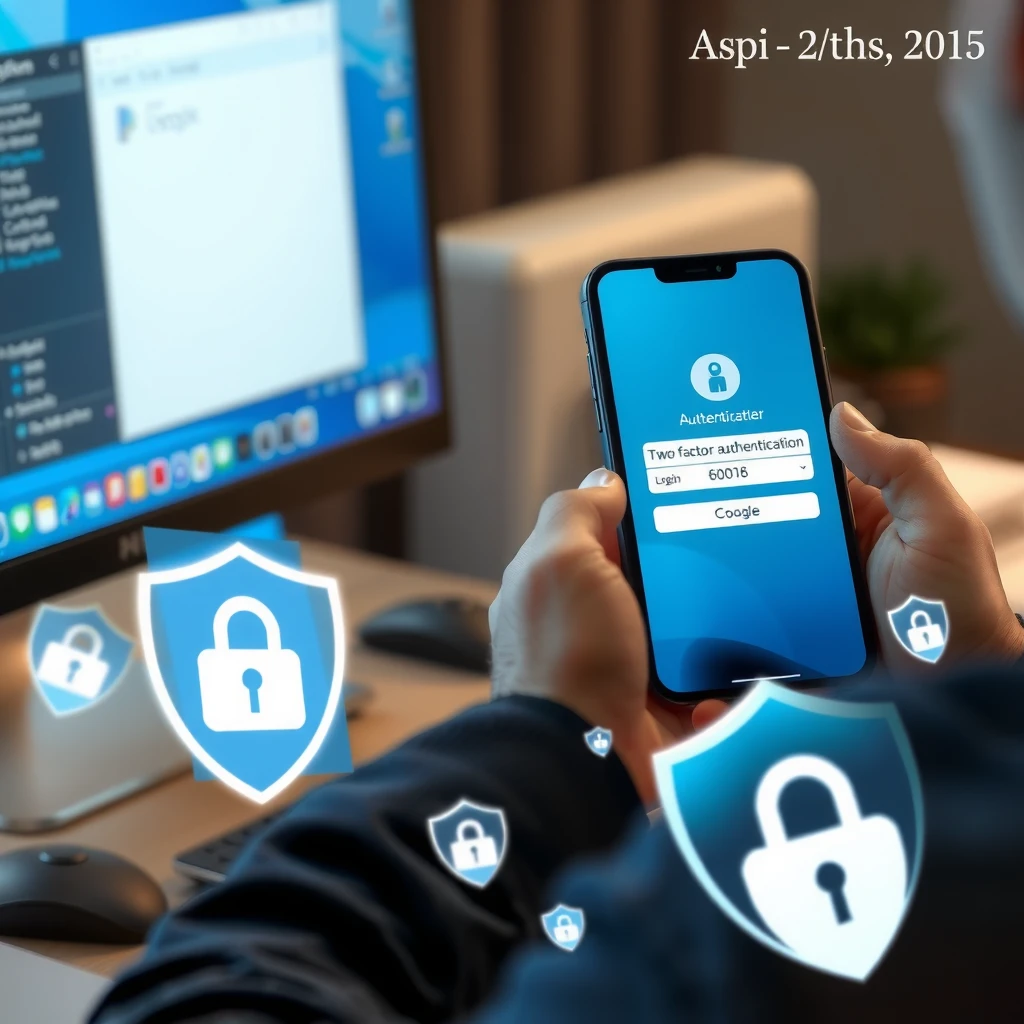
Passwords alone aren't enough. Two-factor authentication (2FA) requires a second step—like a code sent to your phone—to log in.
Turn on 2FA everywhere possible: email, banking, social media. Use an authenticator app instead of SMS when available—it's more secure against SIM swapping attacks.
For a deeper dive, check our detailed guide: Two-Factor Authentication Explained.
Encrypted Messaging Apps
Standard SMS and some chat apps aren't private. Switch to end-to-end encrypted alternatives.
Signal is my top choice—it encrypts messages and calls by default, collects minimal data, and even works as your default SMS app if needed.
How to Protect Your Data When Using Online Tools
Many services collect more data than necessary. Here are practical steps:
- Read privacy policies before signing up
- Use temporary email addresses for one-time signups
- Disable unnecessary permissions in apps
- Regularly review connected apps in your accounts
- Opt out of personalized ads when possible
The Mozilla Foundation's Privacy Not Included directory reviews popular products and shows which ones respect your privacy.
Final Thoughts
You don't need to be a tech expert to protect your privacy. Start with one or two tools—like a password manager and tracker blocker—and build from there.
Online privacy tools give you control over your digital life. The more you use them, the less information companies and attackers can collect. Stay safe out there.
For more resources, visit our main guide on Online Privacy Tools.