Simple Steps to Lock Down Your Online Privacy with Free Tools
Overview
In today’s digital world, protecting your online privacy is more important than ever. Every click, search, or post leaves a trail that companies, hackers, or even governments can track. The good news? You don’t need to spend a fortune to stay safe. Free tools to safeguard your online privacy are widely available, offering robust solutions to keep your data secure. This article dives into the best options, sharing practical steps and personal insights to help you lock down your digital life.
Why Online Privacy Matters
Your personal data—email addresses, browsing habits, even your location—is a goldmine for advertisers and cybercriminals. I’ve seen friends deal with identity theft after a single data breach, and it’s a hassle nobody wants. Free online privacy tools can shield you from these risks without breaking the bank. From VPNs to secure browsers, these tools help you browse anonymously, encrypt your data, and remove your information from shady databases. Let’s explore the best ones and how to use them effectively.
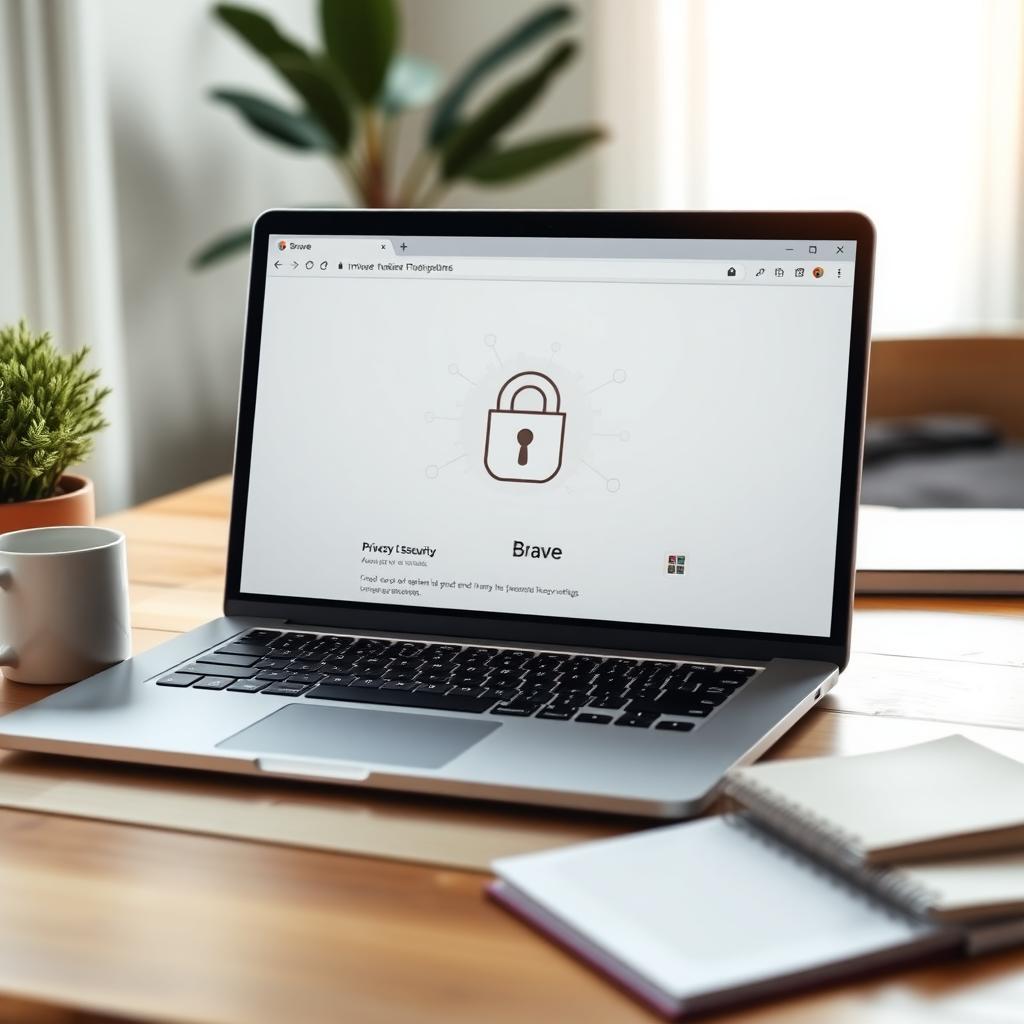
Free VPNs: Hide Your Digital Footprint
A Virtual Private Network (VPN) encrypts your internet connection and masks your IP address, making it harder for anyone to track you. I’ve tested several free VPNs, and while they often have limitations, they’re a great starting point for privacy.
Top Free VPNs
- Proton VPN: Offers unlimited data, a rare feature for free plans. It’s perfect for heavy browsing, though you’re limited to three server locations. I use Proton VPN when I’m on public Wi-Fi—it’s reliable and doesn’t log my activity. Learn more about Proton VPN.
- Windscribe: Provides 10GB of data per month and access to 10 server locations. It’s user-friendly, and I’ve found it great for casual browsing.
- TunnelBear: Cute interface, but only 500MB of data monthly. It’s good for occasional use, like checking emails securely on the go.
Tip: Always check the VPN’s privacy policy. Some free VPNs may log your data, which defeats the purpose. Stick with trusted options like Proton VPN or Windscribe for peace of mind.
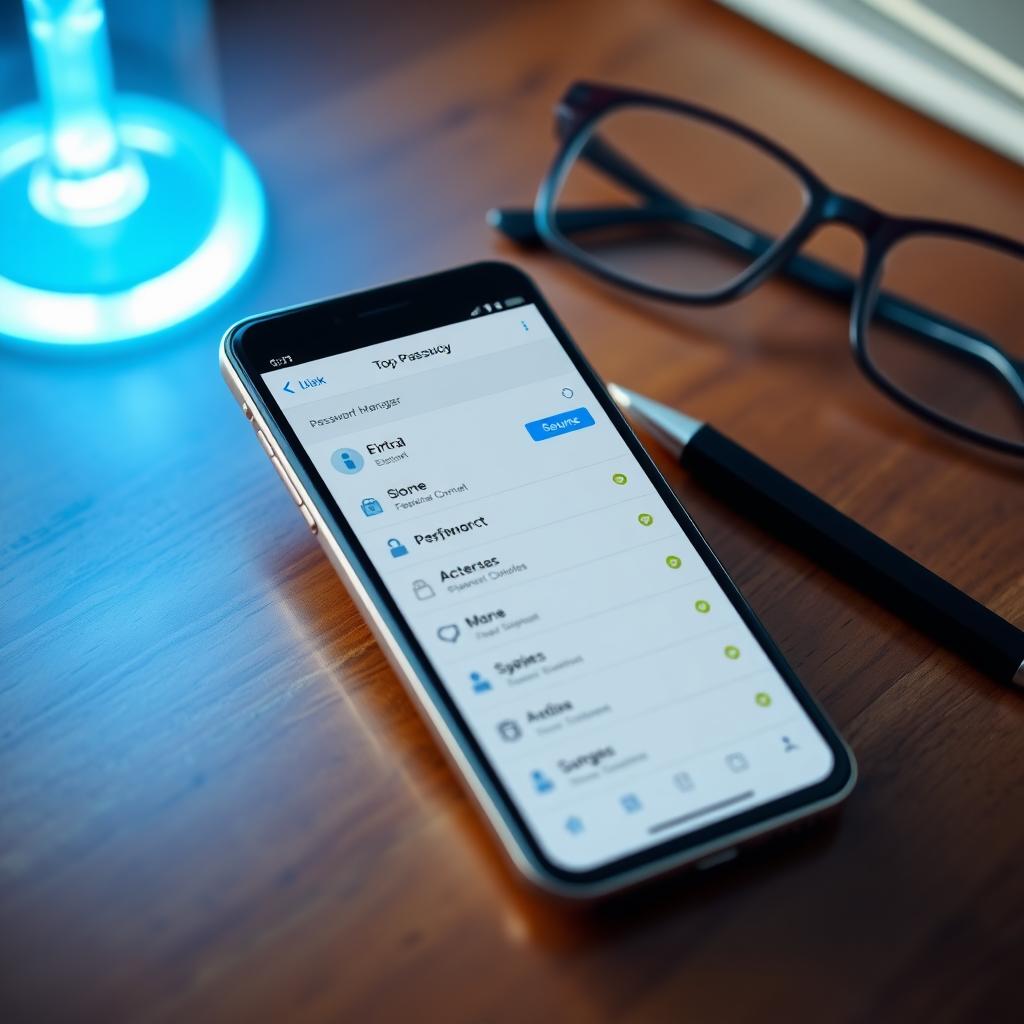
Password Managers: Secure Your Accounts
Reusing passwords is like leaving your front door unlocked. A password manager generates and stores strong, unique passwords for every account. I started using one after a friend’s account was hacked due to a weak password—it’s a game-changer.
Best Free Password Managers
- Bitwarden: My go-to choice. It’s open-source, stores unlimited passwords, and syncs across devices. I love how easy it is to generate complex passwords.
- LastPass: Offers unlimited password storage but limits you to one device type (desktop or mobile). It’s great for beginners.
- Dashlane: Stores up to 50 passwords on one device. Its interface is sleek, but the limit can be restrictive.
How to Start: Download Bitwarden, create a strong master password, and import your existing logins. It autofills credentials securely, saving you time and worry.
Privacy-Focused Browsers: Browse Without Being Tracked
Standard browsers like Chrome collect tons of data about you. Privacy-focused browsers block trackers and ads by default, keeping your browsing habits private. I switched to Brave last year, and the difference in speed and privacy is noticeable.
Top Privacy Browsers
- Brave: Blocks ads and trackers automatically. It’s fast and even lets you earn crypto for viewing privacy-respecting ads (optional).
- Tor Browser: Routes your traffic through multiple servers for maximum anonymity. It’s slower, so I use it for sensitive tasks only.
- Firefox: With some tweaks (like enabling tracking protection), it’s a solid privacy option.
Pro Tip: Pair a privacy browser with an extension like uBlock Origin to block even more trackers. It’s free and easy to install.
Secure Messaging: Keep Your Chats Private
Most messaging apps, like WhatsApp, collect metadata about your conversations. Secure messaging apps use end-to-end encryption, ensuring only you and the recipient can read your messages. I use Signal for sensitive chats with colleagues—it’s simple and trustworthy.
Recommended Apps
- Signal: Fully encrypted, open-source, and doesn’t store metadata. It’s my top pick for secure texting.
- Telegram: Offers encrypted “secret chats” but isn’t fully private by default. Use it with caution.
Setup: Install Signal, verify your phone number, and start chatting. It’s as easy as any other messaging app but far more secure.
How to Set Up Incogni to Delete Personal Data
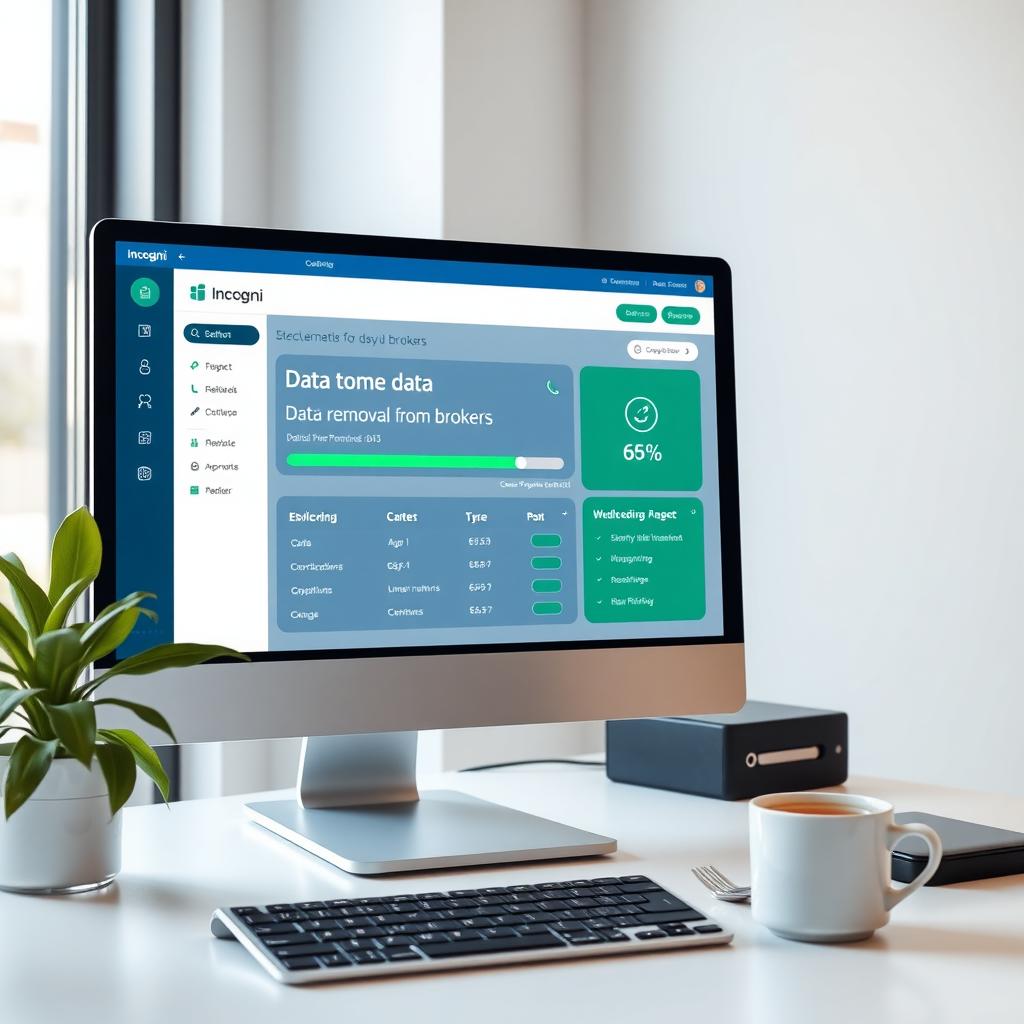
Data brokers collect and sell your personal information, from your address to your browsing habits. Incogni is a fantastic tool that automates the process of removing your data from these databases. While its full version is paid, Incogni offers a free trial that’s worth trying.
Steps to Set Up Incogni
- Sign Up: Visit Incogni’s website and create an account using your email.
- Provide Details: Enter your name, address, and phone number. Incogni uses this to find and remove your data from brokers.
- Authorize Requests: Incogni sends opt-out requests to data brokers on your behalf. You’ll get a dashboard to track progress.
- Monitor Results: Check Incogni’s reports to see which brokers have removed your data. The free trial lets you test this process.
I tried Incogni’s trial and was shocked to see how many sites had my info. It’s a simple way to reclaim your privacy.
Other Free Tools for Online Privacy
Beyond VPNs, password managers, browsers, and messaging apps, here are a few more tools to enhance your privacy:
| Tool | Category | Key Feature | Why I Like It |
|---|---|---|---|
| DuckDuckGo | Search Engine | No tracking | Searches feel private, and results are solid. |
| Proton Mail | End-to-end encryption | Great for sensitive emails, with a free tier. | |
| VeraCrypt | File Encryption | Encrypts drives | Perfect for securing sensitive files. |
Personal Note: I use DuckDuckGo daily because it doesn’t build a profile on me like Google does. It’s a small change with a big impact.
Simple Steps to Lockphotos://i.imgur.com/Wy2NKBQ.pngock Down Your Online Privacy
Here’s a quick checklist to get started with these free tools: 1. Install Proton VPN for secure browsing on public Wi-Fi. 2. Set up Bitwarden to manage strong, unique passwords. 3. Switch to Brave or Firefox for tracker-free browsing. 4. Use Signal for encrypted messaging. 5. Try Incogni’s free trial to remove your data from brokers.
Start with one or two tools and gradually add more as you get comfortable. Privacy is a habit, and these tools make it easy to build.
Summary
Safeguarding your online privacy doesn’t have to be expensive or complicated. Free tools like Proton VPN, Bitwarden, Brave, Signal, and Incogni’s trial offer powerful ways to protect your data. By taking simple steps—like using a VPN, securing your passwords, and browsing privately—you can significantly reduce your digital footprint. Start small, stay consistent, and you’ll be amazed at how much control you can regain over your personal information.