How to Use Incogni for Online Privacy Protection: Simple Steps to Lock Down Your Online Privacy
Overview
In today’s digital world, your personal information is constantly being collected, shared, and sold. From browsing habits to contact details, data brokers are profiting off your data without your consent. This guide on how to use Incogni for online privacy protection offers practical steps to take control. Incogni is one of the most effective online privacy tools to remove your data from data broker sites, and I’ll walk you through setting it up to secure your digital life.
Why Online Privacy Matters
Every click, search, or online purchase leaves a digital footprint. Data brokers compile this information into detailed profiles, often without your knowledge. These profiles can be sold to advertisers, scammers, or worse. Protecting your online privacy isn’t just about avoiding spam—it’s about reducing risks like identity theft or targeted scams. I’ve seen friends deal with the fallout of data leaks, like endless robocalls or fraudulent accounts. That’s why tools like Incogni are game-changers—they automate the process of scrubbing your data from the internet.

What Is Incogni?
Incogni is a service designed to help you reclaim your online privacy by removing your personal information from data broker websites. These sites collect details like your name, address, phone number, and even financial information. Incogni identifies these brokers and sends opt-out requests on your behalf, ensuring your data is deleted. What I love about Incogni is its simplicity—it does the heavy lifting so you don’t have to manually contact dozens of websites.
How to Set Up Incogni to Delete Personal Data
Getting started with Incogni is straightforward. Below, I’ll break down the simple steps to lock down your online privacy using this tool. I’ve gone through this process myself, and it’s surprisingly quick and user-friendly.
Step 1: Sign Up for Incogni
Visit the Incogni website (www.incogni.com) and create an account. You’ll need to provide an email address and choose a subscription plan. Incogni offers monthly or annual plans, and I recommend the annual option for cost savings if you’re committed to long-term privacy protection.
Step 2: Provide Your Information
To remove your data, Incogni needs some details about you—like your name, address, and phone number. This might feel counterintuitive, but it’s necessary for Incogni to locate your records. Rest assured, their privacy policy is robust, and your data is encrypted. I was initially hesitant but found their transparency reassuring.
Step 3: Authorize Data Removal
Once you input your details, Incogni asks for permission to send opt-out requests to data brokers. This is a one-time authorization, and then Incogni takes over, contacting brokers on your behalf. It’s a set-it-and-forget-it process, which I found incredibly convenient.
Step 4: Monitor Progress
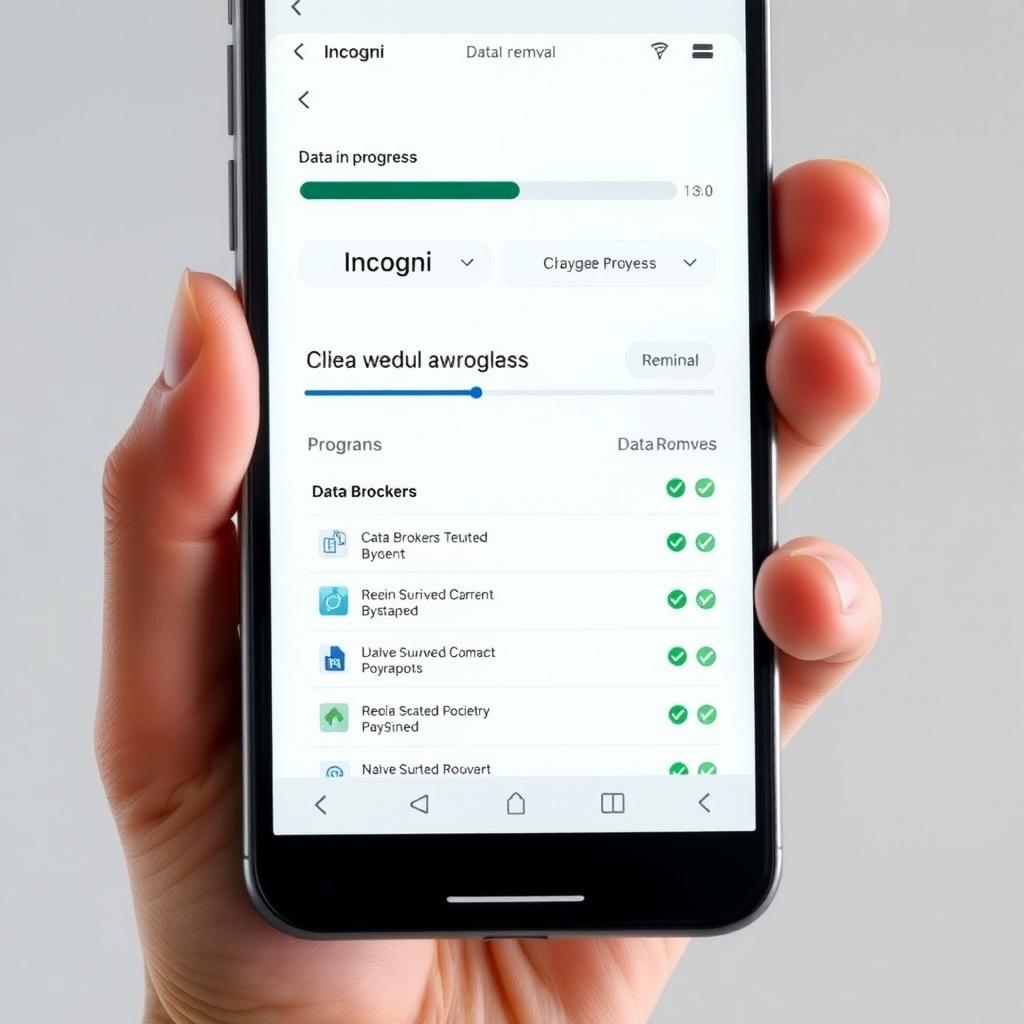
Incogni’s dashboard shows the status of your data removal requests. You’ll see which brokers have been contacted, which have complied, and any pending requests. I check mine monthly, and it’s satisfying to see the list of removed data grow.
| Step | Action | Time Required |
|---|---|---|
| 1 | Sign Up | 2-3 minutes |
| 2 | Enter Details | 5-7 minutes |
| 3 | Authorize Removal | 1 minute |
| 4 | Monitor Dashboard | Ongoing |
Tips for Maximizing Incogni’s Effectiveness
While Incogni is powerful, you can boost its impact with a few extra steps. Here’s what I’ve learned from using it:
- Provide Accurate Information: The more details you give Incogni, the better it can find and remove your data. Include old addresses or phone numbers you’ve used in the past.
- Check the Dashboard Regularly: Incogni continuously scans for new data brokers, so keep an eye on updates. I set a monthly reminder to review my dashboard.
- Combine with Other Tools: Incogni focuses on data brokers, but pairing it with tools like a VPN or password manager strengthens your online privacy. For example, I use a VPN for browsing and a password manager to secure my accounts.
- Be Patient: Data removal can take weeks, as some brokers have slow compliance processes. Incogni keeps you updated, so don’t worry if results aren’t instant.
Benefits of Using Incogni
Using Incogni has tangible benefits. Here’s why I think it’s one of the best online privacy tools:
- Reduces Spam: After a few months, I noticed fewer spam emails and robocalls. It’s not perfect, but the difference is noticeable.
- Saves Time: Manually contacting data brokers is a nightmare. Incogni automates this, saving you hours.
- Improves Security: Less personal data online means a lower risk of identity theft or targeted scams.
- Ongoing Protection: Incogni doesn’t stop after one round—it continuously monitors and removes new instances of your data.
I’ve recommended Incogni to family members, and they’ve seen similar results. It’s not a complete shield, but it’s a strong layer of protection.

Limitations to Understand
No tool is perfect, and Incogni has some limitations. It focuses on data brokers, not social media or other platforms where you might share data. It also can’t remove information from government or public records. I found that combining Incogni with manual privacy checks (like tightening social media settings) creates a more complete strategy. Additionally, while Incogni is user-friendly, it’s a paid service, so weigh the cost against your privacy needs. For me, the peace of mind is worth it.
Comparing Incogni to Other Online Privacy Tools
Incogni isn’t the only tool out there, but it stands out for its focus on data brokers. Here’s a quick comparison:
| Tool | Focus | Automation Level | Cost |
|---|---|---|---|
| Incogni | Data Brokers | High | Subscription |
| DeleteMe | Data Brokers | Moderate | Subscription |
| VPNs | Browsing Privacy | High | Subscription |
| Password Managers | Account Security | High | Free/Paid |
Incogni’s automation and ease of use make it my top pick for data broker removal, but a layered approach with multiple tools is ideal.
Final Thoughts
Learning how to use Incogni for online privacy protection is a powerful step toward securing your digital life. By following the simple steps to lock down your online privacy—signing up, providing details, authorizing removal, and monitoring progress—you can significantly reduce your digital footprint. Incogni’s user-friendly approach and ongoing protection make it a standout among online privacy tools. While it’s not a cure-all, it’s a critical piece of the privacy puzzle. Start today, and take back control of your personal data.