Why Online Privacy Matters More Than Ever in 2025
Overview
Every click, search, or post you make online leaves a digital footprint. In 2025, Why Online Privacy Matters More Than Ever isn’t just a catchy phrase—it’s a wake-up call. With data breaches, identity theft, and surveillance on the rise, protecting your personal information is crucial. This article explores the stakes, offers actionable steps to secure your digital life, and shares tools to keep your data safe.
The Growing Importance of Online Privacy
Your personal data—your name, location, browsing habits, even your health records—is more valuable than ever. Companies, governments, and cybercriminals are eager to collect it. According to a 2023 Pew Research Center study, 67% of Americans feel they have little to no control over how their data is used. That’s a scary reality when you consider how much of your life is online.
Think about it: every time you shop online, check social media, or use a fitness app, you’re sharing pieces of yourself. Without proper safeguards, this data can be sold, stolen, or used to manipulate you through targeted ads or worse. I’ve felt that uneasy pang when an ad pops up for something I only thought about. It’s not a coincidence—it’s a sign your data isn’t as private as you think.

The Risks of Ignoring Digital Privacy
Neglecting online privacy can lead to serious consequences. Here are some of the biggest risks:
- Identity Theft: In 2023 alone, over 353 million people were affected by data breaches in the U.S., exposing sensitive information like Social Security numbers and bank details, according to Built In. Once stolen, this data can be used to open fraudulent accounts or drain your savings.
- Surveillance: Governments and corporations track your online activity. For example, metadata from your phone can reveal your location, social connections, and even your daily routine.
- Targeted Manipulation: Advertisers use your data to create hyper-personalized ads, influencing your decisions in ways you might not notice.
I once had a friend whose email was hacked after reusing a weak password. The fallout—spam emails sent to their contacts and unauthorized purchases—was a hassle to clean up. It’s a reminder that small oversights can lead to big problems.
Steps to Lock Down Your Digital Life
Protecting your privacy doesn’t have to be overwhelming. Here are practical Steps to Lock Down Your Digital Life that anyone can follow:
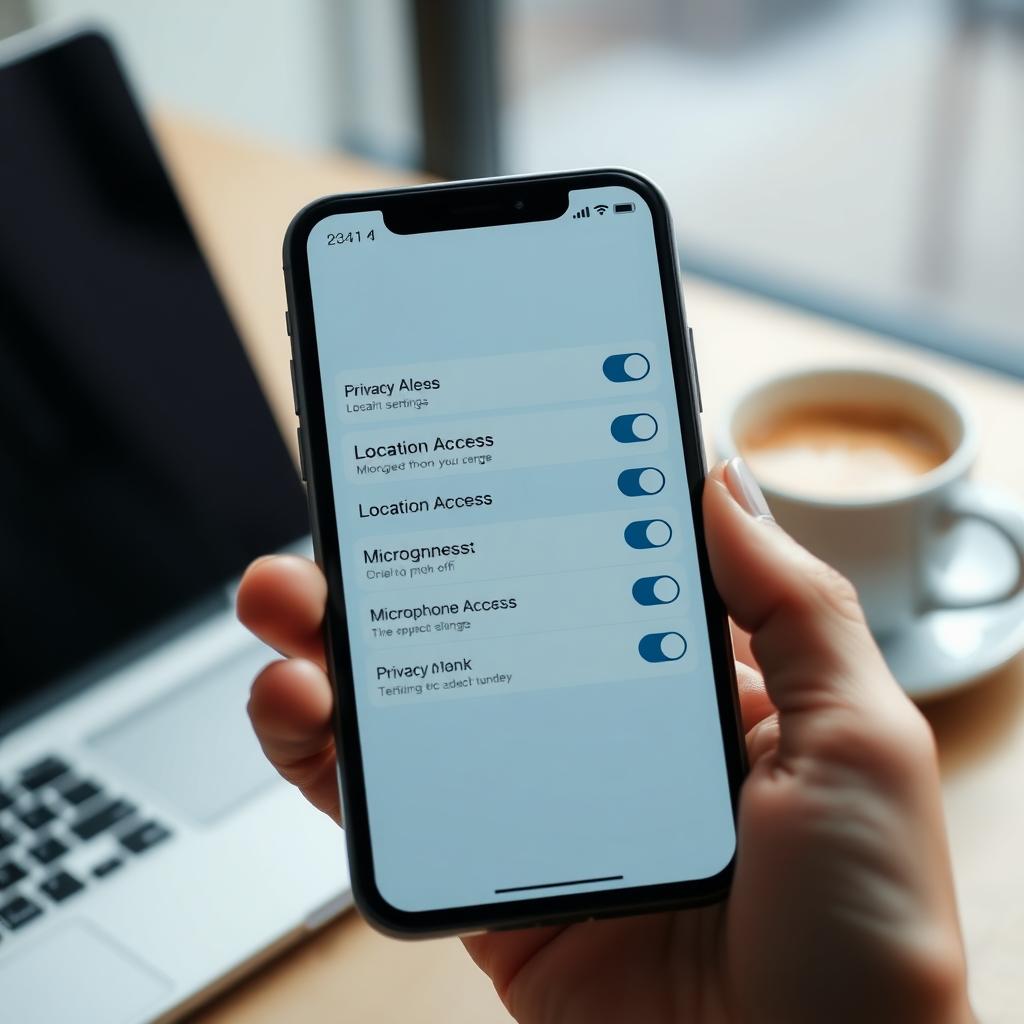
- Review App Permissions: Check which apps access your location, contacts, or microphone. On your phone, go to settings and revoke unnecessary permissions.
- Use a VPN: A Virtual Private Network encrypts your internet connection, hiding your activity from prying eyes, especially on public Wi-Fi.
- Enable Two-Factor Authentication (2FA): Add an extra layer of security to your accounts by requiring a second form of verification, like a text code.
- Limit Social Media Sharing: Avoid posting sensitive details like your location or vacation plans. Adjust privacy settings to control who sees your posts.
- Regularly Update Software: Updates often include security patches to protect against vulnerabilities.
I started using a VPN after noticing how many public Wi-Fi networks I used at coffee shops. It’s a simple step that gives me peace of mind, knowing my data is encrypted.
How to Pick the Best Password Manager for You
Passwords are your first line of defense, but managing them can be a headache. A password manager simplifies this by generating and storing strong, unique passwords for each of your accounts. Here’s How to Pick the Best Password Manager for You:
| Feature | Why It Matters | Recommended Options |
|---|---|---|
| Cross-Platform Sync | Access passwords on all your devices | 1Password, LastPass |
| Strong Encryption | Keeps your data secure | Bitwarden, Dashlane |
| Ease of Use | Simple interface saves time | Keeper, NordPass |
| Free Tier | Budget-friendly for beginners | Bitwarden, Proton Pass |
When choosing, consider your needs. I use Bitwarden because it’s free, open-source, and syncs across my phone and laptop. If you value extra features like dark web monitoring, Dashlane might be worth the cost. Always check for independent security audits to ensure your data is safe.
Pro tip: Avoid reusing passwords. A breach on one site can compromise others if you do.
How to Use BleachBit to Clean Your Computer for Privacy
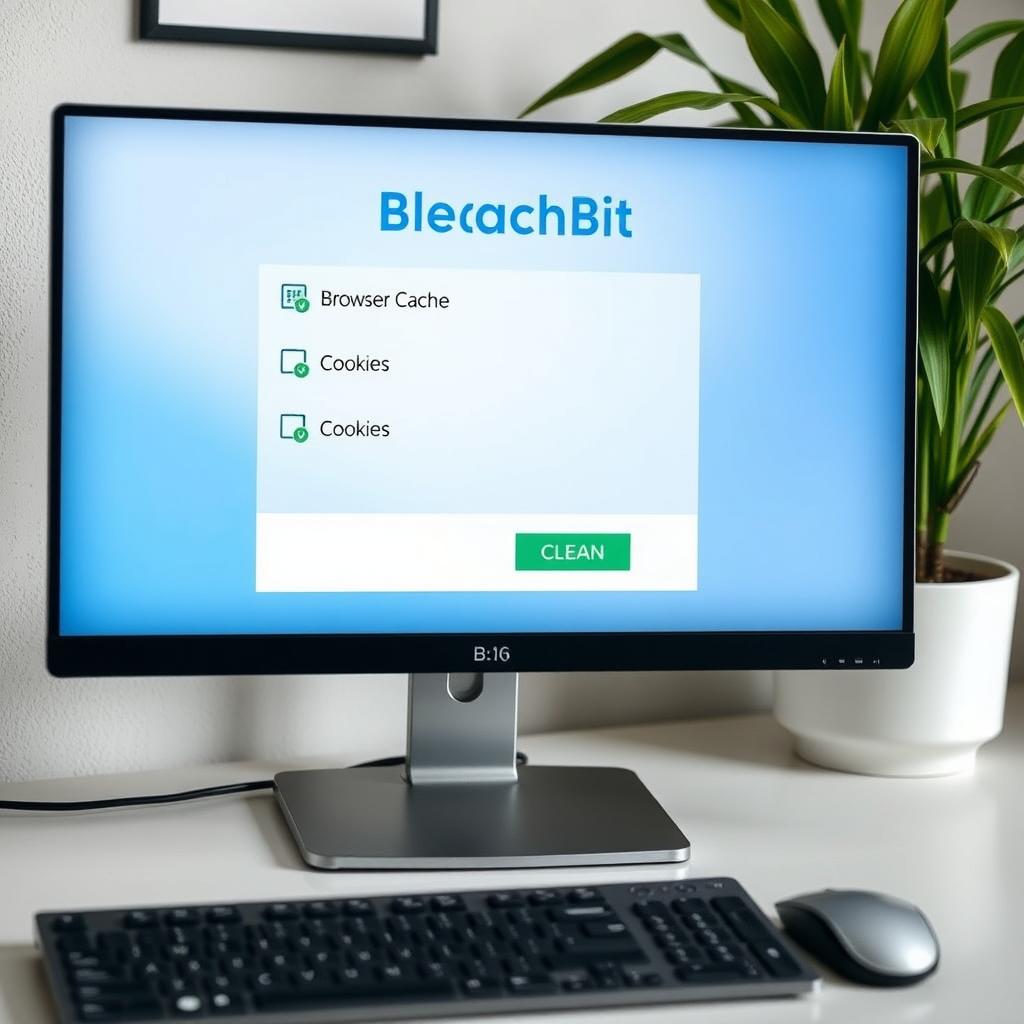
Your computer stores a surprising amount of personal data—browser history, cached files, even temporary documents. How to Use BleachBit to Clean Your Computer for Privacy can help. BleachBit is a free, open-source tool that wipes unnecessary files to protect your privacy. Here’s how to get started:
- Download BleachBit: Visit the official BleachBit website and download the version for your operating system (Windows, macOS, or Linux).
- Select Files to Clean: Open BleachBit and check boxes for items like browser cache, cookies, and temporary files. Be cautious with system files to avoid deleting critical data.
- Run the Cleaner: Click ‘Clean’ to securely delete selected files. BleachBit overwrites them to prevent recovery.
- Schedule Regular Cleanups: Set BleachBit to run automatically to keep your computer tidy.
I run BleachBit monthly to clear out junk files from my browser. It’s satisfying to know my search history isn’t lingering for anyone to find. Just double-check your selections to avoid accidentally deleting important files.
Other Online Privacy Tools to Consider
Beyond BleachBit and password managers, several online privacy tools can bolster your defenses:
- Privacy-Focused Browsers: Use browsers like Firefox or Brave, which block trackers by default.
- Encrypted Messaging Apps: Signal and Telegram offer end-to-end encryption for secure chats.
- Ad Blockers: Tools like uBlock Origin stop trackers and intrusive ads.
- Data Removal Services: Services like DeleteMe help remove your personal info from data broker sites.
I switched to Firefox after learning how much Google Chrome tracks my activity. The difference in pop-up ads alone was noticeable. Combining these tools creates layers of protection, making it harder for anyone to exploit your data.
Taking Control of Your Digital Life
Why Online Privacy Matters More Than Ever isn’t just about avoiding risks—it’s about reclaiming control. Every step you take, from using a password manager to cleaning your computer with BleachBit, empowers you to decide who sees your data. It’s not about paranoia; it’s about being smart in a world where data is currency.
Start small: update one password, enable 2FA on your email, or run BleachBit this weekend. Over time, these habits build a fortress around your digital life. You deserve to browse, shop, and connect without feeling watched.