VPNs Explained: What They Are and Why You Need One
Overview: Why VPNs Matter in 2025
In today’s digital world, staying safe online is more important than ever. A Virtual Private Network (VPN) is a powerful tool that shields your data from prying eyes. Whether you’re browsing on public Wi-Fi or streaming your favorite shows, a VPN keeps your information private and secure. This article dives into VPNs Explained: What They Are and Why You Need One, offering clear insights and practical advice.
What Is a VPN and How Does It Work?
A VPN creates a secure, encrypted connection between your device and the internet. Think of it as a private tunnel that hides your online activity. When you connect to a VPN, your data passes through a remote server, masking your IP address and location. This makes it harder for hackers, advertisers, or even your internet provider to track you.
Here’s a simple breakdown of how it works: 1. You connect to a VPN server: Your device links to a server operated by the VPN provider. 2. Data encryption: Your internet traffic is scrambled into unreadable code. 3. IP address masking: The VPN server assigns you a new IP address, hiding your real location. 4. Secure browsing: You can surf the web, stream, or shop with greater privacy.
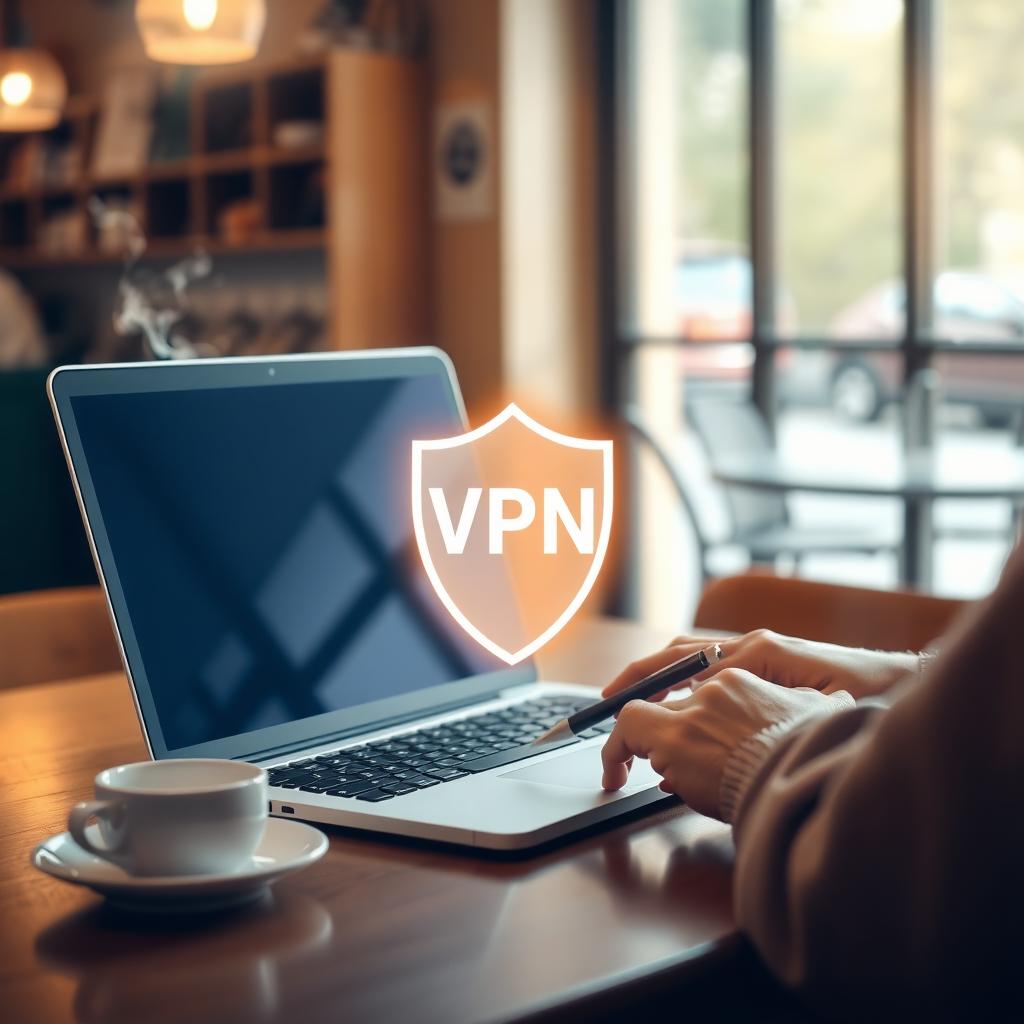
I’ve used VPNs for years, especially when traveling. On a recent trip, I connected to a café’s Wi-Fi to check my bank account. Knowing my data was encrypted gave me peace of mind.
Why You Need a VPN in 2025
Online threats are evolving, and protecting your data is critical. Here are the top reasons to use a VPN:
1. Protect Your Privacy
Your internet provider, websites, and even governments can track your online activity. A VPN hides your browsing history, keeping your data private. This is especially important with the rise of data breaches—over 2.6 billion personal records were exposed globally in 2024, according to recent studies.
2. Secure Public Wi-Fi
Public Wi-Fi at airports, hotels, or coffee shops is convenient but risky. Hackers can intercept your data on unsecured networks. A VPN encrypts your connection, making it safe to check emails or shop online.
3. Access Restricted Content
VPNs let you bypass geographic restrictions. Want to watch a show only available in another country? A VPN can make it look like you’re browsing from there. I’ve used this to catch up on international sports events unavailable in my region.
4. Avoid Bandwidth Throttling
Some internet providers slow down your connection for certain activities, like streaming. A VPN hides what you’re doing, helping you maintain consistent speeds.
5. Stay Safe While Remote Working
With remote work still common in 2025, VPNs ensure your work-related data stays secure, especially on shared networks. Companies often require employees to use VPNs for this reason.
Choosing the Right VPN: Key Features to Look For
Not all VPNs are equal. Here’s what to consider when picking one:
| Feature | Why It Matters |
|---|---|
| Strong Encryption | AES-256 encryption ensures your data is nearly impossible to crack. |
| No-Logs Policy | A VPN that doesn’t store your browsing data protects your privacy even further. |
| Fast Speeds | Look for VPNs with minimal speed loss for smooth streaming and browsing. |
| Server Locations | More servers in different countries mean better access to global content. |
| Kill Switch | Automatically cuts your internet if the VPN drops, preventing data leaks. |
I’ve tested several VPNs and found that providers with a no-logs policy and a wide server network offer the best experience. Always check independent audits to confirm a VPN’s privacy claims.
How to Protect Your Data When Using Online Tools
A VPN is just one part of a secure online strategy. To maximize your privacy, combine it with other tools and habits: - Use Private Browsers: Tools like Firefox Focus vs DuckDuckGo: which mobile browser is more private? debates show both are great for blocking trackers. I prefer Firefox Focus for its automatic ad-blocking and data-clearing features. - Enable Two-Factor Authentication (2FA): Add an extra layer of security to your accounts. - Update Software Regularly: Keep your apps and devices updated to patch security vulnerabilities. - Avoid Oversharing Online: Be cautious about sharing personal details on social media or unsecured forms.
For a deeper dive into complementary tools, check out Top Online Privacy Tools for 2023 (https://example.com/privacy-tools) for expert-recommended solutions.
Common VPN Myths Debunked
There’s a lot of misinformation about VPNs. Let’s clear up a few myths:
Myth 1: VPNs Are Only for Tech Experts
Not true! Modern VPNs are user-friendly, with simple apps for phones, laptops, and tablets. Setting one up takes minutes.
Myth 2: VPNs Slow Down Your Internet
While some VPNs may reduce speeds slightly, top providers optimize for fast connections. I barely notice a difference when streaming in HD.
Myth 3: Free VPNs Are Just as Good
Free VPNs often come with risks, like data logging or weak encryption. Paid VPNs with verified no-logs policies are worth the investment for serious privacy.
Myth 4: VPNs Make You Anonymous
A VPN hides your IP address, but it doesn’t make you completely anonymous. For example, logging into personal accounts can still reveal your identity.
Potential Drawbacks of Using a VPN
While VPNs are powerful, they’re not perfect. Here are a few challenges: - Cost: Quality VPNs typically charge a monthly fee, though many offer discounts for longer subscriptions. - Slight Speed Reduction: Encryption can slow your connection, especially with distant servers. - Blocked Services: Some websites, like streaming platforms, may detect and block VPNs. Look for providers with tools to bypass these restrictions.
Despite these, the benefits far outweigh the downsides for most users. Testing a VPN with a money-back guarantee is a low-risk way to see if it fits your needs.
Getting Started with a VPN
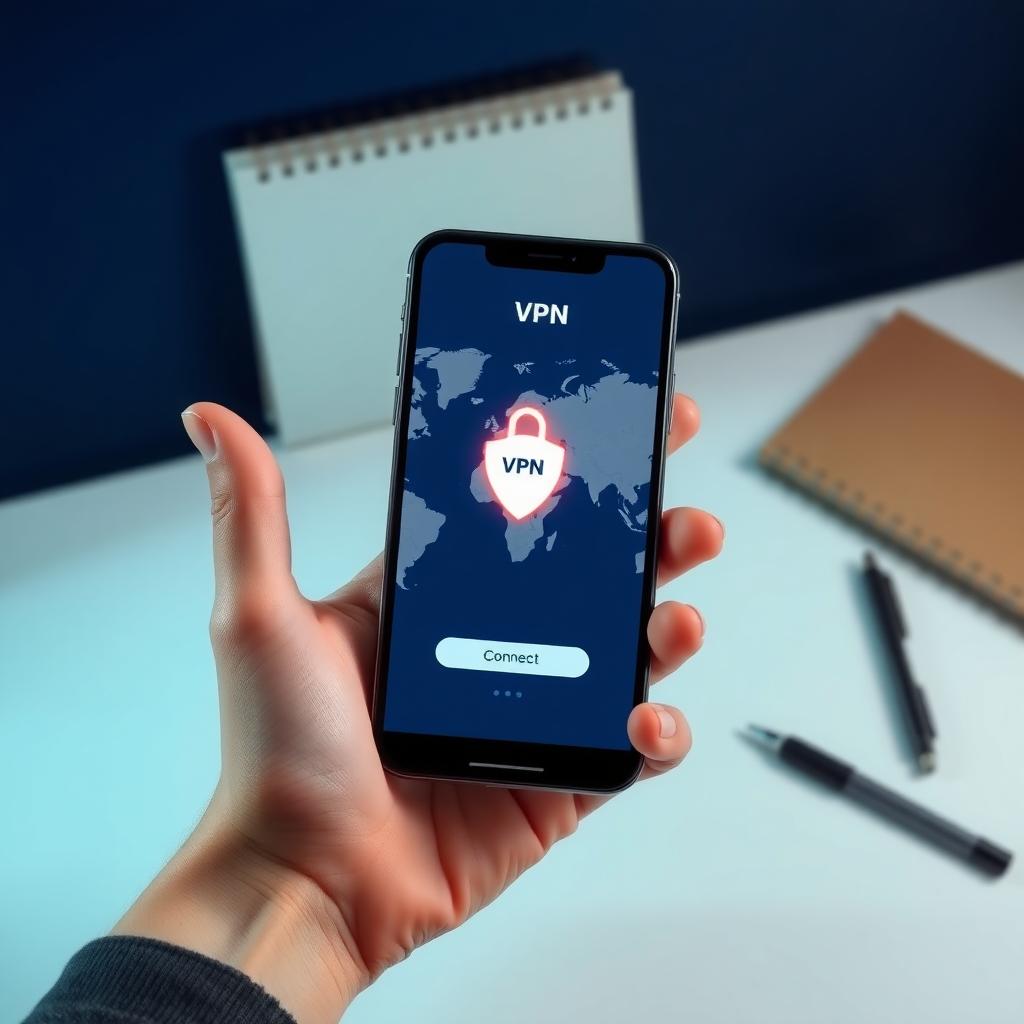
Ready to try a VPN? Here’s a quick guide: 1. Research Providers: Look for VPNs with strong encryption, no-logs policies, and good reviews. 2. Download the App: Most providers offer apps for all major devices. 3. Connect to a Server: Choose a server based on your needs (e.g., nearby for speed, another country for content access). 4. Test It Out: Browse, stream, or work to ensure it meets your expectations.
I started with a 30-day trial and quickly realized how seamless VPNs are for everyday use. Now, I never browse without one.
Summary: Stay Safe with a VPN
VPNs are essential for protecting your online privacy in 2025. They encrypt your data, hide your location, and unlock global content. By choosing a reliable VPN and pairing it with other online privacy tools, you can browse with confidence. Whether you’re working remotely or streaming on public Wi-Fi, a VPN is a must-have for staying secure.