Understanding Two-Factor Authentication: Your Key to Online Security
Overview
Two-factor authentication (2FA) is a simple yet powerful way to secure your online accounts. By requiring two forms of identification, it adds an extra layer of protection against hackers. This guide dives into what 2FA is, why it matters, and how to use it effectively alongside tools like password managers and data removal services.
What Is Two-Factor Authentication?
Imagine locking your front door with two different keys. Even if someone steals one, they can’t get in without the second. That’s the core idea behind Understanding Two-Factor Authentication. It requires two types of proof to verify your identity: something you know (like a password) and something you have (like a phone or security key).
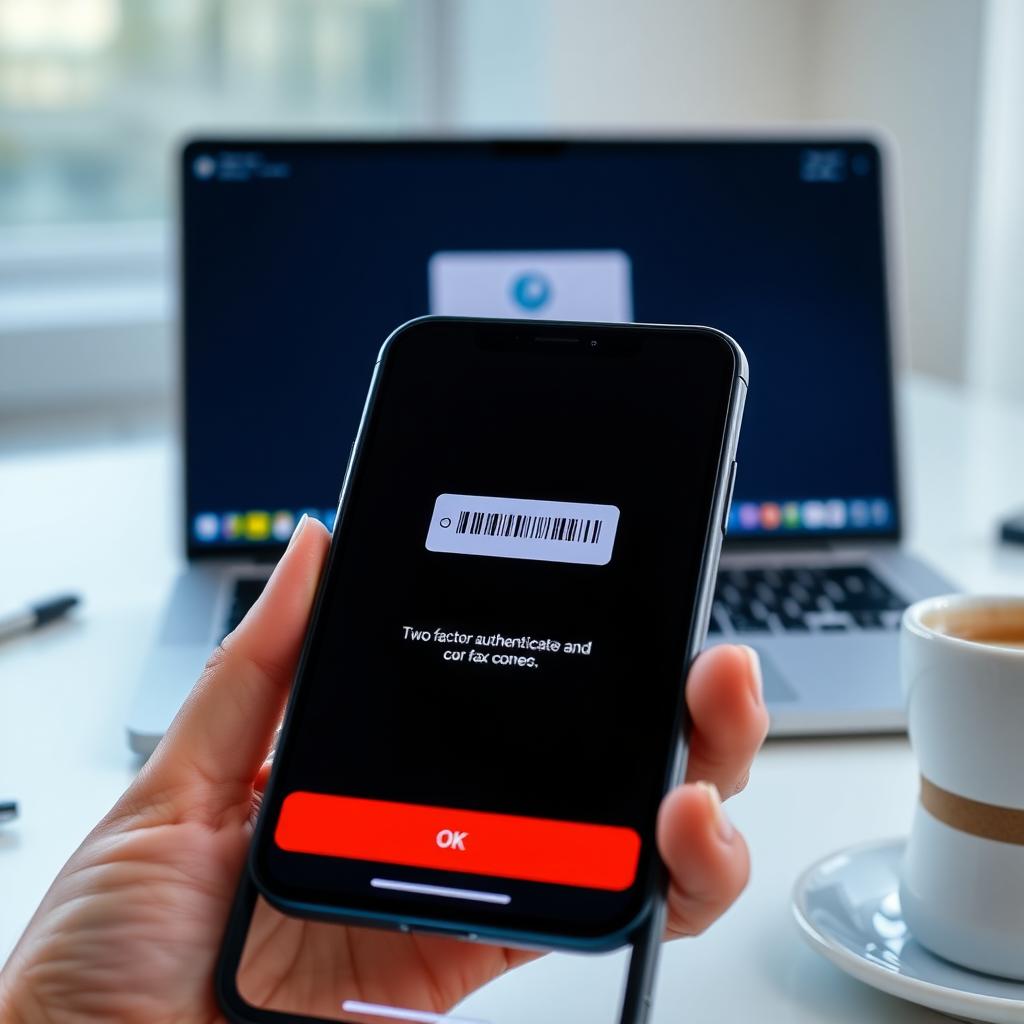
For example, after entering your password, you might get a text with a code or a prompt on an authenticator app. This second step ensures that even if your password is compromised, your account stays safe.
Why 2FA Matters
Cybercrime is on the rise. In 2023, over 2.6 billion personal records were exposed globally, according to Statista. Weak passwords are a common entry point for hackers. 2FA drastically reduces this risk by making it harder for attackers to gain access, even if they have your password.
I learned this the hard way when a friend’s email was hacked. The attacker used a stolen password to send spam, but 2FA could have stopped it. Since then, I’ve enabled 2FA on every account that supports it, and the peace of mind is worth the extra step.
How 2FA Works
Setting up 2FA is easier than you think. Most platforms, like Google, Facebook, or your bank, offer it in their security settings. Here’s a quick breakdown:
- Choose a 2FA method: Common options include text messages, authenticator apps (like Google Authenticator or Authy), or hardware keys (like YubiKey).
- Enable it: Go to your account’s security settings and follow the prompts to link your phone or app.
- Verify: Test it by logging in. You’ll enter your password, then provide the second factor (like a code from your app).
I prefer authenticator apps over texts because they’re more secure—hackers can intercept SMS, but apps generate codes offline.
Best Practices for Using 2FA
To get the most out of 2FA, follow these tips:
- Use authenticator apps: They’re safer than SMS and work without internet.
- Back up your codes: Save recovery codes in a secure place (like a password manager) in case you lose your device.
- Enable 2FA everywhere: Check which of your accounts support it. Websites like twofactorauth.org list services with 2FA options.
- Avoid public Wi-Fi for setup: Unsecured networks can expose your data.
I keep a physical notebook with recovery codes locked in a safe. It’s old-school, but it works.
2FA and Password Management
2FA pairs perfectly with The Ultimate Guide to Password Management. A strong, unique password combined with 2FA creates a fortress around your accounts. Password managers like LastPass or 1Password generate and store complex passwords, so you don’t have to remember them.
I started using a password manager last year, and it’s a game-changer. I no longer reuse passwords, and with 2FA, I feel confident my accounts are secure. Just make sure to enable 2FA on your password manager itself for extra protection.
2FA in the Bigger Privacy Picture
2FA is just one piece of the puzzle. To truly protect yourself, consider Top Online Privacy Tools You Should Be Using. Tools like VPNs, encrypted messaging apps (like Signal), and data removal services complement 2FA. For instance, How to Shrink Your Digital Footprint starts with limiting what personal data you share online.
I recently used a service called Incogni to remove my data from shady websites. It’s shocking how much of your info—like addresses or phone numbers—ends up on data broker sites. Combining 2FA with these tools creates a layered defense.
How to Set Up Incogni to Delete Personal Data
If you’re serious about privacy, How to set up Incogni to delete personal data is a great next step. Incogni scans data broker sites and sends removal requests on your behalf. Here’s how to get started:
- Sign up: Visit Incogni’s website and create an account.
- Provide details: Enter basic info like your name and address so Incogni can find your data.
- Let it work: Incogni contacts data brokers to remove your info. You’ll get regular updates on progress.
I’ve been using Incogni for six months, and it’s reduced spam calls and emails significantly. It’s not perfect, but it’s a solid tool for reclaiming your privacy.

Common 2FA Myths Debunked
Let’s clear up some misconceptions:
| Myth | Reality |
|---|---|
| 2FA is too complicated | It takes minutes to set up and becomes second nature. |
| 2FA makes you 100% safe | It’s not foolproof, but it’s a huge improvement. |
| Only tech experts need 2FA | Everyone with an online account benefits. |
When I first heard about 2FA, I thought it was overkill. But after seeing how easy it is—and how much it protects—I’m a convert.
Challenges and Workarounds
2FA isn’t perfect. If you lose your phone, you might get locked out. That’s why backup codes are critical. Some services also offer backup methods like email codes or secondary devices. If you travel often, apps like Authy let you sync across devices, which has saved me during international trips.
Another issue is that not all platforms support 2FA. In those cases, use a strong password and monitor your accounts closely. Tools like Have I Been Pwned can alert you if your email appears in a breach.
Summary
Understanding Two-Factor Authentication is your first step toward a safer online life. Pair it with a password manager, privacy tools like Incogni, and habits to shrink your digital footprint, and you’re well on your way to robust security. Start small—enable 2FA on your most sensitive accounts today—and build from there. Your future self will thank you.